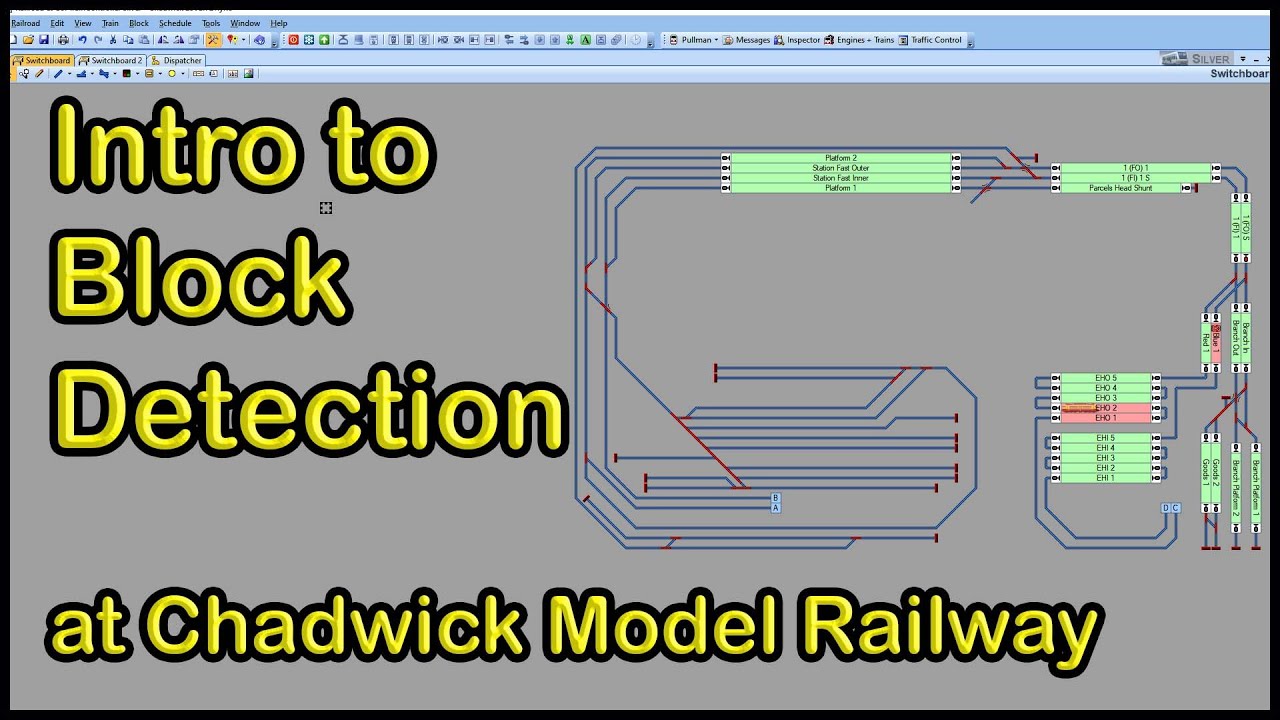
Video13: Using iTrain Tutorial Series - Semi-Automatic and Manual Instant Routes. Block Position.
Автор: Bob Fuller
Загружено: 2020-08-11
Просмотров: 9824
Описание:
This is video #13 in the Using iTrain Tutorial Series. In this video we show how to run Instant Routes in Semi-Automatic and Manuals modes. We also we how to interpret the Block Position information reported by iTrain, and there are three "homework" questions. The answers are shown in the video #14.
00:00 – Introduction
00:50 – Checking Train Properties
01:39 – Instant Route Recap – Drag & Drop – Route or Shunt
02:22 – New feature iTrain 5.0.5 and above – Pop-Up option to run the route in 3 ways
03:02 – Explanation of difference in route options – Automatic, Semi-Automatic, Manual
04:08 – Semi-Automatic Mode – Example
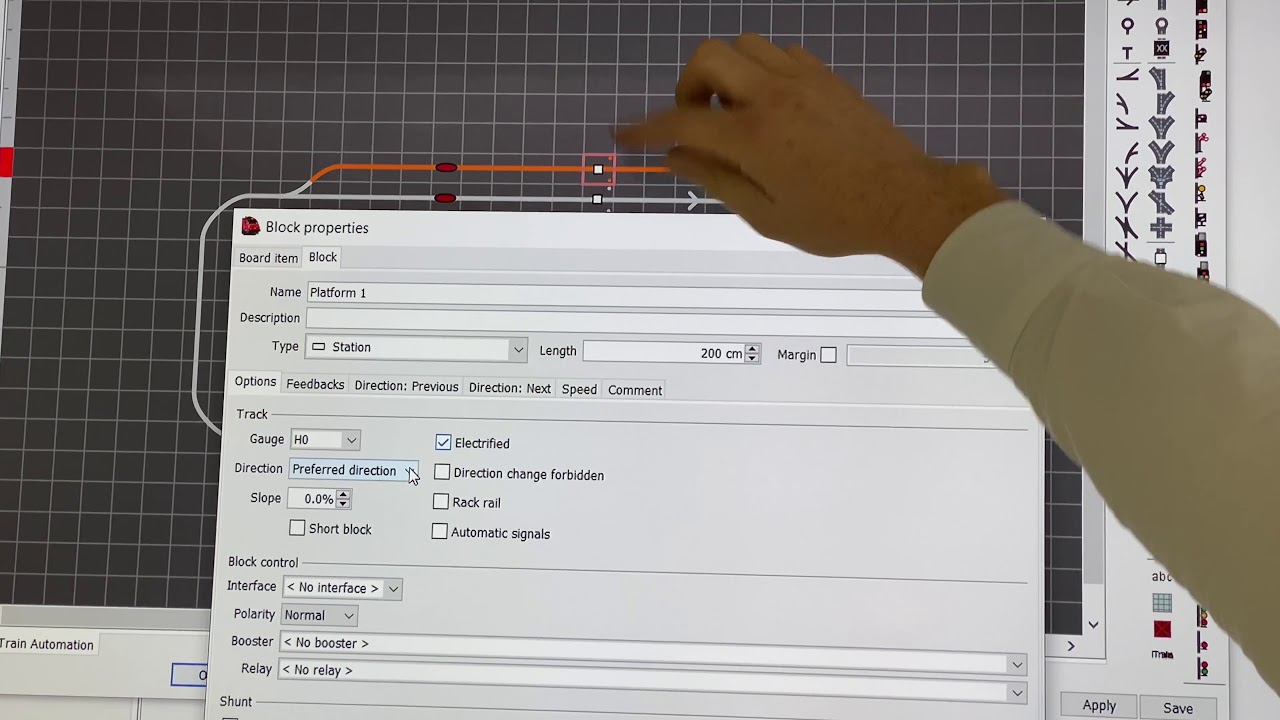
05:47 – Positional information in the Block
07:18 – Starting a Semi-Automatic route – Apply throttle or you get an error
07:49 – Resetting the Route
08:18 – Applying throttle in offline mode and simulating the movement of the train
08:37 – QUESTION? – Why is iTrain reporting 3cm when the train first enters the block?
09:21 – Monitoring the position of the train in the control Block.
12:14 – QUESTION? Why is iTrain only releasing after the train has moved 65cm into the Block and not 58,5cm
12:51 – A closer look at Block Properties and interpretation of positions
14:21 – IMPORTANT - Iain Morrison’s iTrain Forum post explaining Block Position
17:29 – Reporting Position dependent on the direction of Direction Arrow
18:07 – QUESTION? Reversing a Train into a Block – what position will iTrain report?
Повторяем попытку...

Доступные форматы для скачивания:
Скачать видео
-
Информация по загрузке: