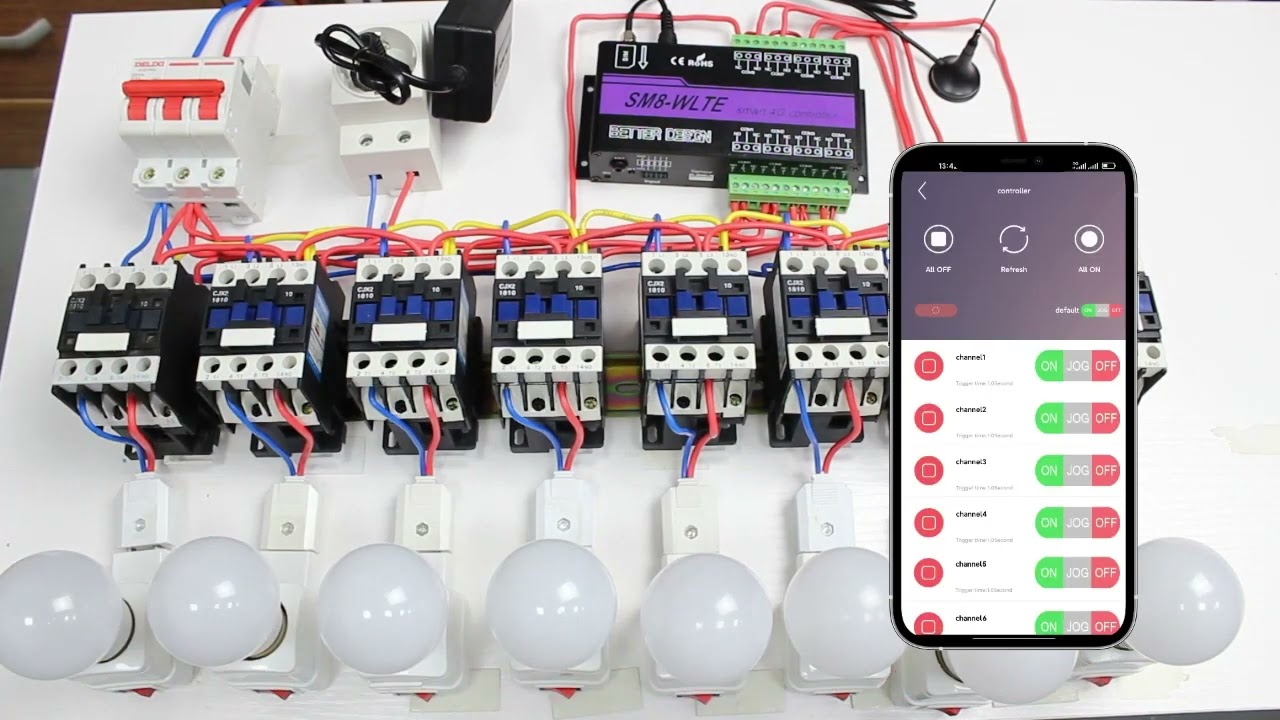
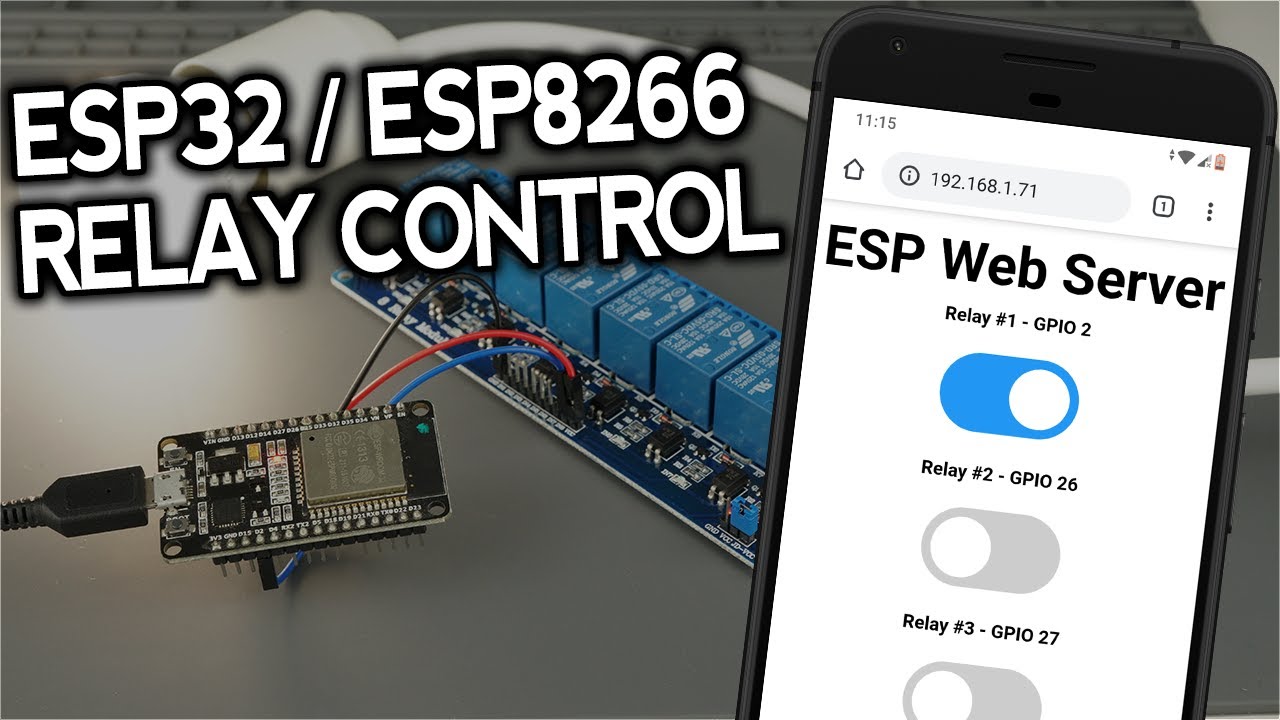
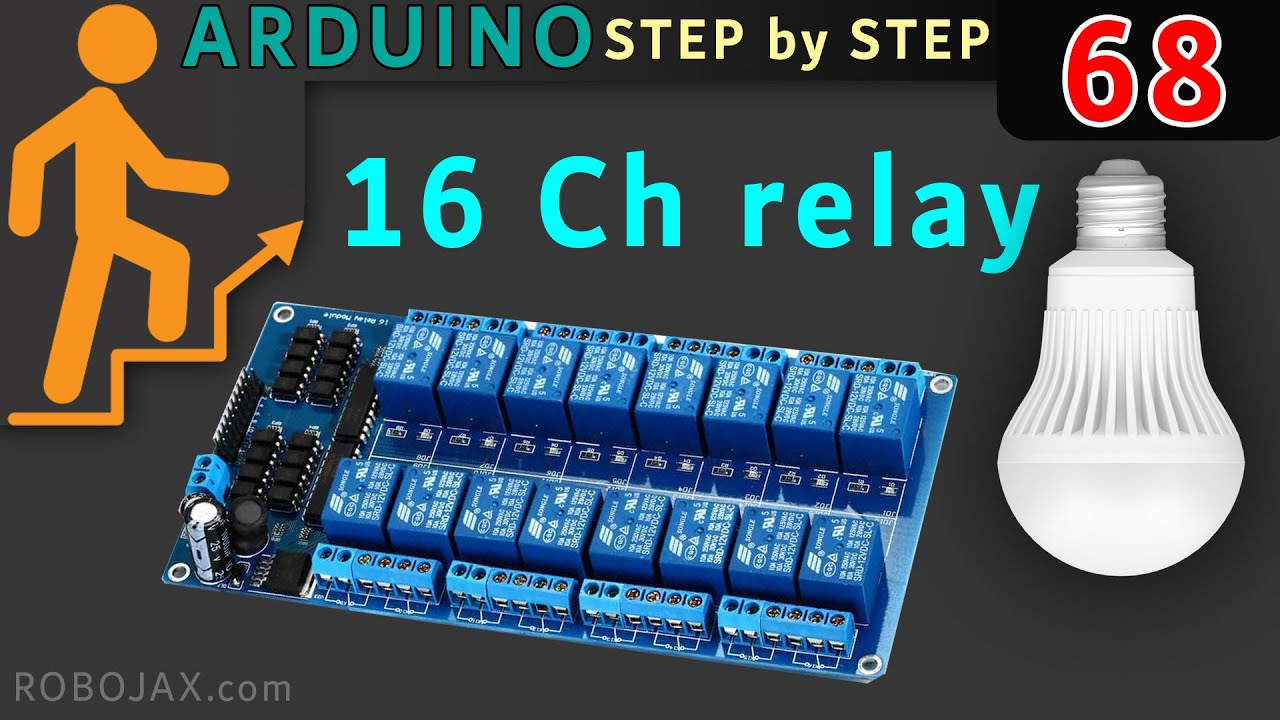
Hi-Link HLK-SW16 16 Channel WiFi Ethernet Serial RS232 Relay Module
Автор: Paul Bellett
Загружено: 2021-02-13
Просмотров: 36844
Описание:
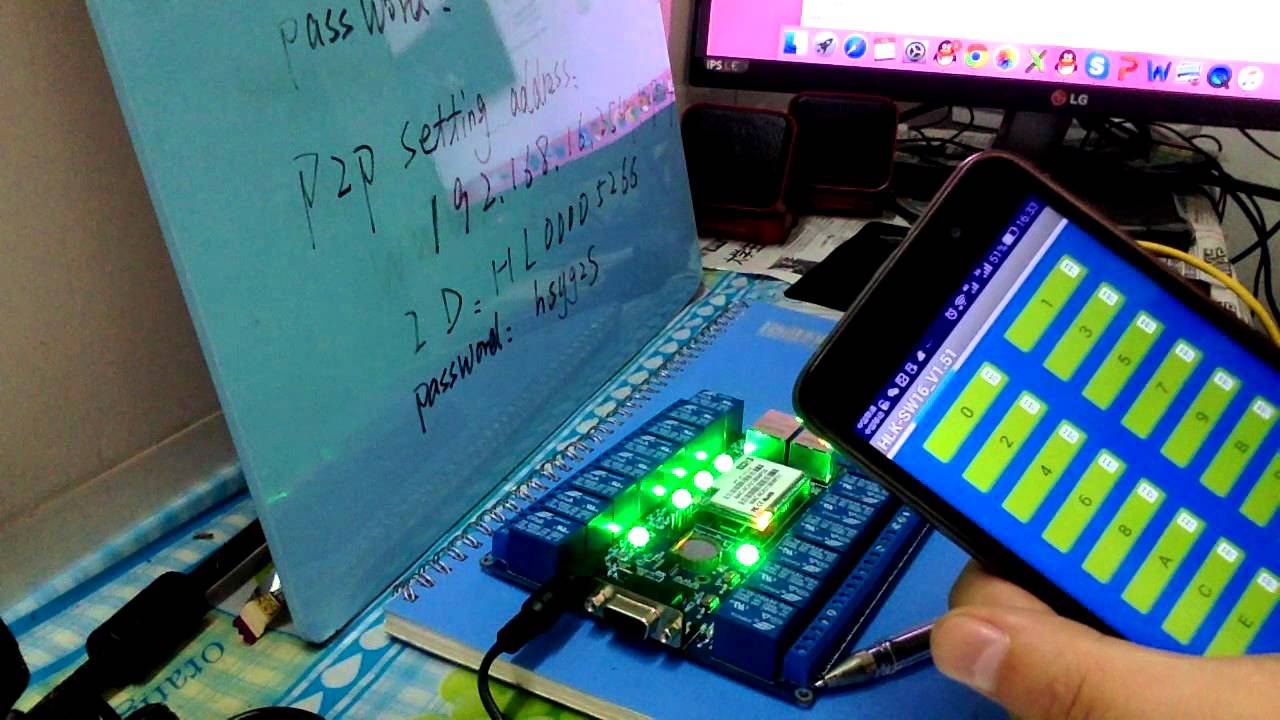
This is a part one introduction video, with a quick demonstration only as a quick overview on how to make it work directly using "Peer to Peer Networking or Soft AP" with an Android Smart Phone.
The HLK-SW16 is configured by factory default as the WiFi "Access Point" Host.
In the later part two video I will break it down a bit more, with regards to entering in the correct unique UUID & Password via http://192.168.16.254/p2p.asp which is exclusive to each HLK-SW16 module, in terms of the security of operation, so that your setup is protected and immune from potential hackers.
I will also explain how you can configure it via your Home WiFi Router Network - it can be easily be done via http://192.168.16.254/Serial2Net.asp by reconfiguring the factory default settings.
1. The best simplest approach is to use a standard Cat5 cable plugged into the Ethernet / LAN socket of the HLK-SW16 and the other end of the cable plugged into a spare home based WiFi Modem Router's LAN port socket which comes already supplied from the Hi-Link factory.
2. Then just bring up the http://192.168.16.254/Serial2Net.asp configuration menu in your Google Chrome web browser (User is admin, password is admin), change the SSID to your own WiFi network's SSID and password. e.g. See http://microwebserver.net/photos/Sett...
Once this is setup, there is no need to change WiFi networks from your PC e.g. Using HLK-SW16_V1.5-EN1.exe program or using the smart phone SW16_V2 App.
Download Links for these programs is available from http://microwebserver.net/Downloads.html
Повторяем попытку...

Доступные форматы для скачивания:
Скачать видео
-
Информация по загрузке: