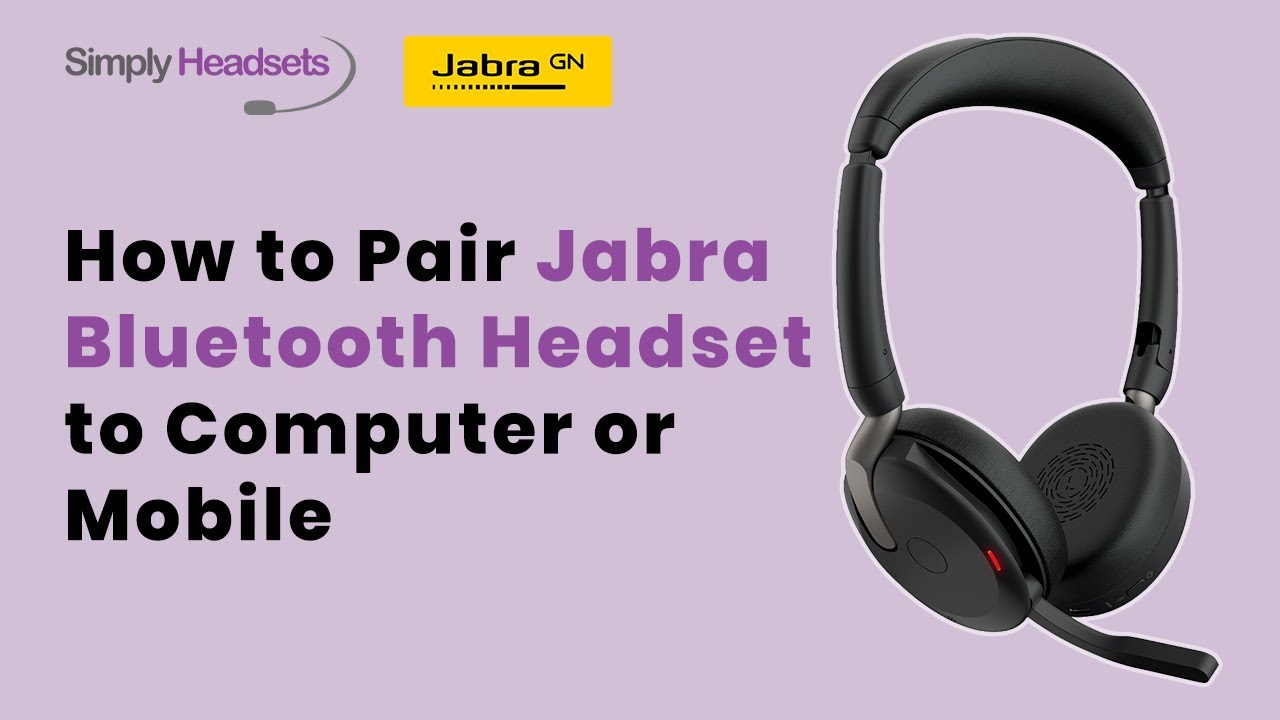
How to Pair Jabra Bluetooth Headset to Computer or Mobile
Автор: Simply Headsets
Загружено: 2025-11-18
Просмотров: 552
Описание:
Get your Jabra headset connected in no time. This video covers everything you need to pair your headset with your computer or mobile phone. Learn how to use the included Bluetooth adapter for a smooth connection, how to fix common sound issues, and how to pair your headset with your phone using voice guidance.
In this video:
00:00 Intro
00:10 Find Dongle in Carry Pouch
00:20 Check Computers Sound Settings
00:30 Connect to Your Mobile Phone
For more helpful tips and support, visit Simply Headsets.
Transcript:
To connect your Jabra headset to your computer, use the Bluetooth adapter for a hassle free wireless connection.
Find it in your carry pouch, available in USB-A or USB-C.
Plug the adapter into your computer and your headset connects instantly.
If you don't hear anything right away, you may need to check your computer's sound settings.
Make sure your headset is selected as both the speaker and the microphone and update the same settings in your virtual meeting platform.
To connect your headset to the phone, the process is just as simple.
Press and hold the power button for 4 seconds. Then follow the voice guided instructions to complete pairing.
Once connected, you're ready to rock and roll with your Jabra headset.
For more information and support, contact Simply Headsets.
Повторяем попытку...
Доступные форматы для скачивания:
Скачать видео
-
Информация по загрузке:

















