How to Connect ODB2 Auto Scanner to ECU, Smartphone, and PC: Step-by-Step Guide
Автор: Kyle Walker
Загружено: 2025-12-14
Просмотров: 18
Описание:
Connecting ODB2 Auto Scanner to ECU, Smartphone, PC
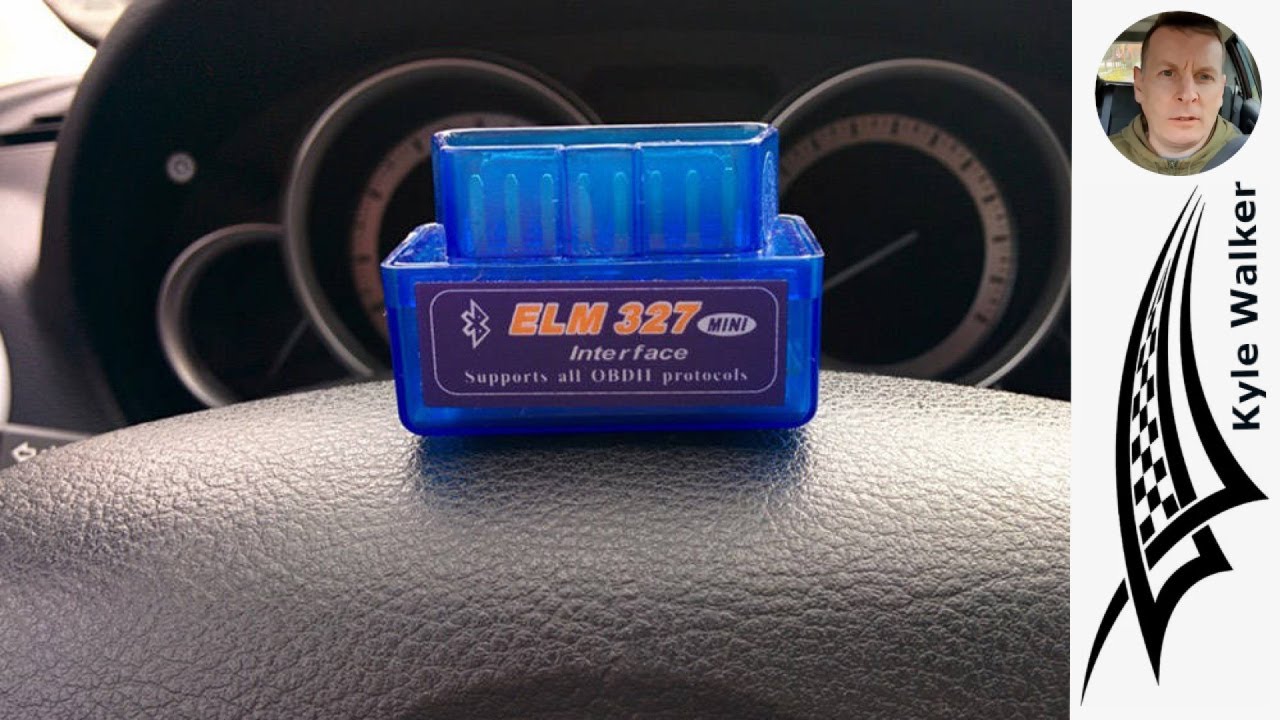
In this comprehensive tutorial, we delve into the essential process of connecting an ODB2 auto scanner to your vehicle's Engine Control Unit (ECU), as well as to your smartphone and PC. Whether you're a seasoned mechanic or a DIY enthusiast, understanding how to effectively use an ODB2 scanner can significantly enhance your ability to diagnose and troubleshoot vehicle issues.
We start by introducing the ODB2 scanner, explaining its purpose and functionality. This device is crucial for accessing the diagnostic information stored in your vehicle's ECU, allowing you to read error codes, monitor real-time data, and perform various tests. We cover the different types of ODB2 scanners available on the market, highlighting their features and benefits, so you can choose the right one for your needs.
Next, we guide you through the step-by-step process of connecting the ODB2 scanner to your vehicle. You'll learn how to locate the ODB2 port, typically found under the dashboard near the driver's seat, and how to properly plug in the scanner. We emphasize the importance of ensuring a secure connection to avoid any communication issues during diagnostics.
Once the scanner is connected to the ECU, we demonstrate how to pair it with your smartphone and PC. We explore various apps and software options that can enhance your scanning experience, providing insights into their functionalities and how to install them. You'll learn how to establish a Bluetooth or Wi-Fi connection, enabling you to access and analyze data on your mobile device or computer.
Throughout the video, we provide practical tips and troubleshooting advice to help you navigate common challenges that may arise during the connection process. We also discuss the significance of interpreting the diagnostic codes and data retrieved from the scanner, empowering you to make informed decisions about repairs and maintenance.
By the end of this tutorial, you will have a solid understanding of how to connect your ODB2 auto scanner to your vehicle's ECU, smartphone, and PC. You'll be equipped with the knowledge to diagnose issues effectively, monitor vehicle performance, and ultimately save time and money on repairs. Whether you're looking to enhance your automotive skills or simply want to keep your vehicle in optimal condition, this video is an invaluable resource.
Join us as we unlock the potential of your ODB2 scanner and take control of your vehicle's diagnostics. Don't forget to subscribe for more automotive tips, tutorials, and insights that will help you become a more confident and knowledgeable car owner.
Повторяем попытку...
Доступные форматы для скачивания:
Скачать видео
-
Информация по загрузке:




