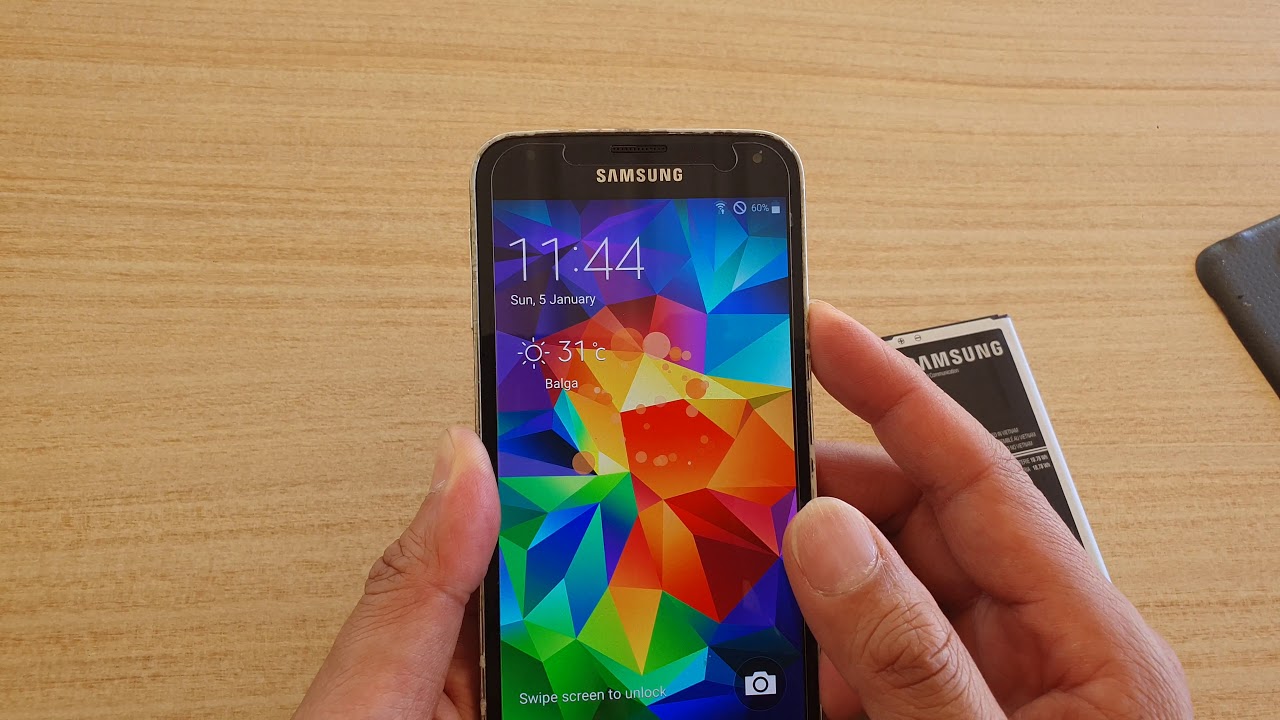
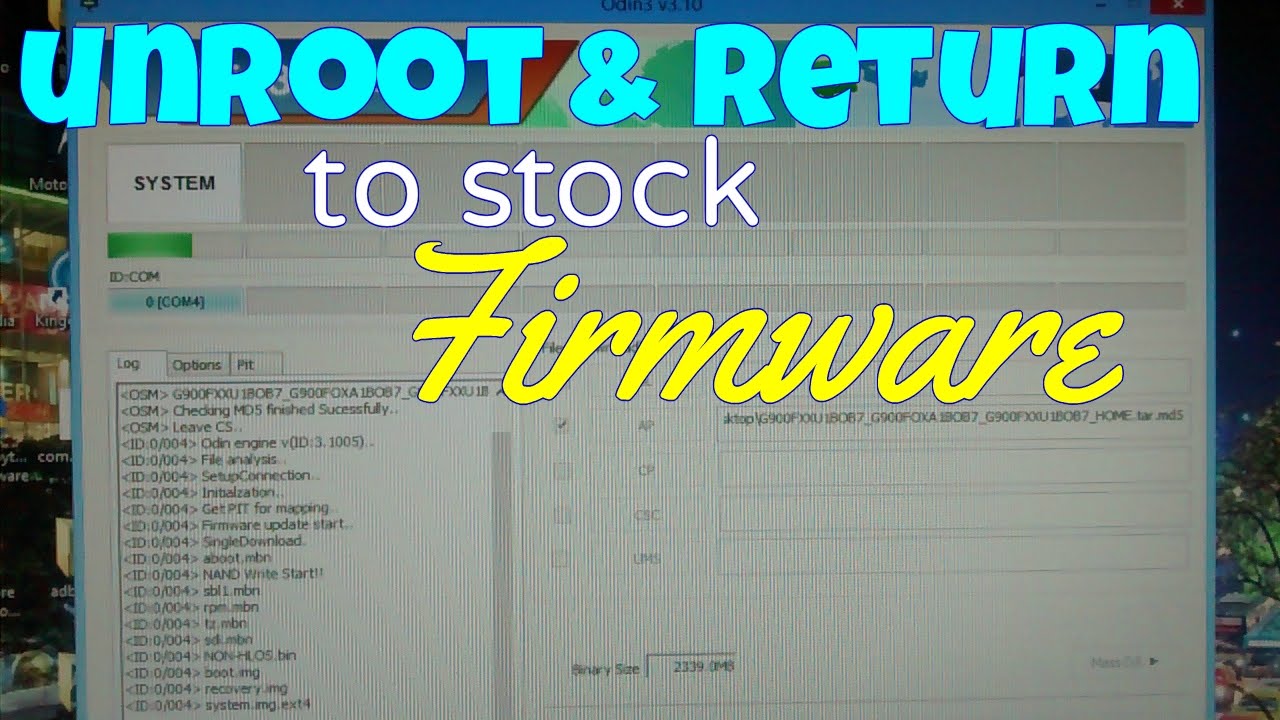
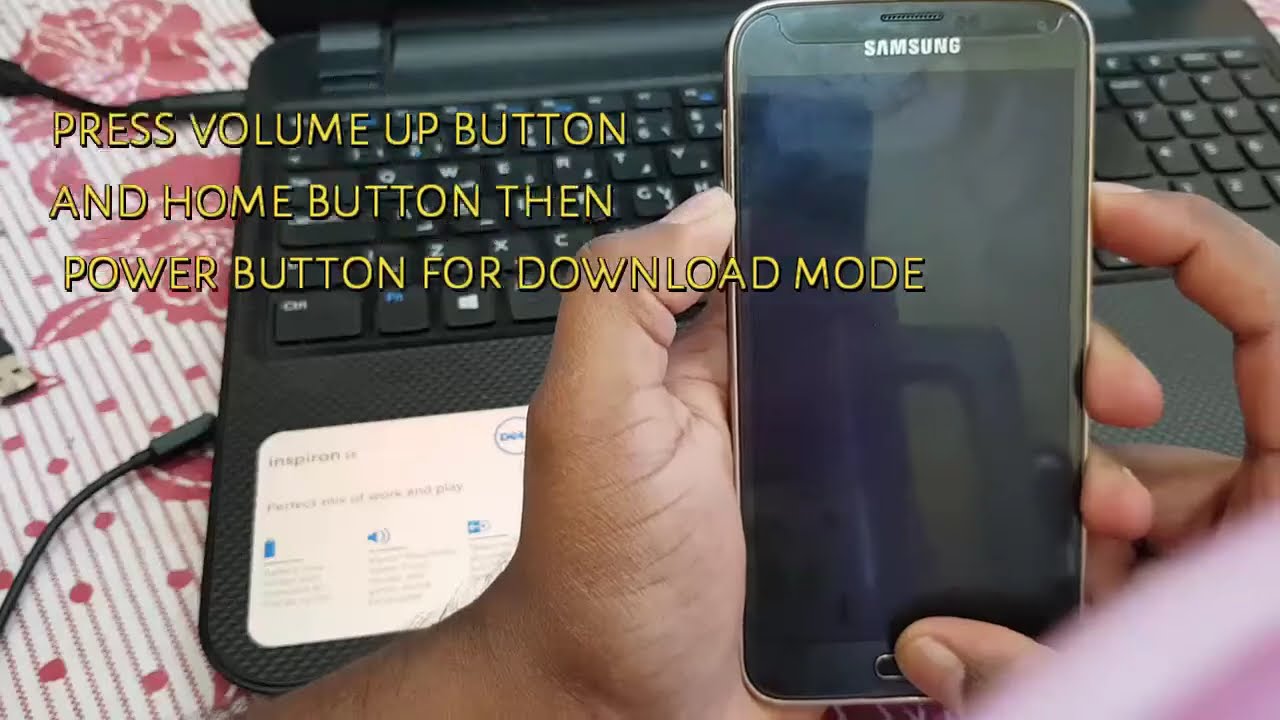
Samsung Galaxy S5: UNBRICK UNROOT RETURN TO STOCK [how-to]
Автор: Resetpedia
Загружено: 2015-01-05
Просмотров: 54316
Описание:
Written step-by-step instructions on how to unroot, unbrick your Galaxy S5.
1. Download Odin Here: http://stockroms.net/file/Tools/ODIN/...
2. Download your specific carrier and exact firmware here
http://stockroms.net/file/GalaxyS5 or here:
http://www.sammobile.com/firmwares/
3. Place your device in download mode by turning it off. Then press and hold both volume down button and home button...press the power button.
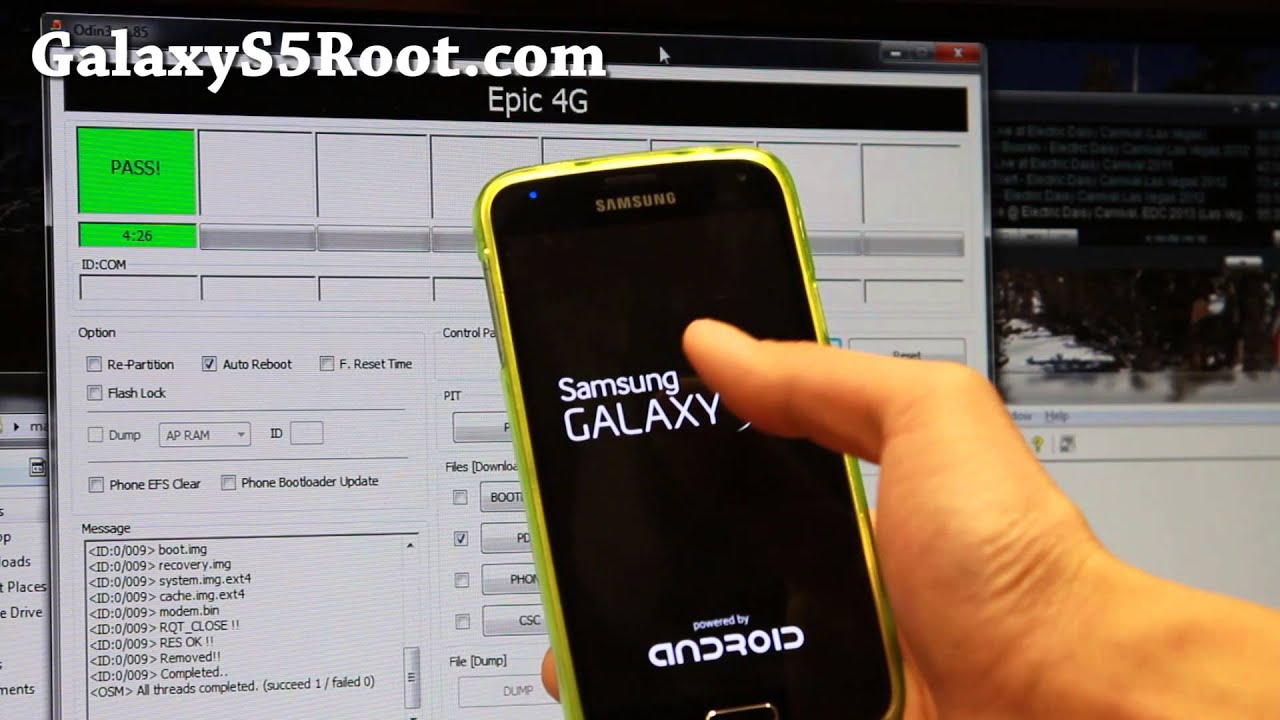
4. Open Odin and select your firmware. Click Start.
5. Status bar should be green in Odin if successful.
This will work with all the Galaxy S5 models below:
T-Mobile SM-G900T, AT&T SM-G900A, Verizon SM-G900V, Sprint SM-G900P, US Cellular SM-G900R, Canadian Rogers SM-G900W8, Canadian Bell SM-G900W8, Canadian Telus SM-G900W8, International SM-G900F, and International SM-G900H
Повторяем попытку...
![Samsung Galaxy S5: UNBRICK UNROOT RETURN TO STOCK [how-to]](https://imager.clipsaver.ru/_wpKgLT8JvE/max.jpg)
Доступные форматы для скачивания:
Скачать видео
-
Информация по загрузке: