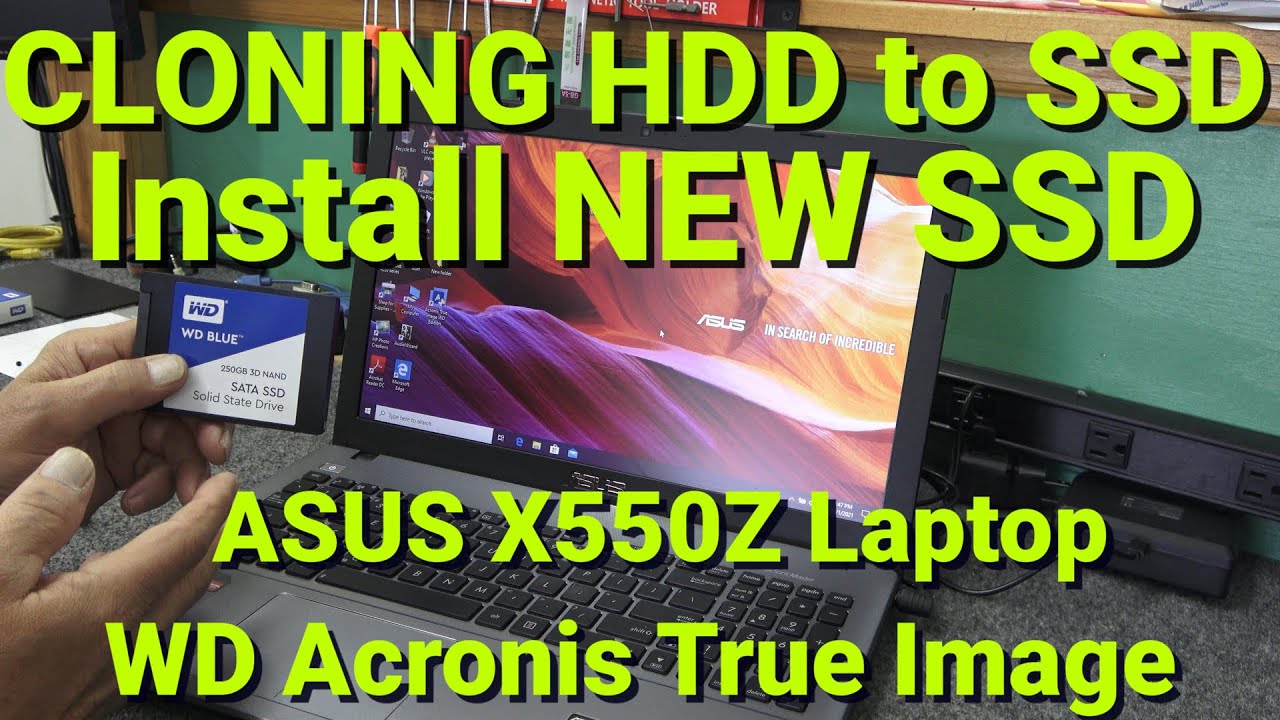
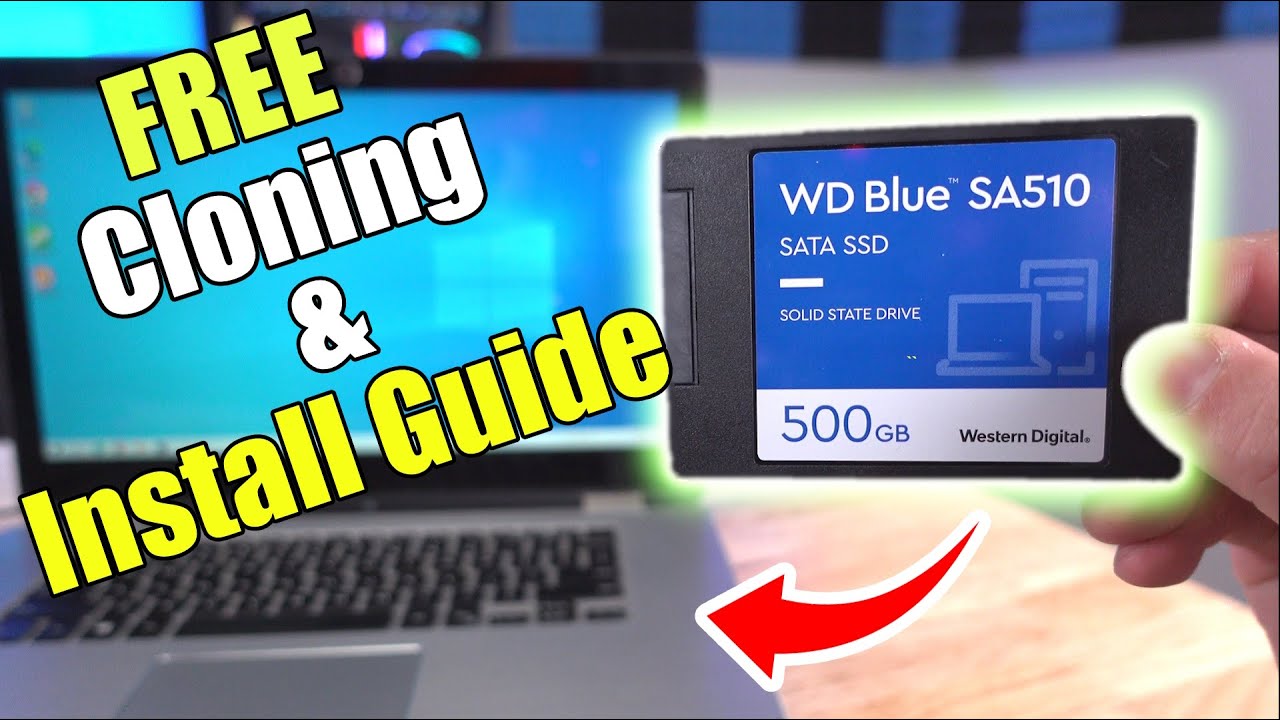
How to CLONE Hard Drive to New SATA SSD and Install SSD in ASUS Laptop. Using WD Acronis True Image.
Автор: Cadillac Computer Center
Загружено: 2021-10-02
Просмотров: 23163
Описание:
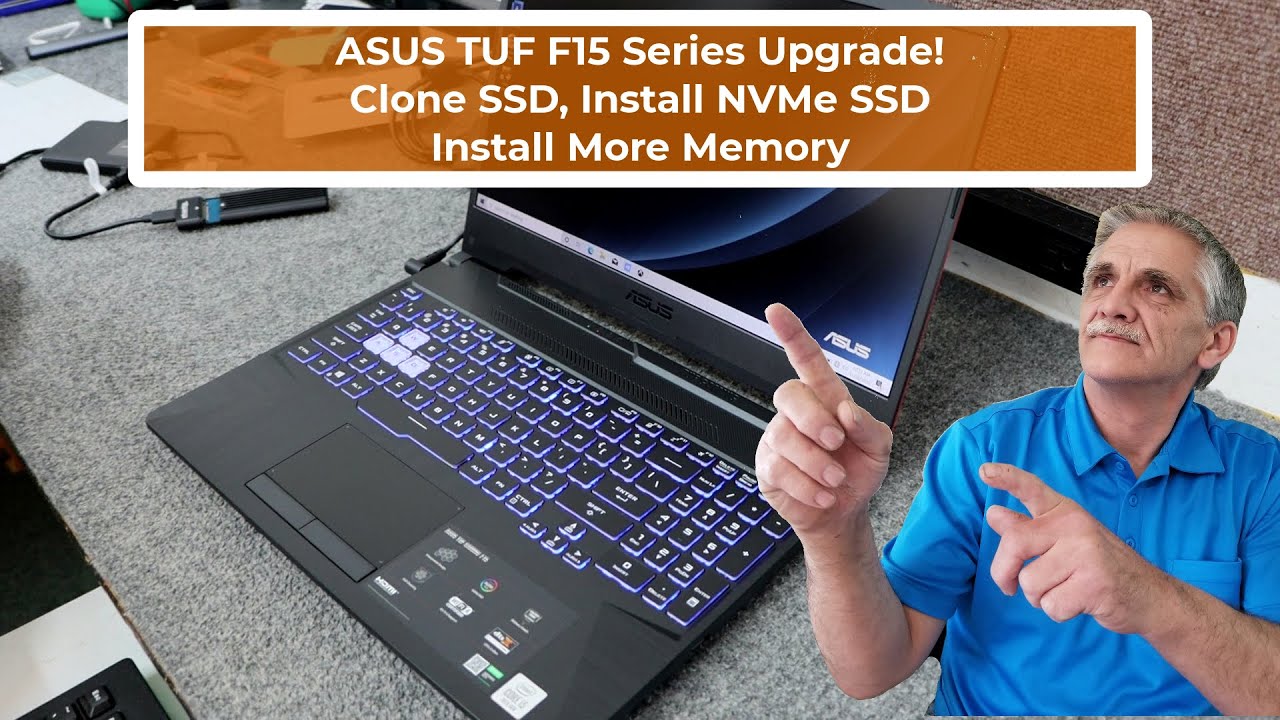
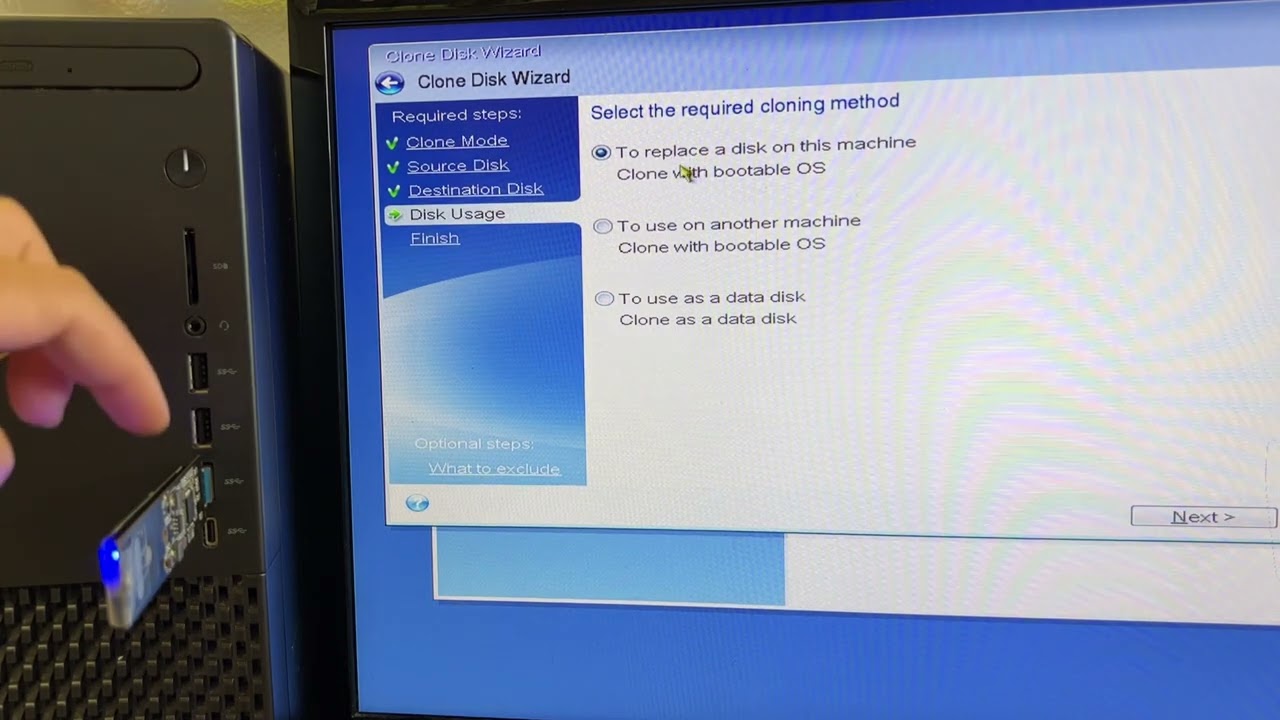
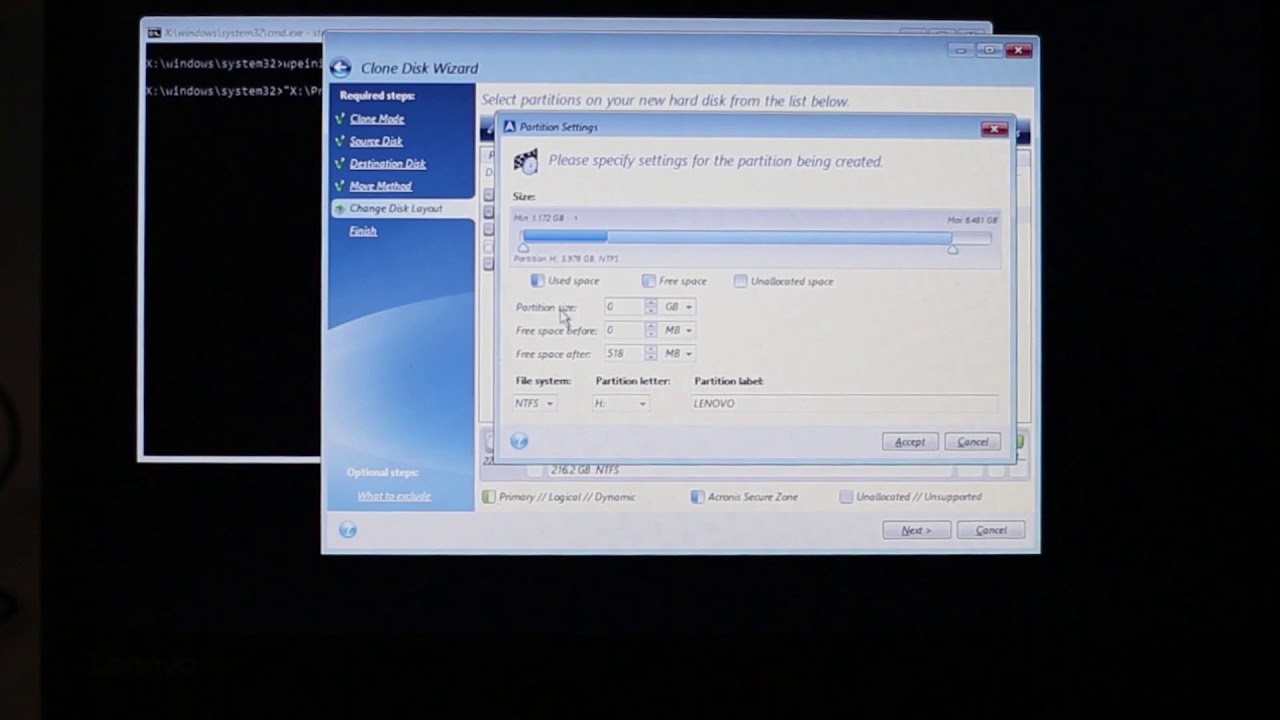
I have an older ASUS Laptop that I will be opening up to replace Hard Drive with a new SATA SSD, and also will be cloning using WD Acronis True Image free cloning software. Model# ASUS X550ZA, X550Z
Thanks for watching, Dale
---Always protect yourself from static discharge when doing projects like this, and use good quality Tools.
---Tools Used:
#0 #1 Magnetic Tip Phillips Screwdriver
---Blue Triangle Plastic Spudger Tool:
https://www.amazon.com/gp/product/B06...
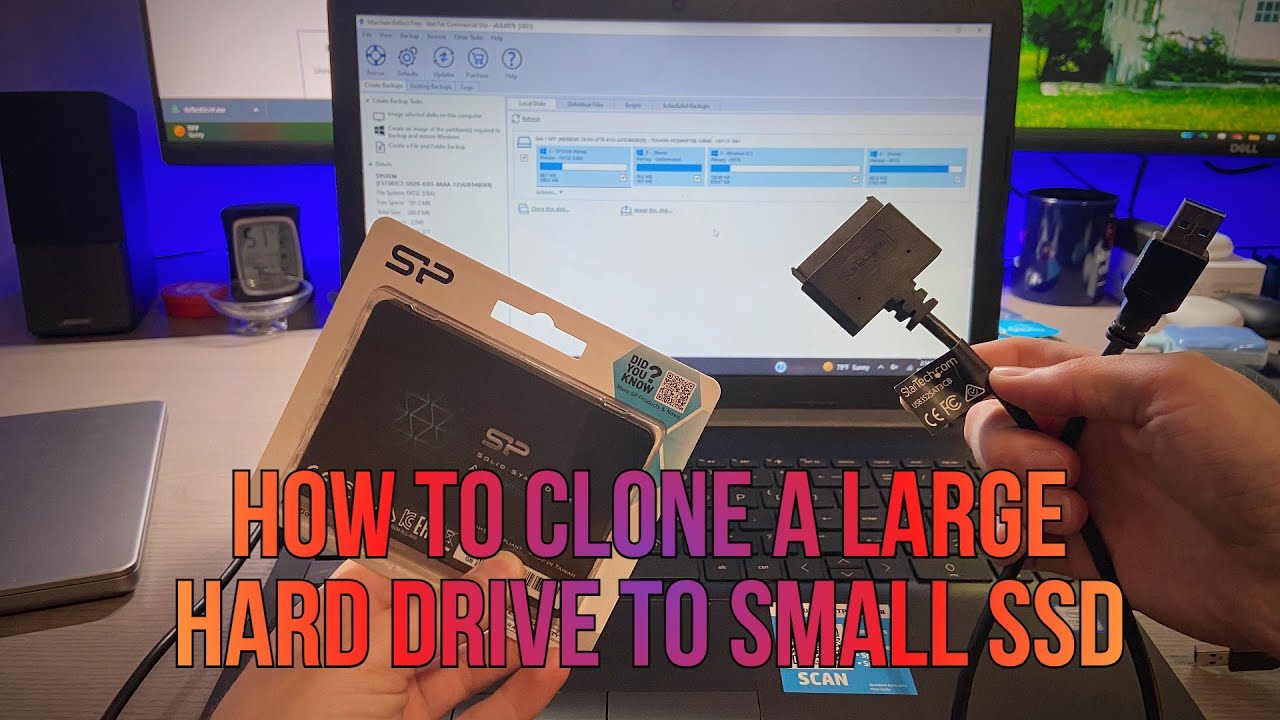
---USB to SATA Adapter:
https://www.amazon.com/gp/product/B00...
---FREE WD Acronis True Image Cloning Software
https://support.wdc.com/downloads.asp...
Parts Used:
WD Blue 2.5" SATA SSD 250GB
Hope you enjoy my videos, you can check out my Playlists:
• Videos on Cloning & Different Software Used.
• Various Videos on upgrading NVMe SSD in ne...
• Repairing & Upgrading older computers.
------------------------------------------------------------------------------------------------------------------------
Повторяем попытку...
Доступные форматы для скачивания:
Скачать видео
-
Информация по загрузке:






![[Tutorial] Cloning an SSD with Acronis True Image](https://imager.clipsaver.ru/enX8798JRdI/max.jpg)