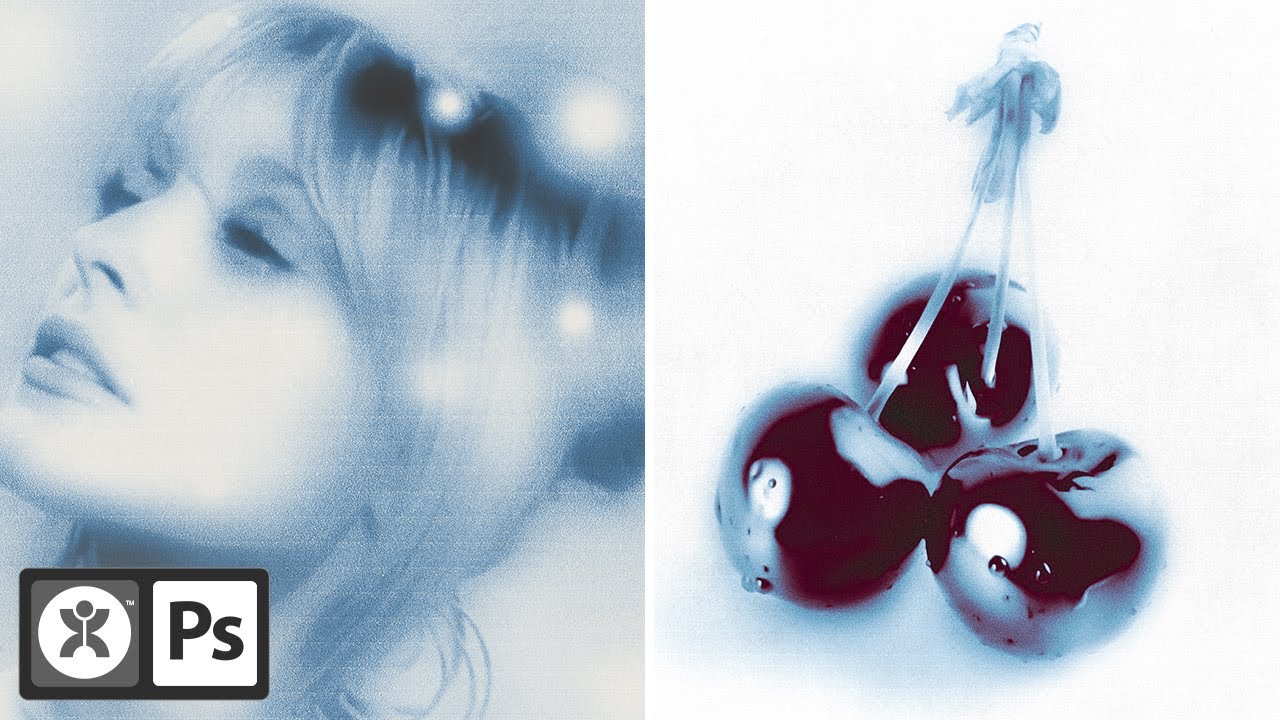
How to Use Generative Fill With Reference Image (Photoshop Tutorial)
Автор: Creative Society
Загружено: 2026-02-16
Просмотров: 2103
Описание:
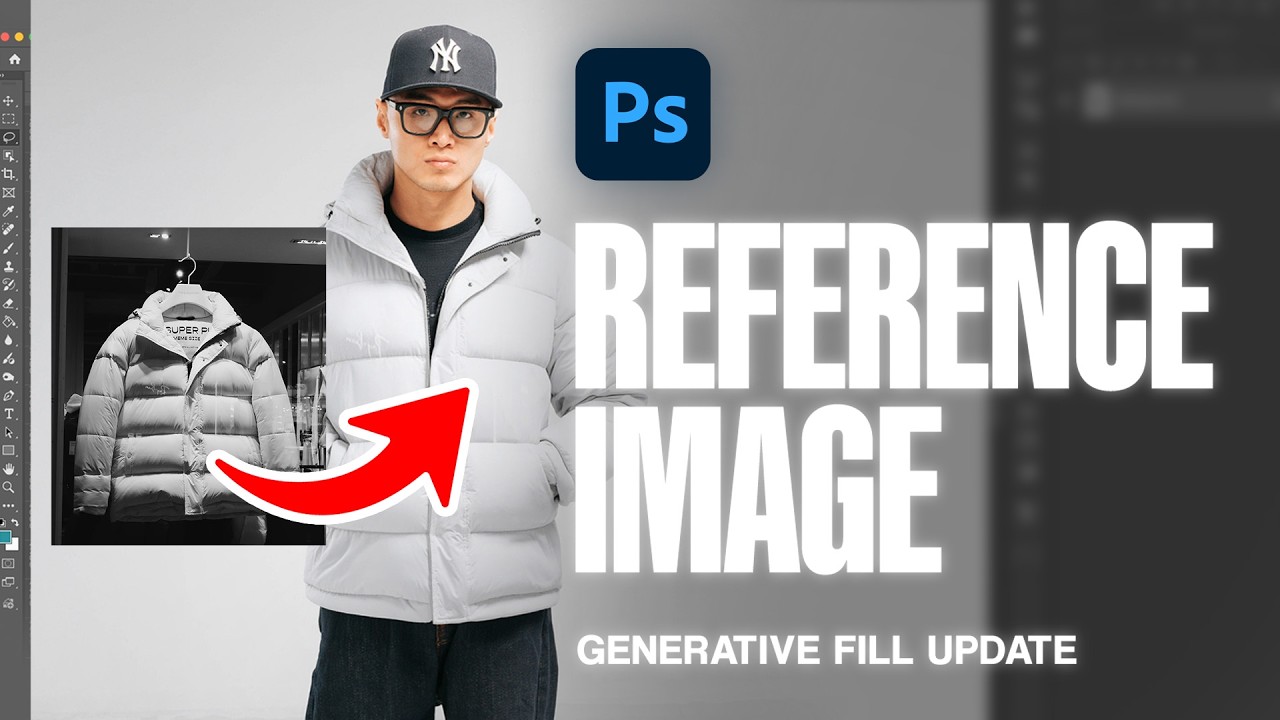
Photoshop’s Generative Fill just got an upgrade; you can now guide it with a reference image to get results that actually match your vision. In this video, I’ll show you how to use it to swap or place elements seamlessly into your edits. Don't forget to subscribe to our channel for more tutorials.
Explore Creative Assets on Envato: https://1.envato.market/BnJox9
Shop our RESOURCES:
https://crtvsociety.com/shop
Tune in to our PODCAST:
https://open.spotify.com/show/3aH4at8...
https://apple.co/4kOXqui
STAY CONNECTED
Website: https://crtvsociety.com
Instagram: / crtvsociety
TikTok: / crtvsociety
ABOUT US
Creative Society is a media agency dedicated to empowering designers, filmmakers, artists, and content creators with tools and resources crafted to streamline their creative process. Our mission is to equip creatives worldwide with everything they need to bring their ideas to life.
DISCLAIMER
This description may contain affiliate links. If you make a purchase through these links, we may earn a commission at no additional cost to you. This helps support our work and allows us to continue creating content.
Music provided by Creative Society Records
What's in this video:
0:00 - Intro
0:08 - How to Use Generative Fill With Reference Image
1:09 - Second Example
1:26 - Outro
Повторяем попытку...
Доступные форматы для скачивания:
Скачать видео
-
Информация по загрузке: