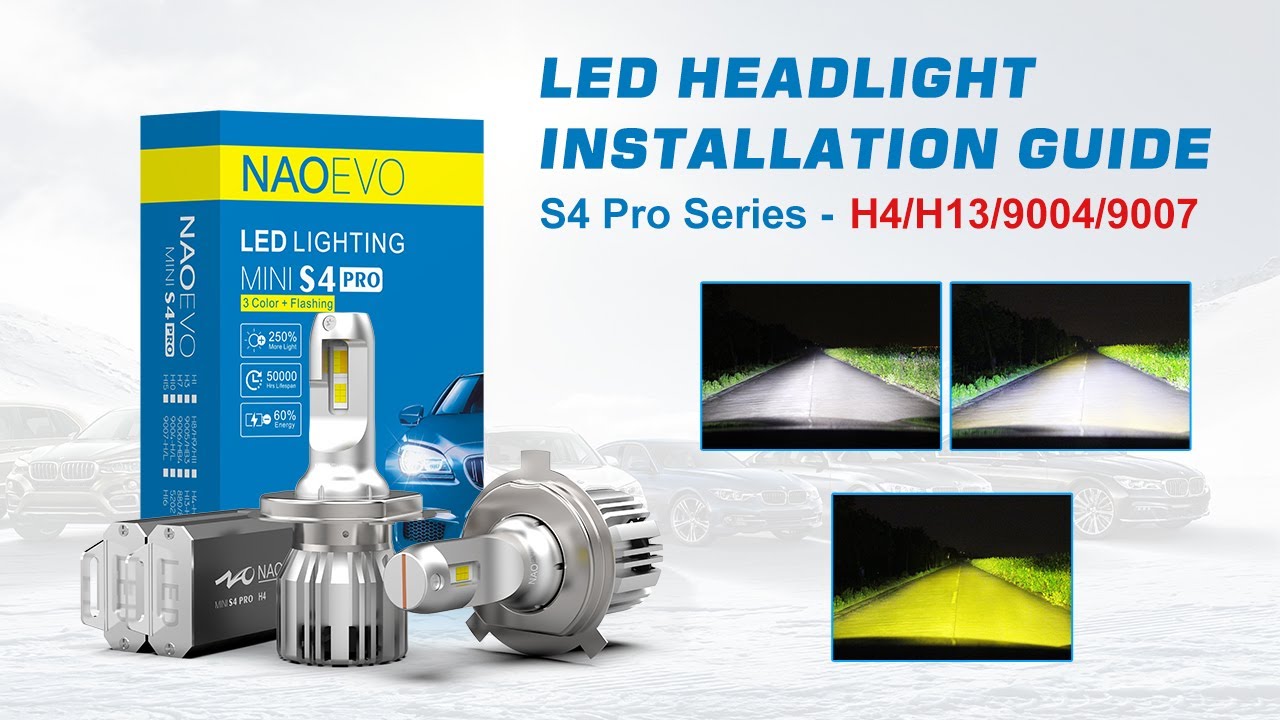
How to install H4/H13/9004/9007 Led Headlight Bulbs - NAOEVO S4 Pro Series
Автор: NAOEVO Lighting
Загружено: 2022-01-21
Просмотров: 12414
Описание:
Here in this video, we’ll show you how to install NAOEVO S4 PRO series H4/H13/9004/9007 LED headlight bulb. Super easy 5 steps will help you install your led headlight bulb quickly.
0:00
0:03 ✅Step 1: Remove the halogen bulb
Take out the dust cover, pull out the plug, press down and open the clip to remove the halogen bulb.
0:10 ✅Step 2: Install S4 LED bulb
Twist the collar out, put it into the headlight housing and then lock-in the clip, insert S4 LED bulb to the socket.
0:24 ✅Step 3: Rotate for a right position
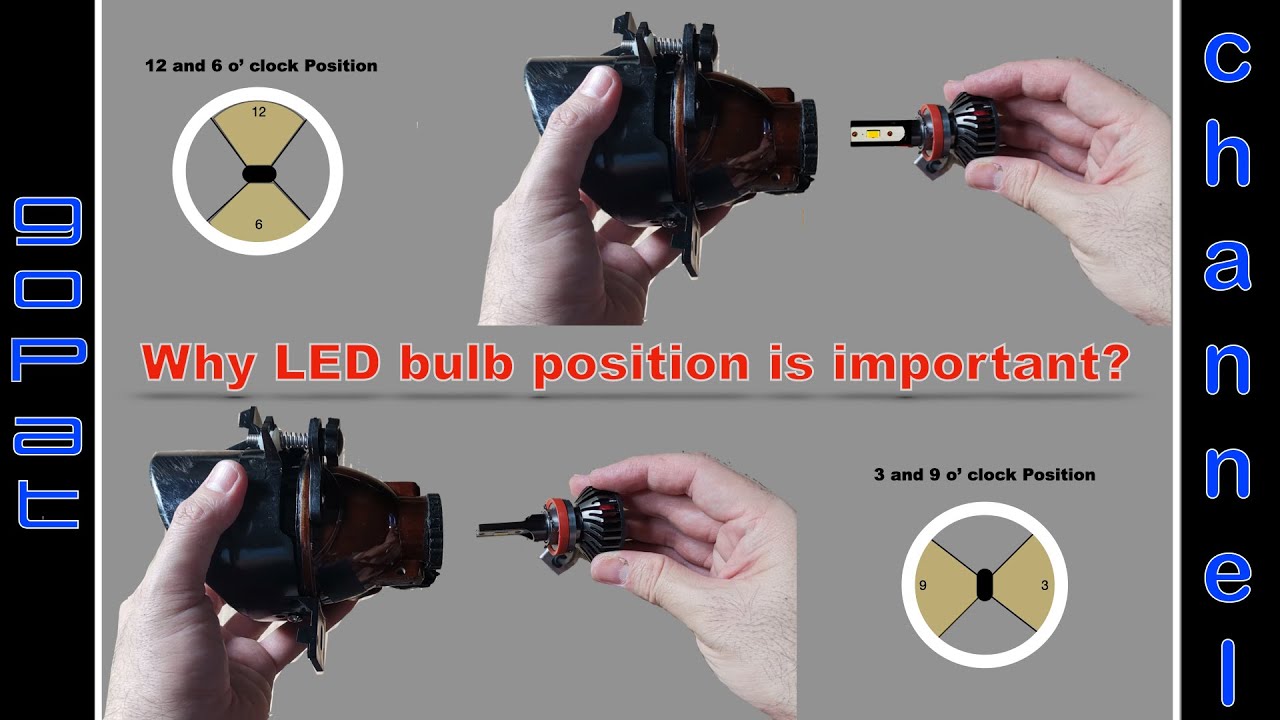
Rotate the bulb clockwise, make sure the lamp chip is vertically toward 9 and 3 o’clock and the shield should be at the bottom.
0:28 ✅Step 4: Connect the Plug
Please connect the LED bulb with the vehicle power plug.
0:35 ✅Step 5:Test the new headlight bulb
Power up your LED headlight bulb to see if it lights up brightly and instantly. This S4 LED bulb provides 3 color (6500K White/ 4300K Warm/ 3000K Yellow) for safer driving in different conditions.
(Notice: Flashing mode is NOT available on H4/H13/9004/9007)
Click here to learn more about these bulbs:
💎https://www.naoevo.com/collections/S4...
💎https://www.alibaba.com/product-detai...
Come check us out on Facebook and Instagram! We will show off our new products in pictures and videos.
💎Facebook: / naoevolighting
💎Instagram: / naoevolightings
Повторяем попытку...
Доступные форматы для скачивания:
Скачать видео
-
Информация по загрузке: