Deploy and Host Ghost CMS on AWS Using Fargate + Aurora Serverless + Application Load Balancer
Автор: Brainyl
Загружено: 2026-02-02
Просмотров: 109
Описание:
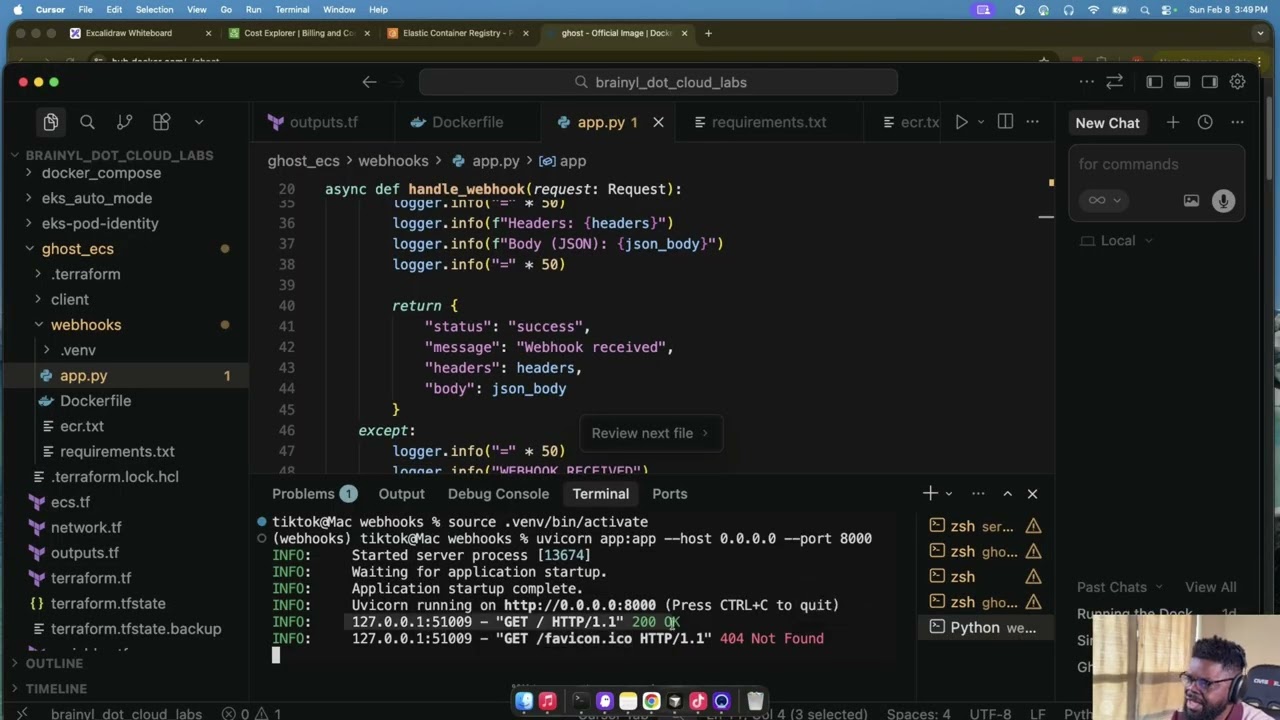
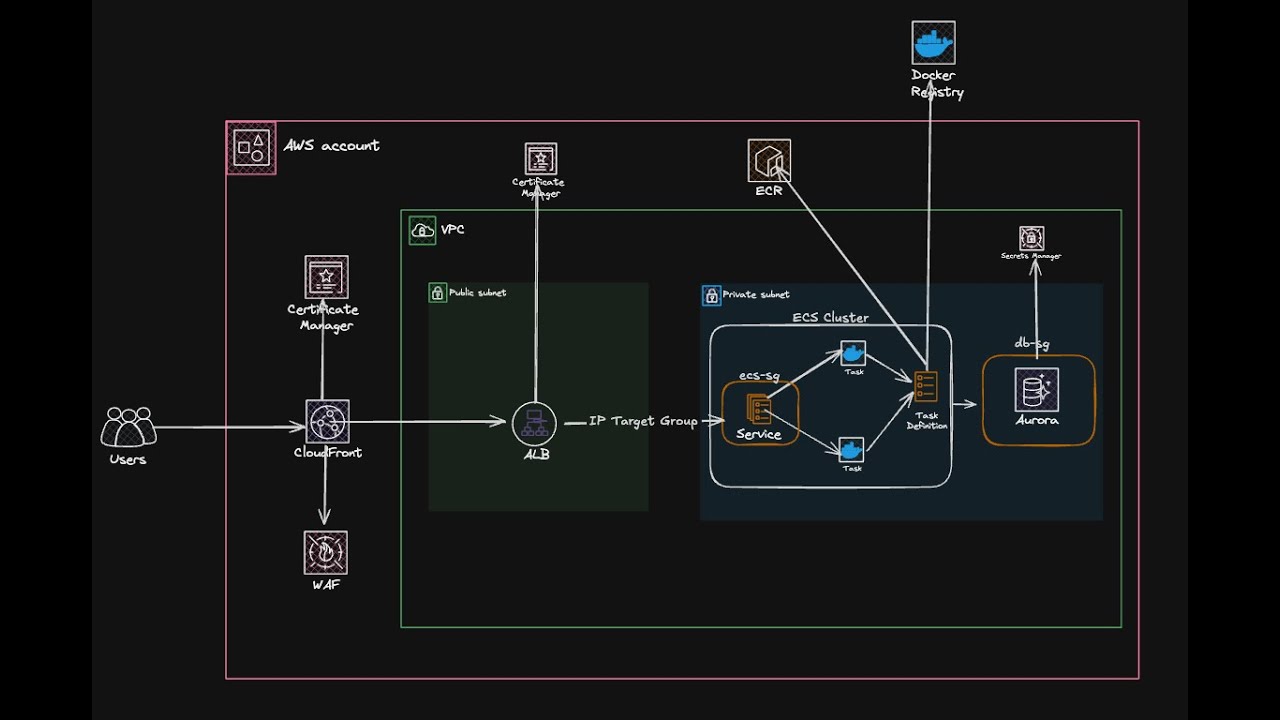
In this build session, I walked through how to deploy Ghost CMS on AWS using Amazon ECS (Fargate) and explained the architecture end-to-end using the diagram attached.
The focus was simple: take Ghost CMS from a container image to a working AWS deployment that you can access through a load balancer, backed by a managed database.
🧱 What We’re Building
We set up a clean request flow:
➜ Users send traffic to an Application Load Balancer (ALB)
➜ The ALB routes traffic to an ECS Service running on Fargate
➜ The service runs Ghost as Fargate Tasks
➜ Aurora Serverless is used as the database backend
➜ The Task Definition defines the container image and runtime config
For the session, we kept the setup lightweight and used DockerHub as the image source.
🔍 What We Covered in the Session
✅ ECS + Fargate basics (what runs where, and why)
✅ Service vs Task (what stays running vs what gets replaced)
✅ Task Definition (where image + ports + env vars live)
✅ ALB routing into ECS (how traffic reaches your containers)
✅ Connecting Ghost to Aurora Serverless
✅ A practical Ghost CMS example you can reuse for your own apps
🧩 Optional Extensions (if you want to keep going)
If you want to extend what we built, here are the easy next steps:
➜ Use ECR instead of DockerHub
➜ Add ACM for HTTPS
➜ Put CloudFront in front of the Load Balancer
➜ Add WAF to filter and rate-limit traffic
Subscribe for more practical AWS build sessions.
Check my blog for the Terraform code for the VPC and more content like this: https://brainyl.cloud/ghost-cms-ecs-f...
— Build with Brainyl
Повторяем попытку...
Доступные форматы для скачивания:
Скачать видео
-
Информация по загрузке: