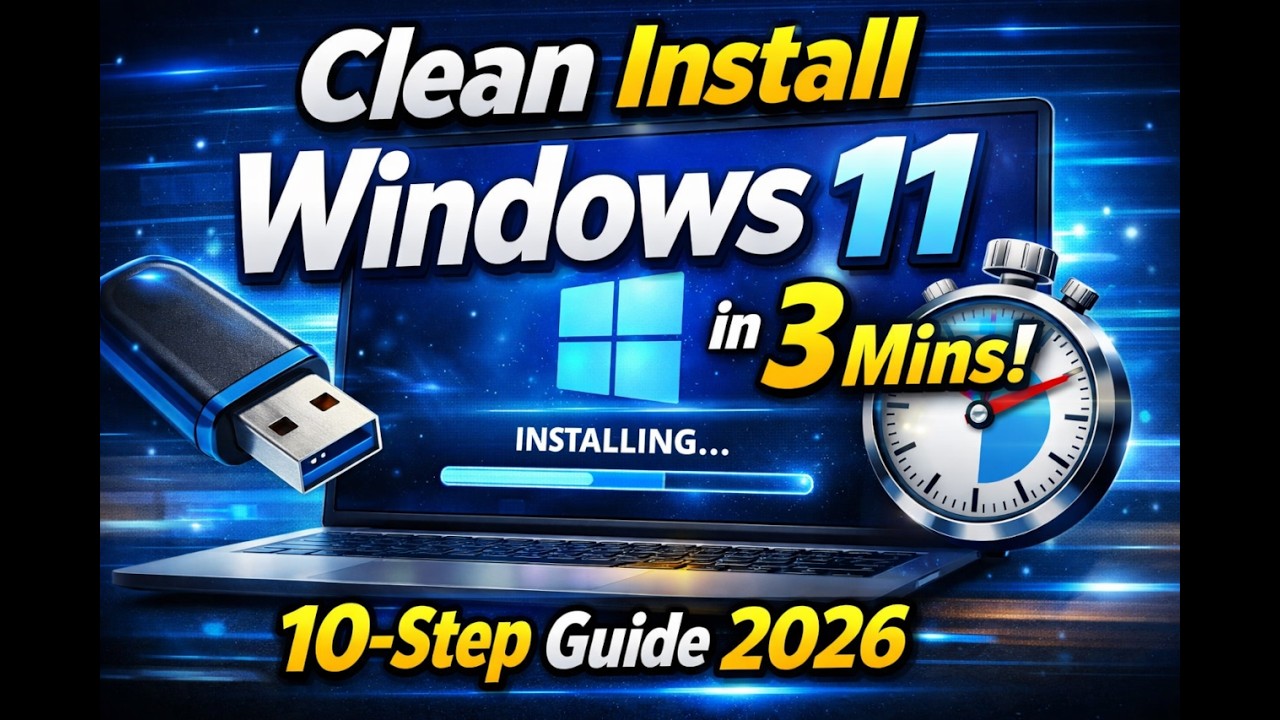
How to Clean Install Windows 11 in 3 mins (10 Step Guide 2026)
Автор: ApoSurNet
Загружено: 2026-02-01
Просмотров: 6
Описание:
Installing Windows 11 doesn’t have to be complicated. In this video, I show you how to clean install Windows 11 from USB using a simple 10-step method — fast, clear, and perfect for beginners.
Whether your PC is slow, full of errors, or you just want a fresh start, this guide walks you through the entire process from start to finish.
🛠 What you'll learn:
✔ How to download the official Windows 11 ISO
✔ How to create a bootable USB
✔ How to boot your PC from USB
✔ How to delete old partitions (clean install)
✔ How to set up Windows after installation
✔ First updates and essential setup steps
This is a full clean install, meaning your old system and files will be erased — ideal for performance issues or system resets.
💻 Who this video is for:
Beginners installing Windows for the first time
People reinstalling Windows due to errors
Anyone upgrading or resetting their PC
No advanced tech knowledge required 👍
🔥 Next video in the series:
After mastering Windows installs, we move to Linux:
Switch from Windows to Linux Debian – Full Guide
📌 Tags (for search)
windows 11 clean install, how to install windows 11, windows 11 from usb, clean install tutorial, windows 11 setup guide
If this helped, drop a like and subscribe for more simple tech guides 🚀
Useful links and code snippets used in video:
https://www.ventoy.net/en/index.html
https://www.microsoft.com/en-us/software-d...
start ms-cxh://setaddlocalonly
https://github.com/ChrisTitusTech/winutil
How to Clean Install Windows 11 (Step-by-Step Guide 2026)
1. Download official Windows ISO file.
2. Prepare bootable USB.
3. Boot PC from USB.
4. Start Windows installer.
5. Delete old partitions (clean install).
6. Select disk and install Windows.
7. First boot setup (region, account, privacy).
8. Install drivers and updates.
9. Essential programs after install.
Повторяем попытку...
Доступные форматы для скачивания:
Скачать видео
-
Информация по загрузке: