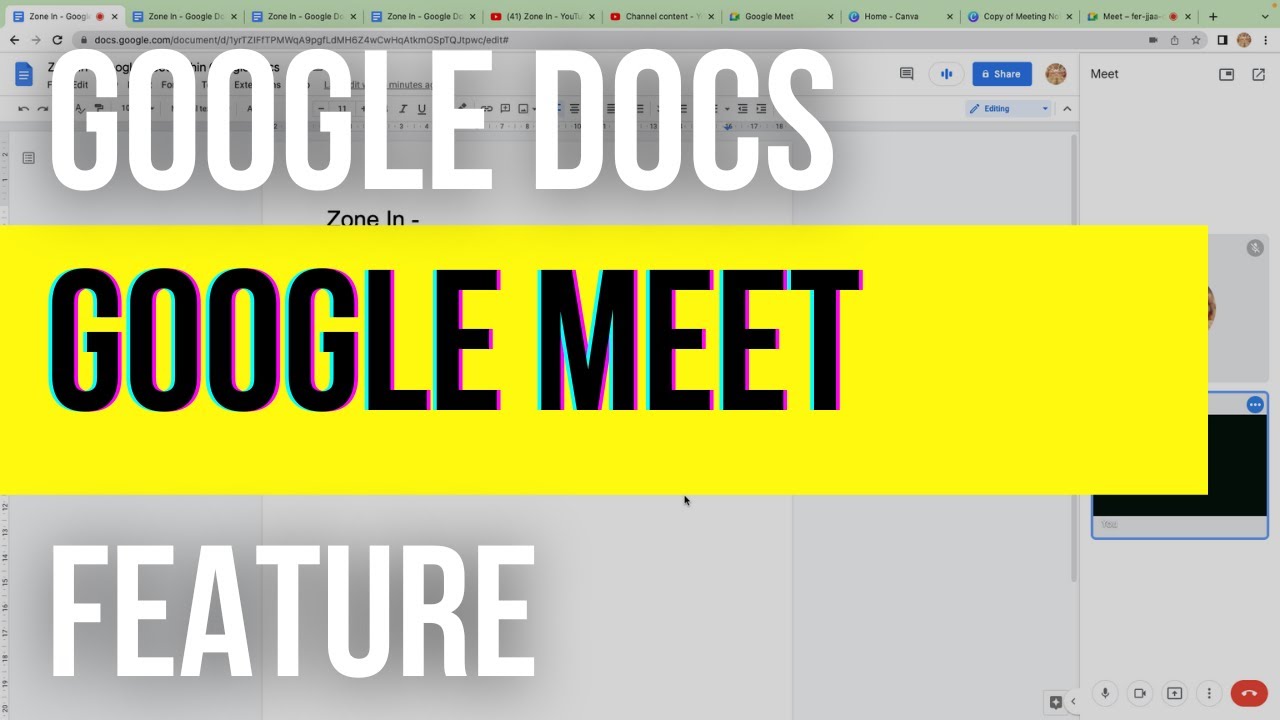
Google Meet WITHIN Google Docs!
Автор: Zone In - Productivity
Загружено: 2022-07-20
Просмотров: 892
Описание:
You can now use #googlemeet with #GoogleDocs, Sheets & Slides!
From Google Docs, Sheets or Slides, you can:
• Join a Google Meet video meeting
• Present directly to a Google Meet video meeting
Important: To join a Google Meet video meeting or present from Google Docs, Sheets or Slides, you need to use a computer with a Chrome or Edge browser.
Join a Google Meet video meeting from your Docs, Sheets or Slides
On your computer, open a file in Google Docs, Sheets or Slides.
At the top right, click Meet .
Choose an option:
To join a scheduled meeting, click the meeting name that you want to join.
To join a meeting with a meeting code, click Use a meeting code and then enter a code.
To bring the meeting into your document, spreadsheet or presentation, click Join the call. On the right, a side panel shows your meeting.
If you've only clicked 'Join the call', it doesn't present your file or change how other participants view the meeting.
To present your document, spreadsheet or presentation, at the bottom right, click Share screen Share screen and then select the tab your are in and then Share.
Important: When you present a tab from your document, spreadsheet or presentation, you can't change which tab you present. To switch between tabs while you present, you can present from Google Meet instead.
To stop your presentation, at the bottom right, click Stop presenting Cancel presentation.
Повторяем попытку...
Доступные форматы для скачивания:
Скачать видео
-
Информация по загрузке: