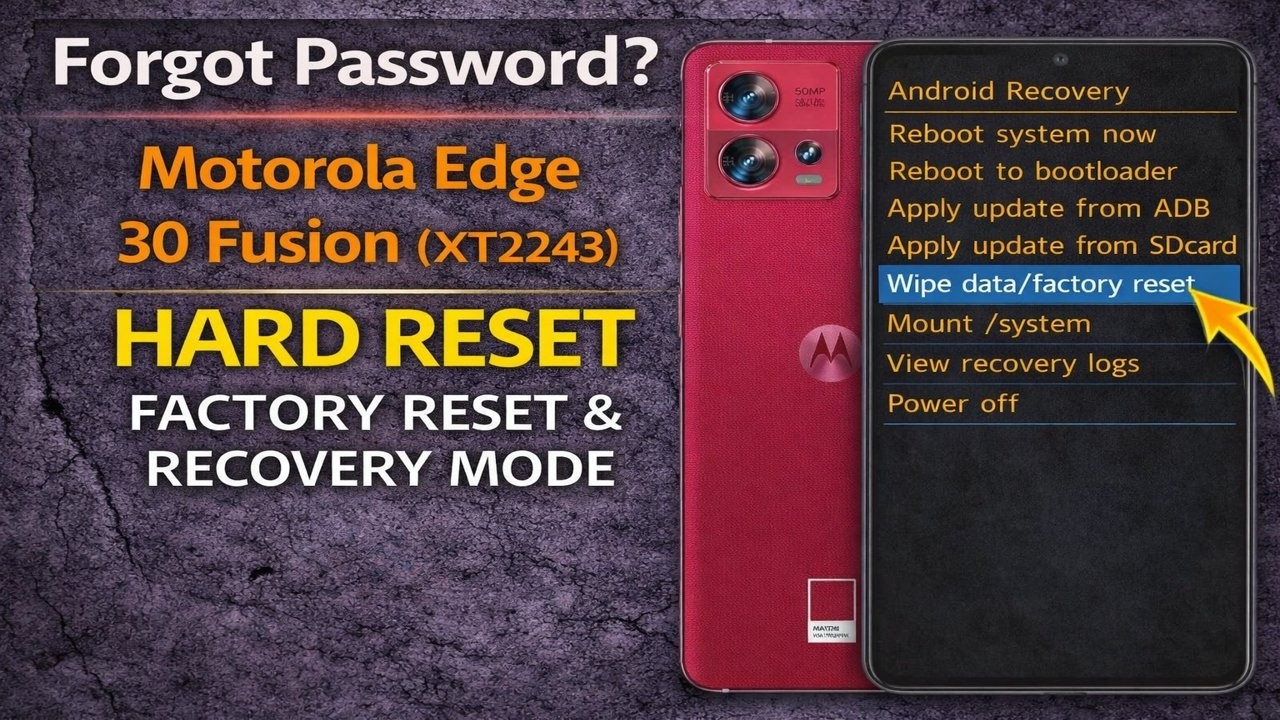
Forgot Password? Motorola Edge 30 Fusion (XT2243) Hard Reset – Factory Reset & Recovery Mode
Автор: Device Autopsy
Загружено: 2026-03-14
Просмотров: 21
Описание:
If you forgot the password, PIN, or pattern lock on your Motorola Edge 30 Fusion (XT2243), this video will show you how to perform a hard reset using Android Recovery Mode.
This method will remove the screen lock and restore the device back to its factory default settings.
This reset process can help if your phone is:
• Locked due to a forgotten password, PIN, or pattern
• Stuck on the lock screen
• Frozen or not responding
• Experiencing software issues or boot problems
⚠️ Important: Performing a factory reset will erase all data stored on the device including apps, photos, and personal files.
After the reset, the phone may require the previously synced Google account (Factory Reset Protection / FRP) to complete the setup process.
Device Model:
Motorola Edge 30 Fusion (XT2243)
Повторяем попытку...
Доступные форматы для скачивания:
Скачать видео
-
Информация по загрузке: