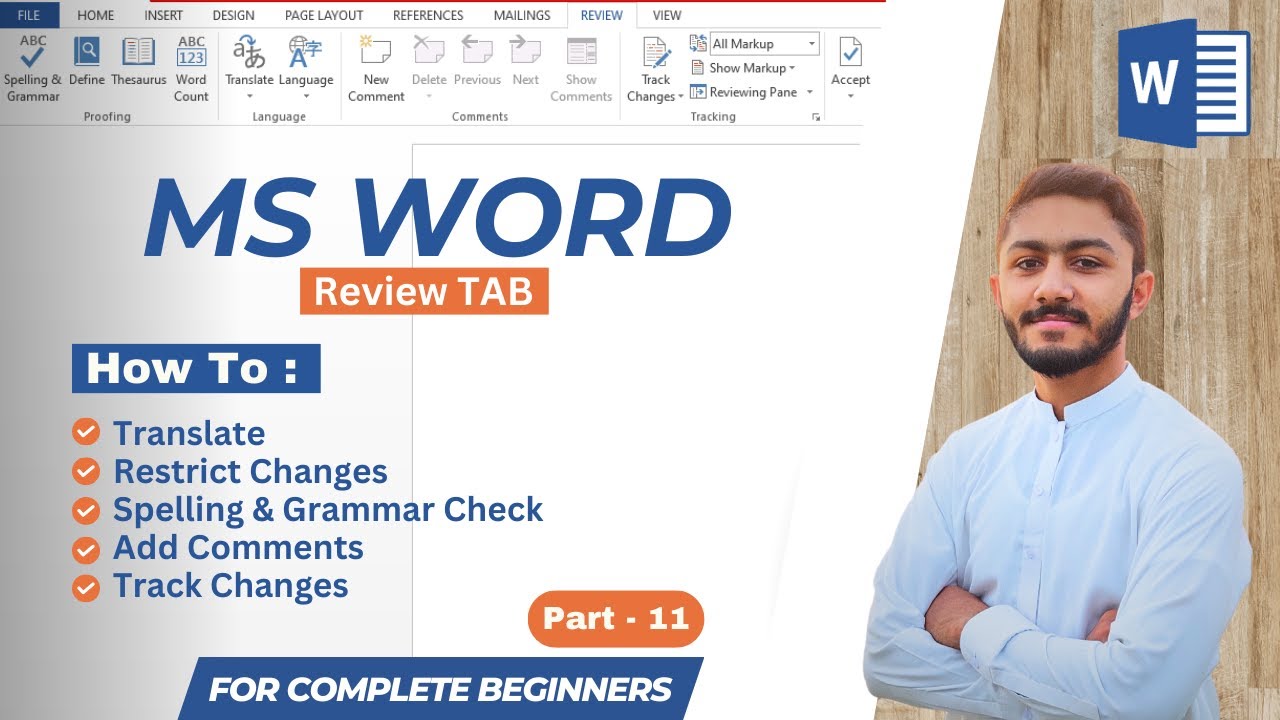
MS Word Review Tab | How To Comment, Compare, Spelling, & Grammar Check ,Translate & Word count
Автор: CED Engineering Academy
Загружено: 2023-07-24
Просмотров: 84
Описание:
Welcome to our comprehensive guide on the Microsoft Word Review Tab, where we'll take you on a journey through the powerful editing and collaborative features this tool has to offer. In this tutorial, we'll explore how to leverage the Review Tab to its fullest potential, making editing, proofreading, and collaborating on documents a breeze. Discover the best and highly searched tags that will help you reach a broader audience interested in mastering the art of document review and collaboration. From tracking changes to accepting or rejecting edits, enabling comments, and using advanced features like compare and combine documents, we've got you covered. Enhance your productivity and become a Microsoft Word pro with this in-depth tutorial that unlocks the hidden gems of the Review Tab.
Are you ready to take your Microsoft Word skills to the next level? Join us in this comprehensive tutorial on the Review Tab, a game-changer for document editing and collaboration. Whether you're a writer, a student, or a professional working on team projects, the Review Tab's robust set of features will revolutionize the way you edit and collaborate on documents. We'll delve into the essential tags related to the topic, ensuring you receive the best and most highly searched information to optimize your learning experience. From real-time collaboration with colleagues to leaving comments and feedback, this tutorial covers it all. Unlock the full potential of the Review Tab and elevate your document editing and collaboration game today!
Welcome to our comprehensive guide on using the Microsoft Word Mailing Tab to efficiently send personalized letters to a large group of recipients! In this tutorial, we'll walk you through step-by-step instructions on how to harness the power of the Mailing Tab to streamline your communication process. Whether you need to send company-wide updates, personalized holiday greetings, or any other mass communication, the Mailing Tab is your go-to tool. Learn how to effortlessly merge employee data from Excel or other databases, create professional envelope labels, and generate personalized letters in just a few clicks. Boost your productivity and leave a lasting impression on your employees with this invaluable Word feature.
#MicrosoftWord #ReviewTab #DocumentReview #CollaborativeEditing #EditingTools #TrackChanges #AcceptEdits #DocumentComments #CompareDocuments #CombineDocuments #WordProcessing #DocumentCollaboration #MicrosoftOffice #Productivity #Tutorial #HowTo #StepByStep #TipsAndTricks #DocumentEfficiency #WritingTools #MicrosoftWordTips #EditingMastery #ProofreadingTechniques #OfficeManagement #OfficeCollaboration #WordReview #CollaborativeTools #DocumentProofreading #WritingEfficiency #DocumentTracking #MicrosoftWordTricks #AdvancedWordFeatures #MicrosoftWordHacks #WritingSkills #DocumentComparison #WordEditingTips #DocumentFeedback #MicrosoftWordMastery #TrackChangesTutorial #EfficientDocumentEditing #WordProcessingHacks #ReviewTabTutorial
Повторяем попытку...
Доступные форматы для скачивания:
Скачать видео
-
Информация по загрузке:


![Почему работает теория шести рукопожатий? [Veritasium]](https://image.4k-video.ru/id-video/ggI1xKzoANs)


![Divine Music - The Year Mix Vol.10 [Chill & Ethnic Deep 2025]](https://image.4k-video.ru/id-video/Q3XBH_FhuKY)


