ycliper

Популярное

Музыка Кино и Анимация Автомобили Животные Спорт Путешествия Игры Юмор

Интересные видео

2025 Сериалы Трейлеры Новости Как сделать Видеоуроки Diy своими руками

Топ запросов

смотреть а4 schoolboy runaway турецкий сериал смотреть мультфильмы эдисон
Скачать

PointCab: Getting Started with Point Cloud Processing

Автор: PointCab

Загружено: 2020-10-12

Просмотров: 13410

Описание: Learn how to process point cloud data fast and easy with PointCab!
In this point cloud processing tutorial we will show you the basics of our unique point cloud software PointCab. Topics of this video:

0:00 Intro
0:34 Create new project
1:07 PointCab interface
2:00 Controls in PointCab
3:05 Align project
3:38 Create section
4:15 Vectorize layout
6:34 Take measurements
7:29 Create multiple sections at once
8:15 Outro

About PointCab: With PointCab you can easily get your point cloud data to a 3D model in your preferred CAD or BIM software. Thanks to our ortho photo approach, you get all the 3D information out of the point cloud data you collected with ANY laser scanner in a fast and easy manner. No need to navigate the point cloud! You can then export your results as a .dwg file and import it in your preferred CAD or BIM software to start modelling.


Check out our free trial version: https://bit.ly/3qmxKcy

Autodesk Revit, ArchiCAD and BricsCAD user are in for a special treat: with our plugins you can even transfer the data directly into Revit, ArchiCAD or BricsCAD!

Не удается загрузить Youtube-плеер. Проверьте блокировку Youtube в вашей сети.
Повторяем попытку...
PointCab: Getting Started with Point Cloud Processing

Поделиться в:

Доступные форматы для скачивания:

Скачать видео

  • Информация по загрузке:

Скачать аудио

Похожие видео

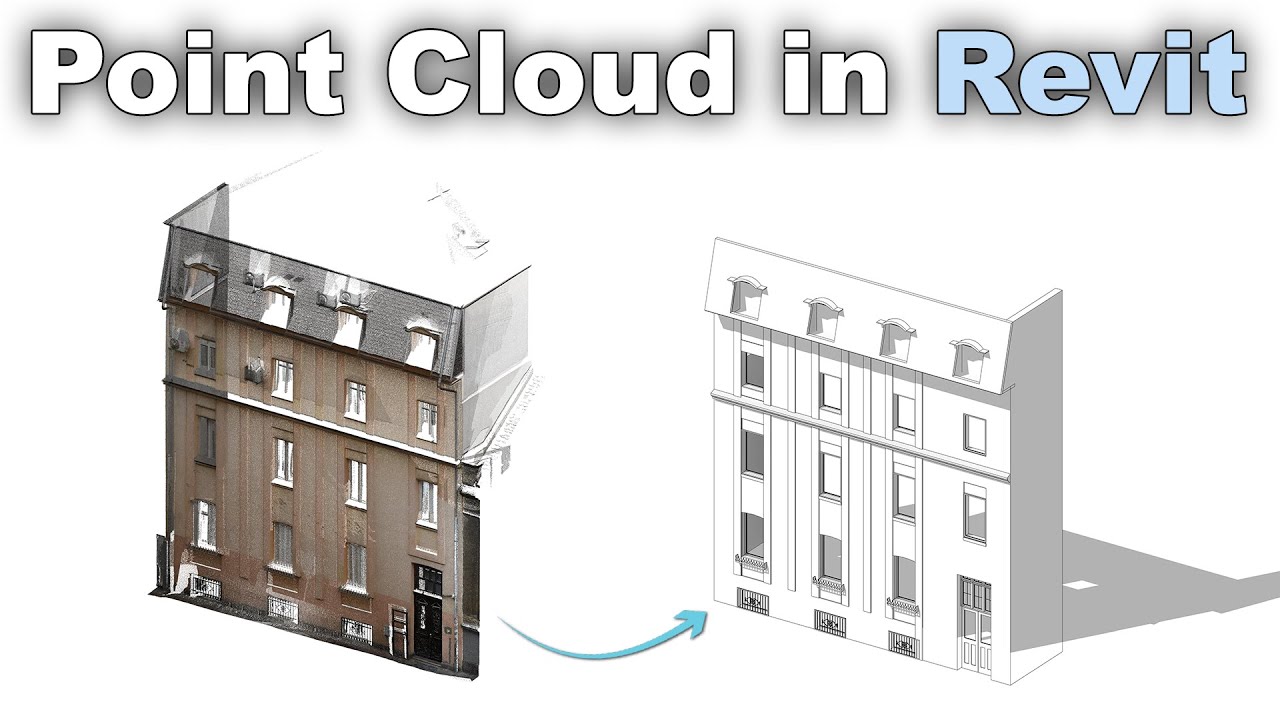
Облако точек в учебном пособии Revit

Облако точек в учебном пособии Revit

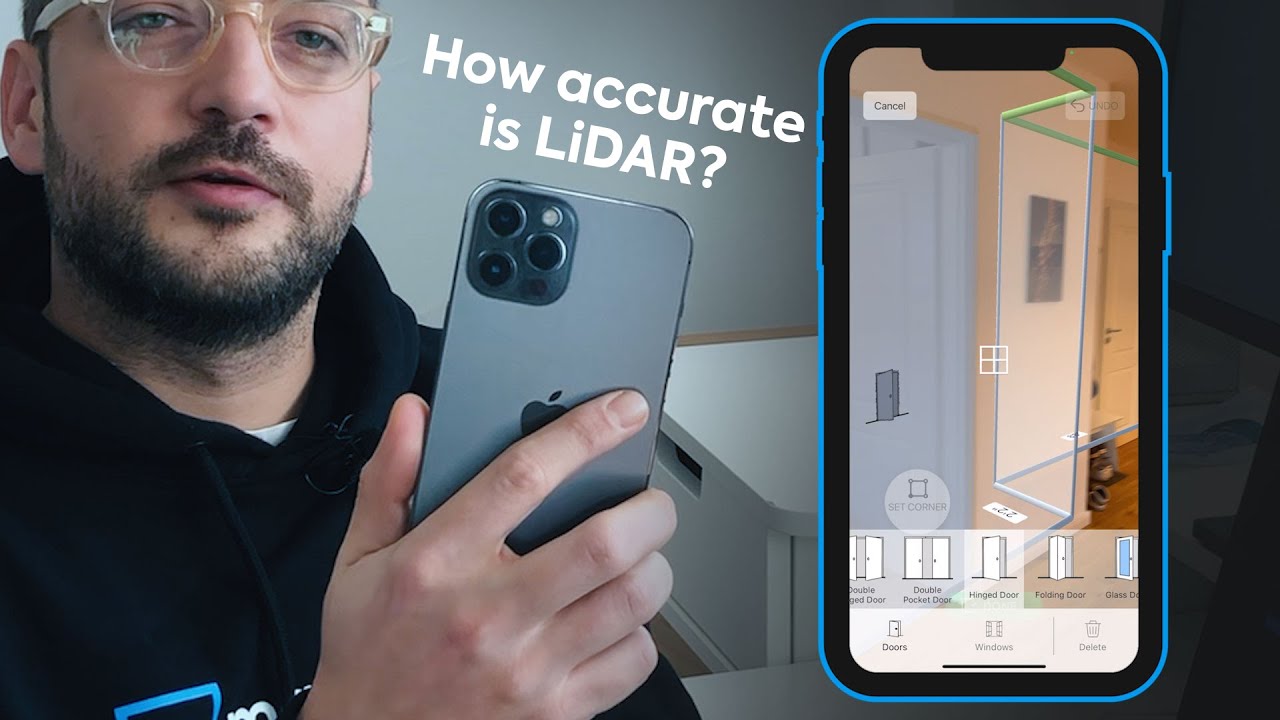
LiDAR сканирует полностью меблированную квартиру на iPhone 12 Pro (менее чем за 7 минут)

LiDAR сканирует полностью меблированную квартиру на iPhone 12 Pro (менее чем за 7 минут)

Как объединить изображения с дронов с данными наземного лазерного сканирования в RealityCapture.

Как объединить изображения с дронов с данными наземного лазерного сканирования в RealityCapture.

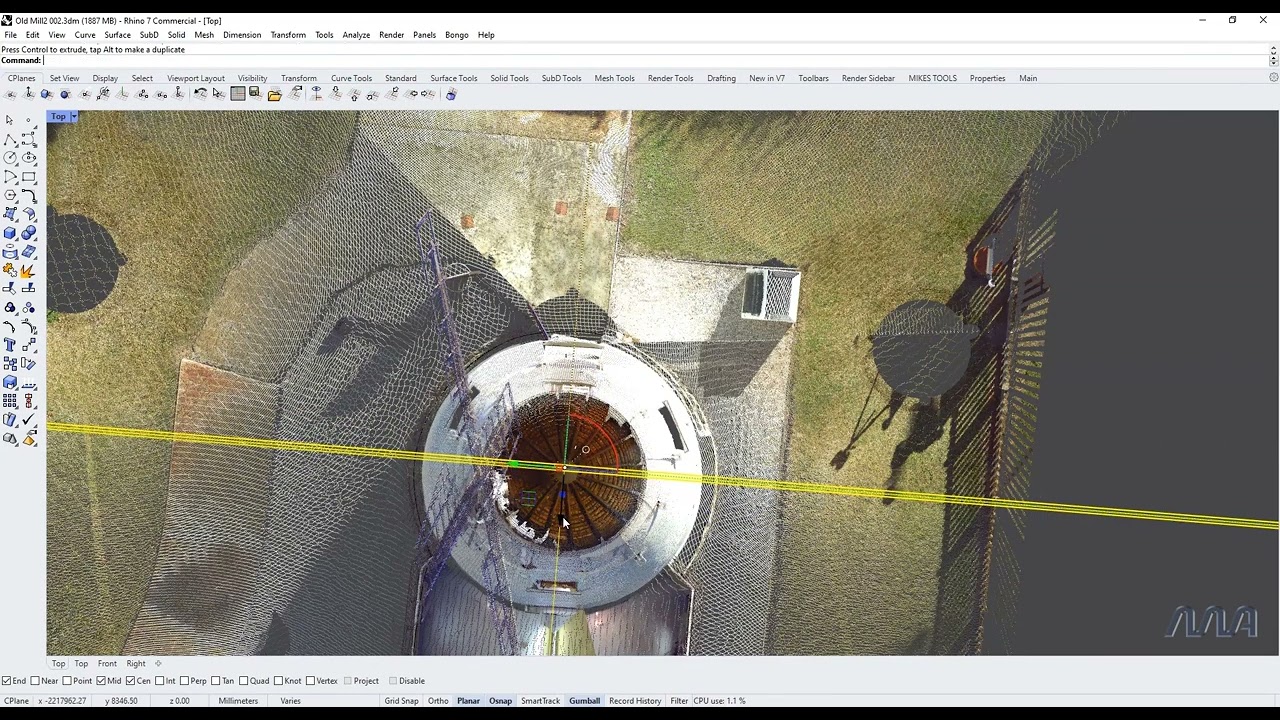
Rhino 3D Modeling From Pointclouds Mike Annear WEB

Rhino 3D Modeling From Pointclouds Mike Annear WEB

From Point Cloud to Documentation

From Point Cloud to Documentation

Scan To BIM in Autodesk Revit - Point Cloud Cropping, Visibility and View Range

Scan To BIM in Autodesk Revit - Point Cloud Cropping, Visibility and View Range

Working With Pointclouds in Revit

Working With Pointclouds in Revit

How Does LiDAR Remote Sensing Work? Light Detection and Ranging

How Does LiDAR Remote Sensing Work? Light Detection and Ranging

Объяснение аэрофотограмметрии: создание 3D-моделей с помощью фотографий, сделанных с дронов

Объяснение аэрофотограмметрии: создание 3D-моделей с помощью фотографий, сделанных с дронов

What is Scan to BIM?

What is Scan to BIM?

Autodesk Recap Pro | Полный обзор

Autodesk Recap Pro | Полный обзор

We're All Addicted To Claude Code

We're All Addicted To Claude Code

Laser Scanning for As-Built Drawings

Laser Scanning for As-Built Drawings

CloudCompare Tutorial 01 - Opening files and basic navigation

CloudCompare Tutorial 01 - Opening files and basic navigation

Intro to Scanning with BLK2GO

Intro to Scanning with BLK2GO

Creating ROOM MODELS from Phone Lidar Scans! (New App Update!)

Creating ROOM MODELS from Phone Lidar Scans! (New App Update!)

4AutoCAD Plugin: 06 Line Tools WCS for Sections

4AutoCAD Plugin: 06 Line Tools WCS for Sections

How to Quickly Align and Merge Two Point Clouds in CloudCompare

How to Quickly Align and Merge Two Point Clouds in CloudCompare

Начало работы с ReCap | Виртуальная академия Autodesk

Начало работы с ReCap | Виртуальная академия Autodesk

Скульптура — 3D-сканирование с помощью дрона DJI Mavic 2 Pro, автор Гжегож Баран

Скульптура — 3D-сканирование с помощью дрона DJI Mavic 2 Pro, автор Гжегож Баран

© 2025 ycliper. Все права защищены.


  • Контакты
  • О нас
  • Политика конфиденциальности


Контакты для правообладателей: [email protected]