Unlock Perfect Precision: Set Your BitSetter Location on Shapeoko Like a Pro!
Автор: Hilltop Sierra
Загружено: 2024-08-13
Просмотров: 3293
Описание:
In this detailed tutorial, I'll guide you through the exact steps to set the location of your BitSetter on a Shapeoko CNC router for flawless precision in your projects. Getting your BitSetter set up correctly is crucial for ensuring that your CNC machine operates at its best, giving you accurate tool changes and preventing costly mistakes.
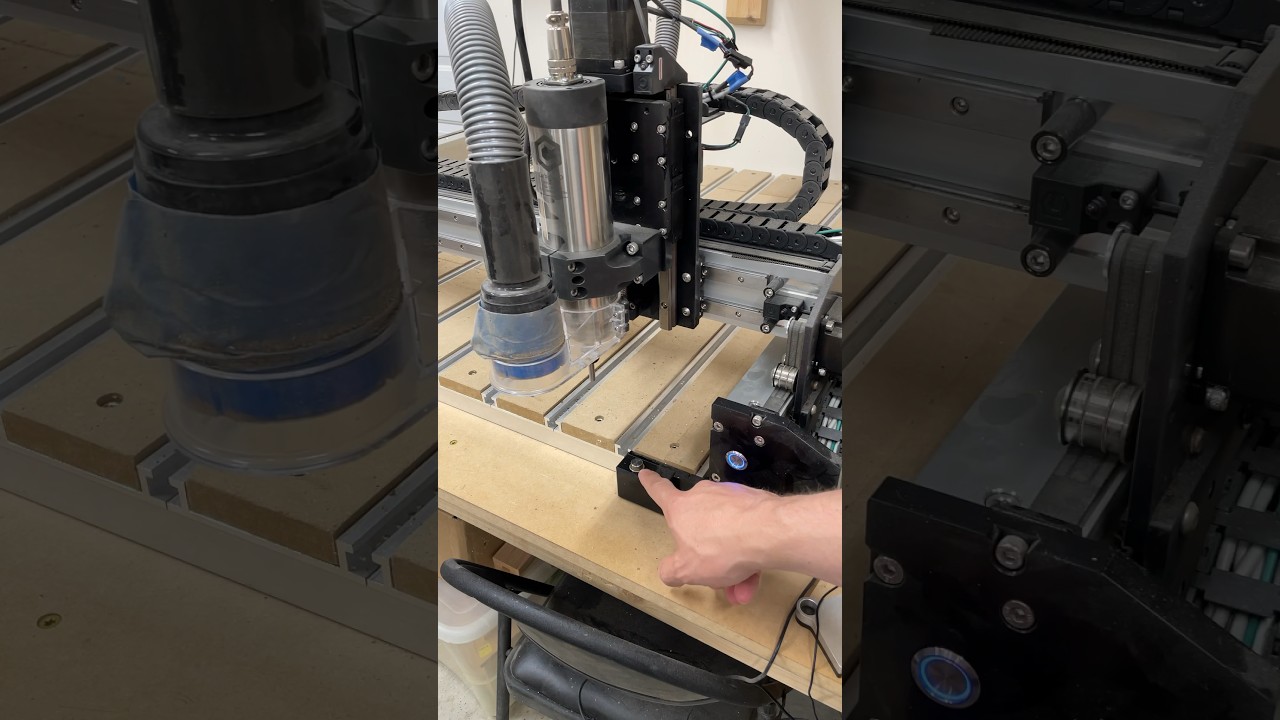
First, we’ll start by jogging your router over to the precise location of your BitSetter. This is a critical step to make sure your machine knows exactly where to find the BitSetter every time. Once you’ve carefully positioned your router, we’ll move into Carbide Create, where the magic happens.
Inside Carbide Create, you’ll navigate to the settings menu, where you’ll find a dedicated dialog box for the BitSetter. This feature makes it easy to dial in the perfect location for your BitSetter. I’ll walk you through clicking on the 'Set Location' button, and just like that, you’re all set up!
By following these steps, you'll ensure that your BitSetter is perfectly aligned, enhancing your CNC router's accuracy and efficiency. Whether you’re new to CNC routing or a seasoned pro, this quick and easy guide will help you get the most out of your Shapeoko.
Be sure to watch the full video for all the tips and tricks I share along the way, and don’t forget to like, comment, and subscribe for more CNC content!
Повторяем попытку...
Доступные форматы для скачивания:
Скачать видео
-
Информация по загрузке:



![How to Use gSender for CNC | Full Beginner Setup & Control Tutorial [latest version]](https://image.4k-video.ru/id-video/xF3AE03t6jI)
