HLL3290CDW – Connect to a mobile device
Автор: Brother Office USA
Загружено: 2018-08-23
Просмотров: 5417
Описание:
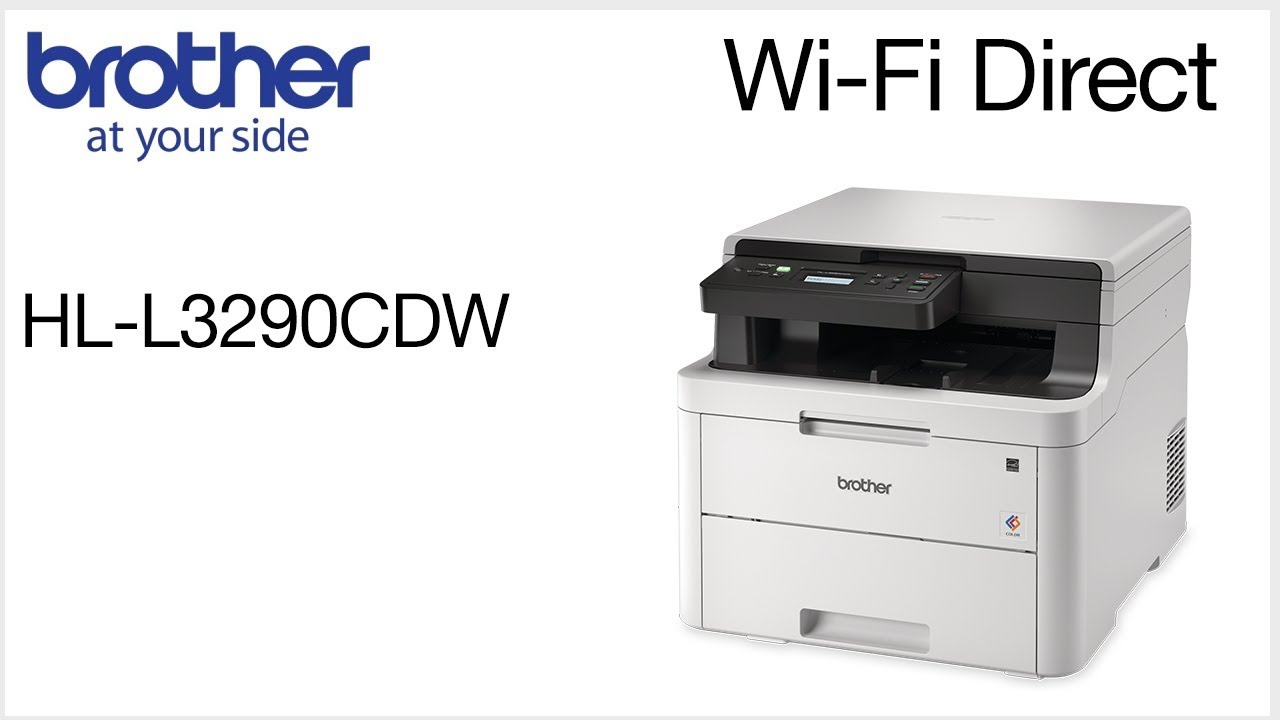
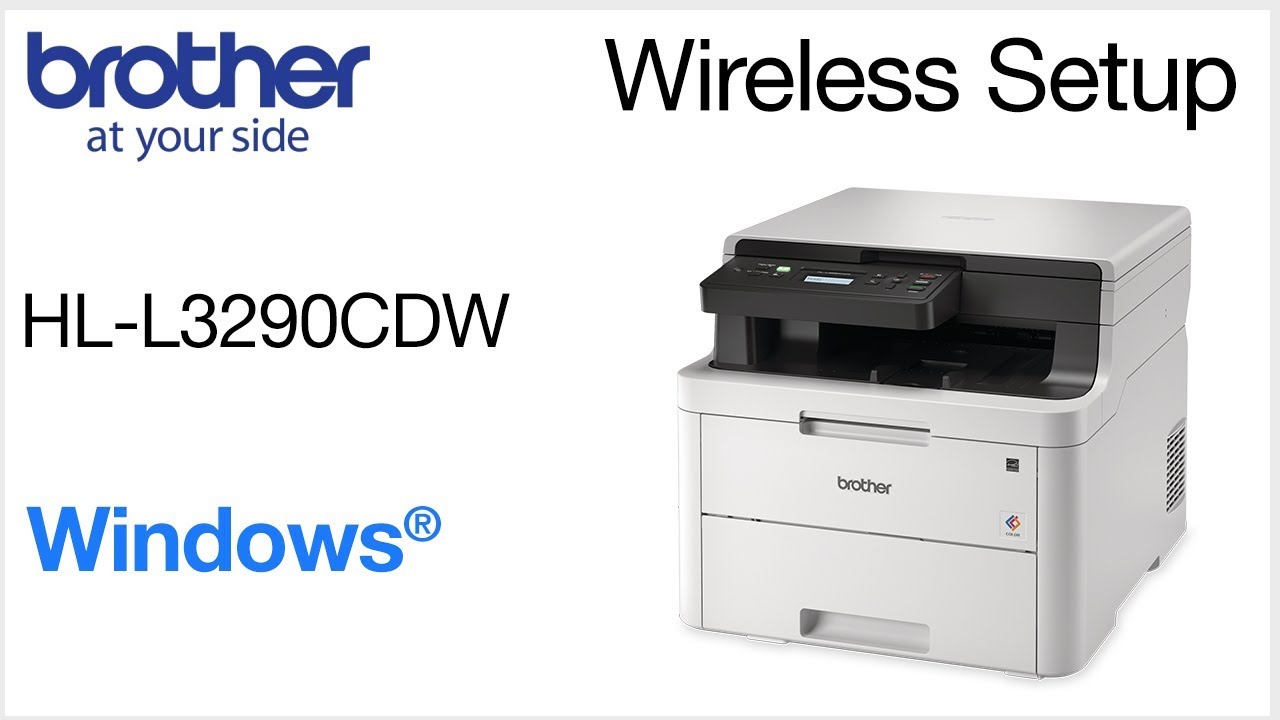
Learn how to connect your Brother HL-L3290CDW color laser printer to a cellular phone, tablet, or other mobile device on a wireless network in this tutorial.
Models covered:
Brother HLL3290CDW
For more videos, tutorials, and FAQs visit our support site at: http://www.brother-usa.com/support
Quick Links / Table of Contents:
Models Covered 00:09
Required Information 00:19
Custom SSID and Network Key 00:47
Downloading iPrint&Scan 1:01
Configuring your Brother machine 1:15
Adding mobile device to the network 2:50
Transcript:
Welcome. Today we're going to connect your Brother HL-L3290CDW to mobile device on a wireless network.
This video may cover multiple models and operating systems even though your machine may not match the model on the screen the overall process will be the same.
You will need to gather some information about your wireless network in order to connect your machine. You will need to know the SSID or Network Name of your router or access point …and you will need to know your Network Key or password. The default settings for your router or access point can be found on the equipment label. If your SSID or Network Key contain both uppercase and lowercase letters be sure to record them as both of these credentials are case sensitive.
If you have setup up a custom SSID and Network Password and cannot recall this information, please contact your router manufacturer. Setup cannot be accomplished without this information.
After the connection process is finished, you will need to go to either the App Store or Play Store and download the Brother iPrint&Scan application in order to print and access other features of your machine from your mobile device.
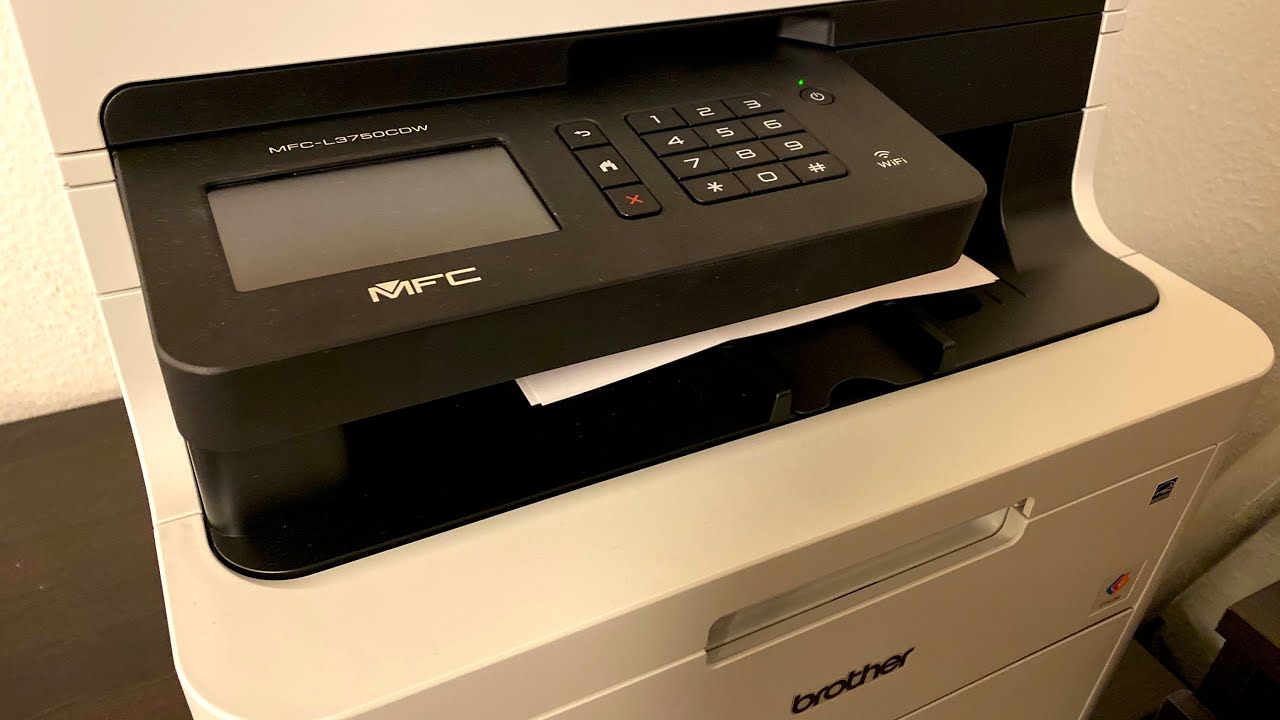
To begin, press the menu key on the control panel.
Press the down arrow on the control panel repeatedly until the “Network” option is displayed. Then press “OK.”
Arrow down again until “WLAN” appears on the LCD window. Then press “OK
Arrow down until “Setup Wizard” appears then press “OK”
Use the up and down arrows to select your SSID or Network Name and press “OK” Please note that if your network is set to hide the network name you will have to manually add your network name.
Enter your Network Key, using the up and down arrows. Repeated presses on the keys will cycle through the available characters.
Confirm that your Network Key is correct and press “OK”
When prompted to apply settings, press the up arrow
Once “Connected” appears on the LCD, press “OK”
If your mobile device is not already connected to your wireless network, check for available connections. Select your SSID or Network Name from the list.
When prompted, enter the Network Key into your device.
Your installation in now complete.
Be sure to download the iPrint&Scan application in order to use your printer from the mobile device
For more Tutorials, FAQ's and Videos, visit us at www.brother-usa.com
Thank you for choosing Brother
Customers also searched:
Brother HL L3290CDW mobile wireless
An official Brother printer support resource
Повторяем попытку...

Доступные форматы для скачивания:
Скачать видео
-
Информация по загрузке: