How To Make Guild Wars Look Amazing | ReShade Presets + Tweaks
Автор: Paravant
Загружено: 2020-05-11
Просмотров: 9193
Описание:
-- Please read the description for further details. --
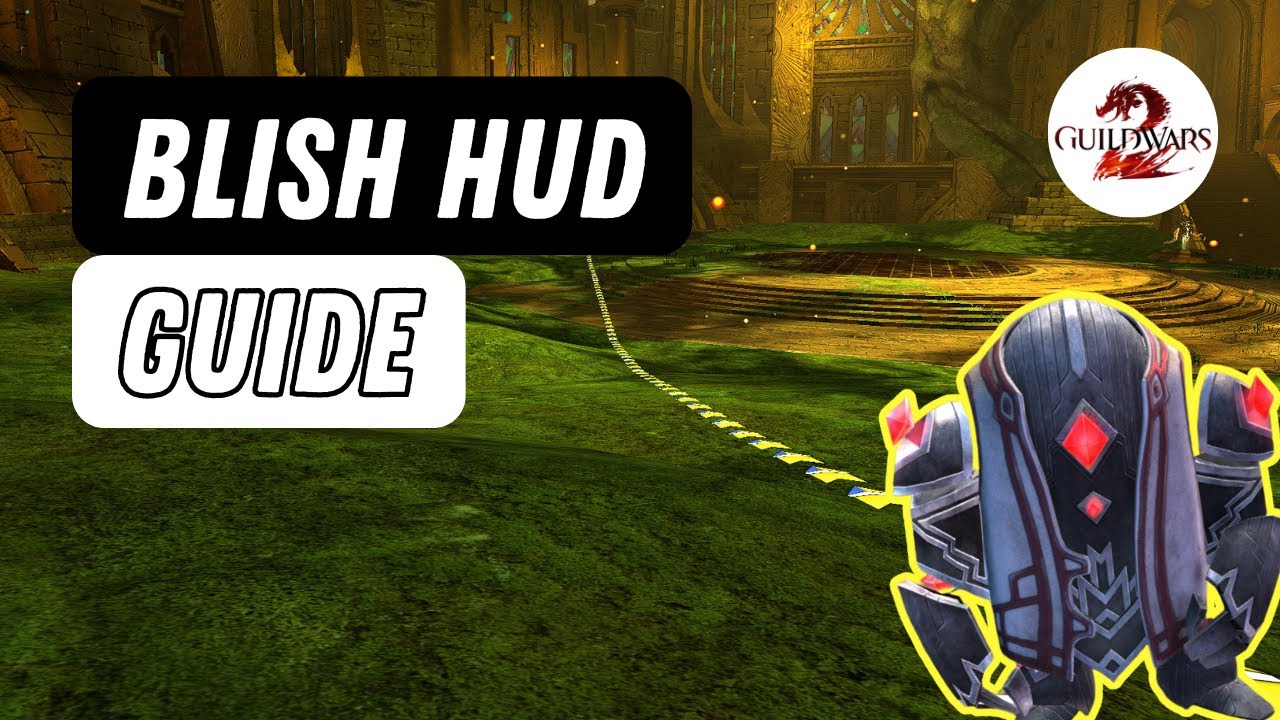
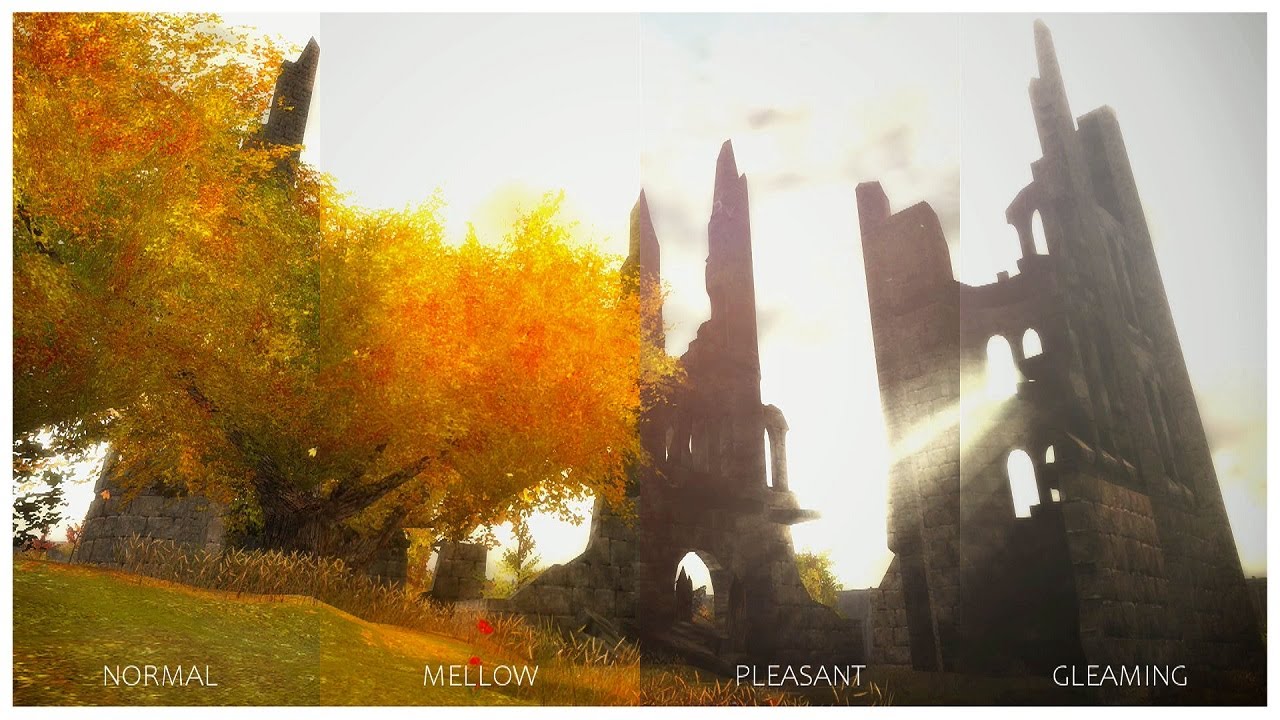
Guild Wars has seen a surge of players these past few weeks, and I thought it'd be worth looking into ways to enhance the game's visuals to make up for its age. I'm quite satisfied with the results, and you can see the comparisons yourself around 1:22 in the video.
Instructions Type A:
Download the files from https://shorturl.at/AbqBQ and simply drop everything in the game's folder. Hopefully it should load just fine in-game.
If that doesn't work, please follow the Instructions Type B:
Head to https://reshade.me/ and download the program;
Install and select "Gw.exe" and make sure it's set to DirectX 9;
Select ALL of the presets, including old legacy ones (you might have to check some yourself);
Download the presets from https://shorturl.at/AbqBQ and put them into the game's main folder;
Press "HOME" when in-game, follow the tutorial and use the arrows to try out the different presets;
That should be all. You are more than welcome to change and tweak the existing features to better suit your needs. If you have any questions, feel free to comment down below. Happy questing!
A beginner's guide: https://wiki.guildwars.com/wiki/Guide...
My thanks to Deansdelp for providing his voice for this video!
▬ Chapters ▬▬▬▬▬▬▬▬▬▬
0:00 - Introduction
1:23 - Comparison
8:08 - Ending
⟳
#GuildWars
#GW1
#ReShade
Повторяем попытку...
Доступные форматы для скачивания:
Скачать видео
-
Информация по загрузке:





![Massive Attack • Portishead • Thievery Corporation- Special Coffeeshop Selection [Seven Beats Music]](https://imager.clipsaver.ru/YPJD1hF2kIY/max.jpg)