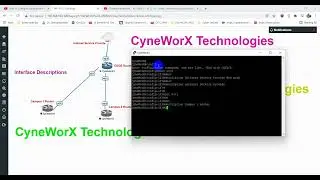
CyneWorX: How to change the hostname for a Cisco device
Автор: CyneworX Technologies
Загружено: 2022-01-19
Просмотров: 375
Описание:
Q: Can I change my CISCO Switch/Router name?
Ans:: Yes, I am going to show you how to change the name for a CISCO switch, router and firewalls.
1. Enter global configuration mode:
configure terminal
Router# configure terminal
Router(config)#
2. Rename the switch: Switch name = Switch_3rdFloor
The CLI prompt changes to reflect the new name:
Router(config)# hostname Switch_3rdFloor
Switch_3rdFloor(config)#
3. Exit configuration mode:
Exit
4. Copy the current running configuration to the startup configuration file:
copy running-config startup-config
Thanks for watching. Dont forget to subscribe to my channel.
Anis
Повторяем попытку...

Доступные форматы для скачивания:
Скачать видео
-
Информация по загрузке: