JS Session 2: GETTING STARTED WITH JAVASCRIPT FUNDAMENTALS
Автор: Job Ready CoderZ
Загружено: 2026-01-29
Просмотров: 40
Описание:
JAVASCRIPT SESSION 2: VARIABLES, DATA TYPES, AND THE ALERT FUNCTION
Welcome to the second session of our JavaScript series! In the previous session, we discussed the role of JavaScript in web development. Today, we’re getting hands-on. In this video, we explore how JavaScript adds behavior to a website using practical examples and simple logic.
WHAT’S COVERED IN THIS VIDEO:
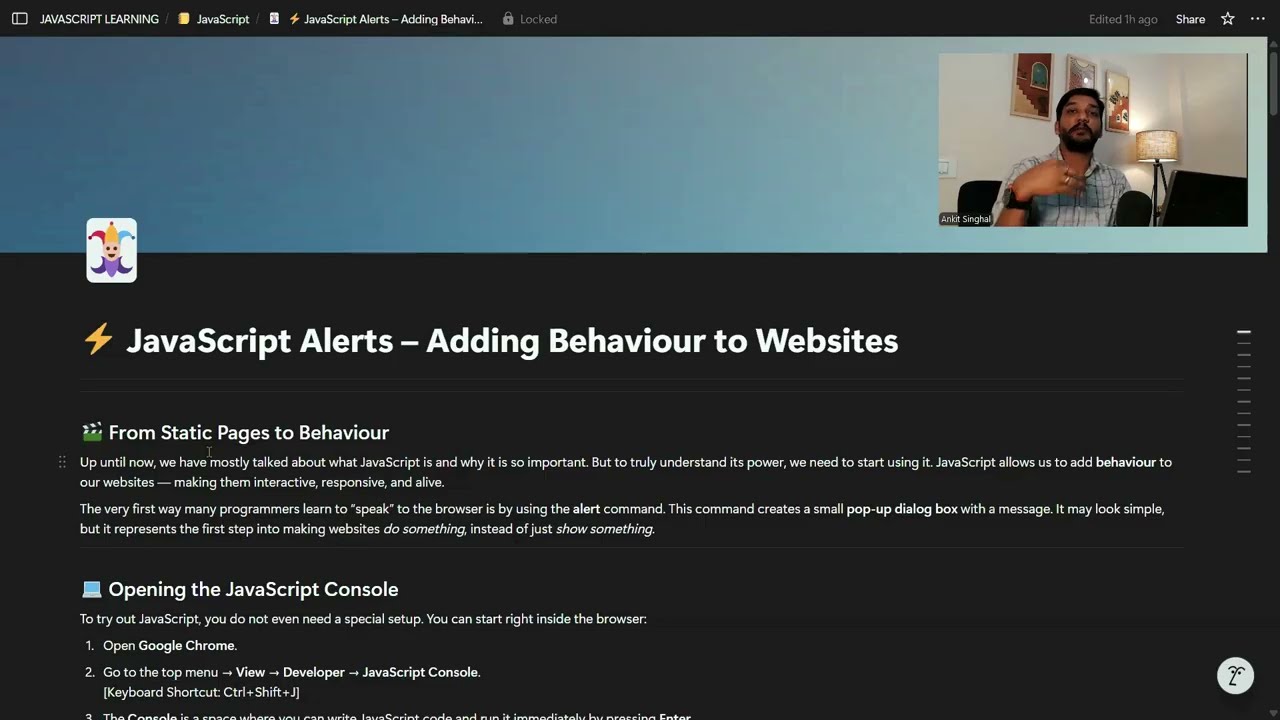
BROWSER CONSOLE & DEVTOOLS: Learn how to open the console using Ctrl + Shift + J and run your first line of code directly on any website (like Google.com).
THE ALERT FUNCTION: How to use alert() to display pop-up messages and understand how the browser acknowledges these instructions.
USING SNIPPETS IN SOURCES: A great tip for beginners! Learn how to use the "Sources" tab to write and save multiple lines of code without needing a code editor like VS Code initially.
DATA TYPES SIMPLIFIED:
Strings: Working with text using quotes.
Numbers: Performing mathematical operations.
Booleans: Understanding True and False values.
TYPEOF OPERATOR: Learn how to ask the browser to identify the data type of any value.
INTRODUCTION TO VARIABLES: Understand why we use variables as "labeled storage boxes" for our data using the var keyword.
USER INPUT (PROMPT): How to use the prompt() function to collect information from a user and store it.
CODING CHALLENGE (SWAPPING VALUES): A classic logic exercise! See how to switch values between two variables using a "Temporary Variable" approach.
NAMING RULES: What is Camel Case? Learn the industry standards for naming your variables so your code stays clean and professional.
KEY TAKEAWAY:
This video is designed to build your foundation. By the end, you’ll understand how the "brain" of the browser interprets different types of data and how you can manipulate that data to create interactive experiences.
---
NEXT SESSION: We will dive deeper into String manipulation and more complex data handling.
If you found this helpful, please Like, Share, and Subscribe for more simplified technical training!
Повторяем попытку...
Доступные форматы для скачивания:
Скачать видео
-
Информация по загрузке: