How to Login Grubhub Driver App !
Автор: Saral Guide
Загружено: 2024-12-19
Просмотров: 846
Описание:
Logging into the GrubHub Driver application is a straightforward process that allows delivery drivers to access their accounts and begin managing deliveries. Whether you’re a new user or returning to your account, the steps outlined here will help you log in seamlessly.
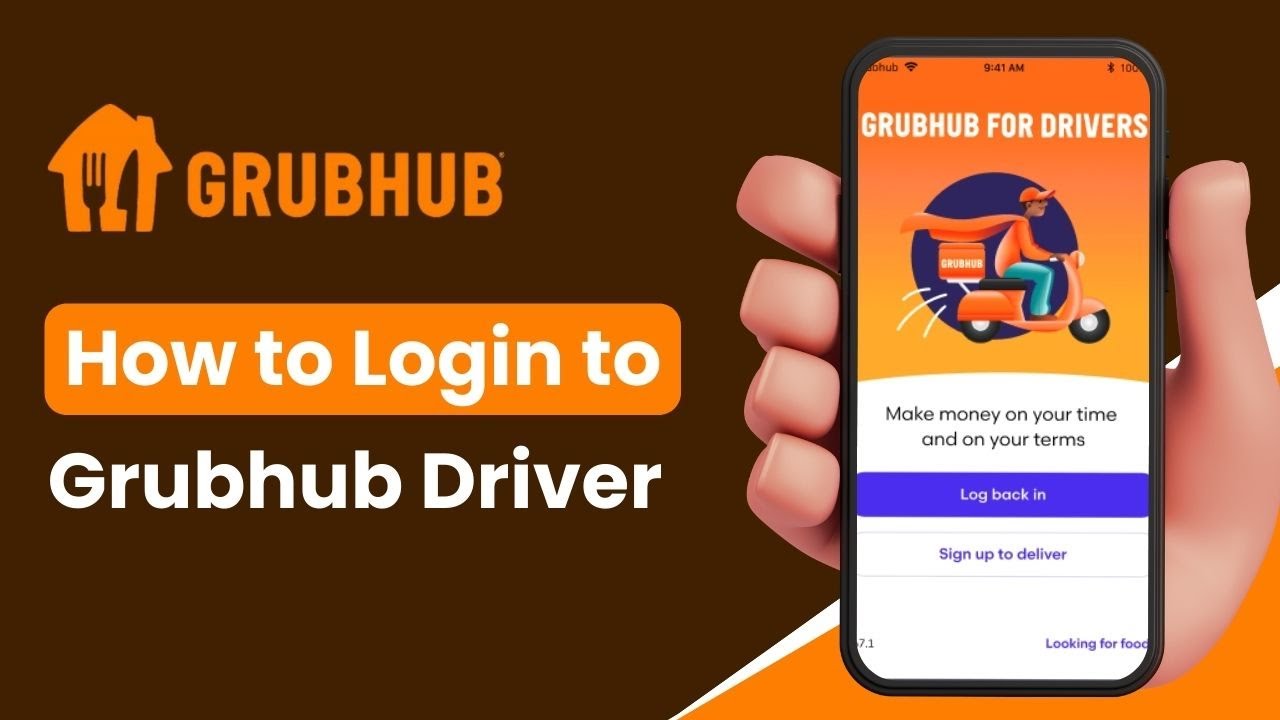
To get started, ensure you’ve downloaded the GrubHub Driver app from the Google Play Store or Apple App Store. Launch the app, and you’ll see options such as "Log Back In" or "Sign Up to Deliver." If you haven’t signed up as a driver yet, select the "Sign Up to Deliver" option and follow the prompts to create an account. If you already have an account, tap on "Log Back In."
On the login screen, enter the email address associated with your GrubHub Driver account. Next, type in your password in the designated field. If you’re unsure of the password you’re typing, tap on the eye icon next to the password field to reveal the characters and confirm they are correct. Once you’ve entered your credentials, tap on the "Login" button to access your account.
If your login attempt fails, double-check your email and password for errors. If you’ve forgotten your password, tap on the "Need a New Password" option at the bottom of the login screen. Enter the email address linked to your driver account and tap "Submit." GrubHub will send a password reset link to your email. Open the email, click on the reset link, and follow the prompts to create a new password. Return to the app and log in using your updated credentials.
By following these steps, you’ll be able to log in and start using the GrubHub Driver app without any issues. If you encounter further problems, ensure your app is updated and your internet connection is stable.
Timestamps:
0:00 Introduction
0:04 Launching the GrubHub Driver App
0:07 Choosing Between Log Back In or Sign Up
0:16 Entering Login Credentials
0:38 Resetting a Forgotten Password
0:58 Completing the Login Process
1:04 Conclusion
Hashtags:
#GrubHubDriver #LoginHelp #DeliveryApp #TechTips #GrubHubSupport #DriverApp #AppLogin #ForgotPassword #MobileAppGuide #GrubHubDasher
DISCLAIMER: This Channel "Saral Guide" is not the official support of the content provided & Does Not Promote Any illegal content, all contents provided by This Channel are meant for EDUCATIONAL purposes only. The Channel doesn't own any logos or websites displayed on videos and thumbnails.
Повторяем попытку...
Доступные форматы для скачивания:
Скачать видео
-
Информация по загрузке: