Search Tips & Tricks
Автор: ParcelQuestData
Загружено: 2012-10-16
Просмотров: 220
Описание:
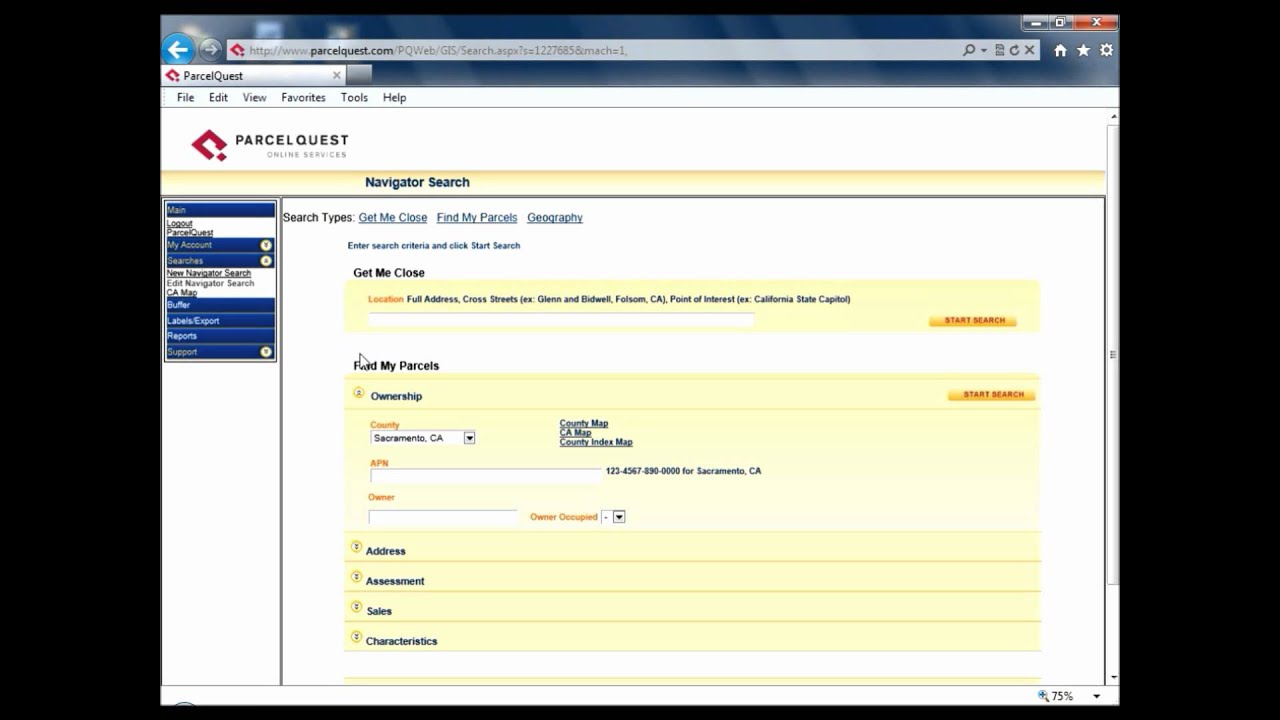
In this video tutorial, we will dig deeper into the Find My Parcels search and look at several ways you can customize your search to find exactly what you need. We will also go over how to search by parcel number for a few unique counties.
First, let's look at how to search by a range of values. The format is a starting value, followed by two periods (..), then an ending value. For example, let's say we want to find properties that had a selling price of $300,000 to $600,000.
Next, let's add to our search a greater than/less than operator. Let's search for
properties with less than three bedrooms.
Finally, we'll search for multiple entries in the same field by separating them with a
comma. In this search, let's narrow down our search area to two specific zip codes in
Sacramento County (95621, 95662).
Now we can start the search and verify that our criteria are getting results.
One other search trick that I want to point out is the option for a full text search.
Normally, when you search for a text string such as an owner or street name, the results
that come up show every possible occurrence of that entry. For example, if you search
for a last name of Wood, you will get results with the name Wood as well as
Woodward, Woodruff, Woodson, and so on.
If, on the other hand, you want to find only those properties with a last name of Wood,
you simply add a quotation mark to the end of the name. Now your results will be limited
to just those that display that exact text somewhere in the owner name.
For the second part of today's tutorial, I want to go over searching by parcel number for a few counties that are a little bit quirky.
Starting at the top of the list, let's check out Alameda County. As you can see in the
APN format, the fourth digit can sometimes be a letter, such as in parcel 078G-2718-
010. On the other hand, if you have a parcel that does not have a letter in the fourth
position, you need to leave a space when you enter the APN. For example, here is how
you would enter a search for a parcel that does not include a letter character (427-
0065-118).
The other tricky county that follows this similar format is San Francisco. The only
difference here is that the letter character shows up in the fifth position in the APN. So if
your parcel number does not include a letter here, leave a space like we did with
Alameda. An example parcel number would be 0059 -061.
The final county that I want to briefly mention is Ventura. I say briefly because as you
will notice, when you switch to this county, we already have a message in place that
directs you how to search for parcel numbers. Basically, just take the fourth digit in the
APN and move it to the end.
So now that you have some handy tips and tricks for specific parcel searches, I hope these will help you find just what you're looking for in a quick, easy manner. Thanks for watching!
Повторяем попытку...
Доступные форматы для скачивания:
Скачать видео
-
Информация по загрузке: