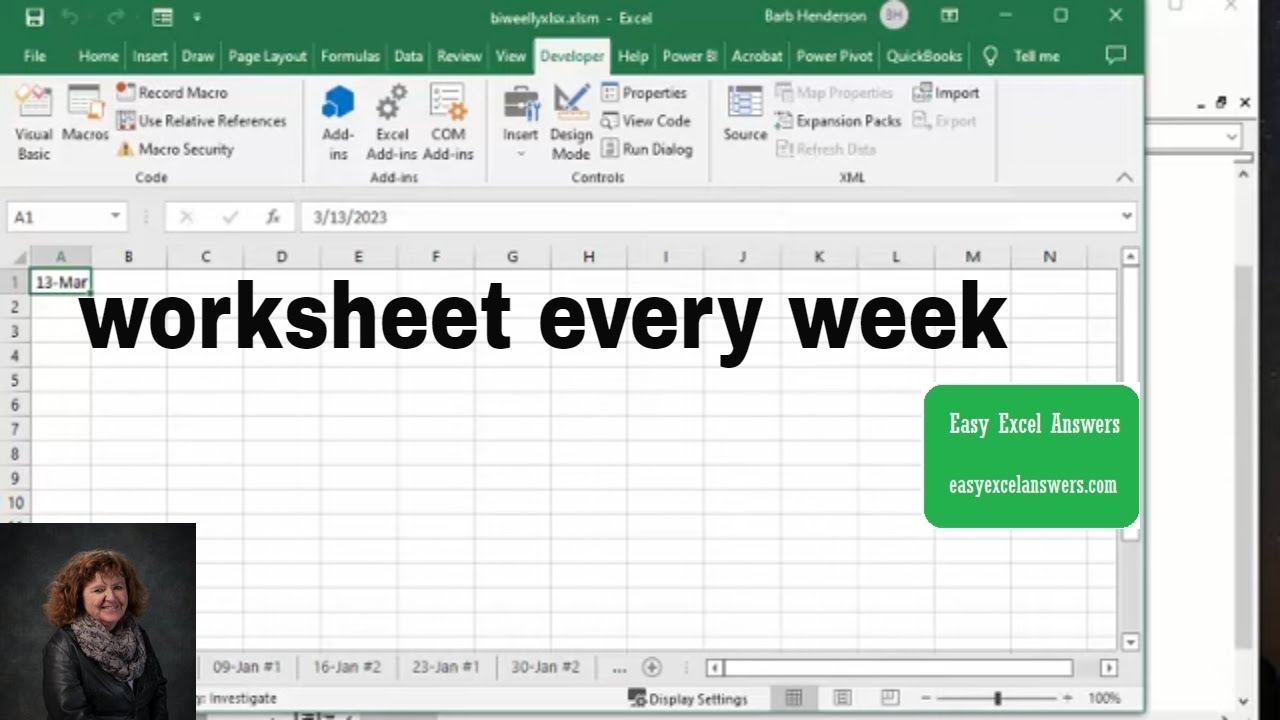
Create a new worksheet for every week in Excel
Автор: Barb Henderson
Загружено: 2022-12-04
Просмотров: 21547
Описание:
Create a new worksheet for every week in Excel. Create a new tab the number of days spaced that you specify. Free templates and templates with code are available for purchase for $50 USD
https://www.easyexcelanswers.com/temp...
For more help visit my website www.easyexcelanswers.com or email me at [email protected].
Contact me regarding customizing this template for your needs.
Click for online Excel Consulting http://www.calendly.com/easyexcelanswers
I am able to provide online help on your computer at a reasonable rate.
https://www.amazon.com/shop/barbhende...
I use a Blue condenser Microphone to record my videos, here is the link
https://amzn.to/37gyyGa
Check out Crowdcast for creating your webinars
https://app.linkmink.com/a/crowdcast/83
I use Tube Buddy to help promote my videos
Check them out
https://www.Tubebuddy.com/easyexcelan...
Follow me on Facebook
/ easyexcel.answers
TWEET THIS VIDEO • Create a new worksheet for every week in E...
Follow me on twitter
easyexcelanswers
IG @barbhendersonconsulting
You can help and generate a translation to you own language
http://www.youtube.com/timedtext_cs_p...
*this description may contain affiliate links. When you click them, I may receive a small commission at no extra cost to you. I only recommend products and services that I've used or have experience with.
templates with code are available for $50 USD
How to insert VBA code in Excel
• How to insert VBA code in Excel
code
Sub everyweek()
Dim nextdate As Date
Dim ndate As Date
Dim cnt As Long
Dim wknum As Long
Dim days As Integer
Dim sdate As Date
days = 7
Worksheets("Sheet1").Range("A1").Select
Worksheets("Sheet1").Range("A1").NumberFormat = ("dd-mmm-yyyy")
sdate = Worksheets("Sheet1").Range("A1").Value
Cells.EntireColumn.AutoFit
sdate = Worksheets("Sheet1").Range("A1").Value
nextdate = sdate + days
wknum = 1
cnt = 0
Do While cnt (less than)10
Sheets.Add After:=Sheets(Sheets.Count)
ActiveSheet.Range("A1").NumberFormat = ("dd-mmm")
ActiveSheet.Range("A1").Value = nextdate
Cells.EntireColumn.AutoFit
ActiveSheet.Name = Format(nextdate, "dd-mmm" & " " & "#" & wknum)
If wknum = 1 Then
wknum = 2
Else
wknum = 1
End If
nextdate = nextdate + days
cnt = cnt + 1
Loop
End Sub
Повторяем попытку...
Доступные форматы для скачивания:
Скачать видео
-
Информация по загрузке: