NetSuite Tutorial | How To Create a Dunning Procedure in NetSuite
Автор: Kolleno
Загружено: 2024-05-14
Просмотров: 528
Описание:
Want to improve your operational efficiency? Find out more about how NetSuite integrates with Kolleno here 👉 https://www.kolleno.com/ar-management...
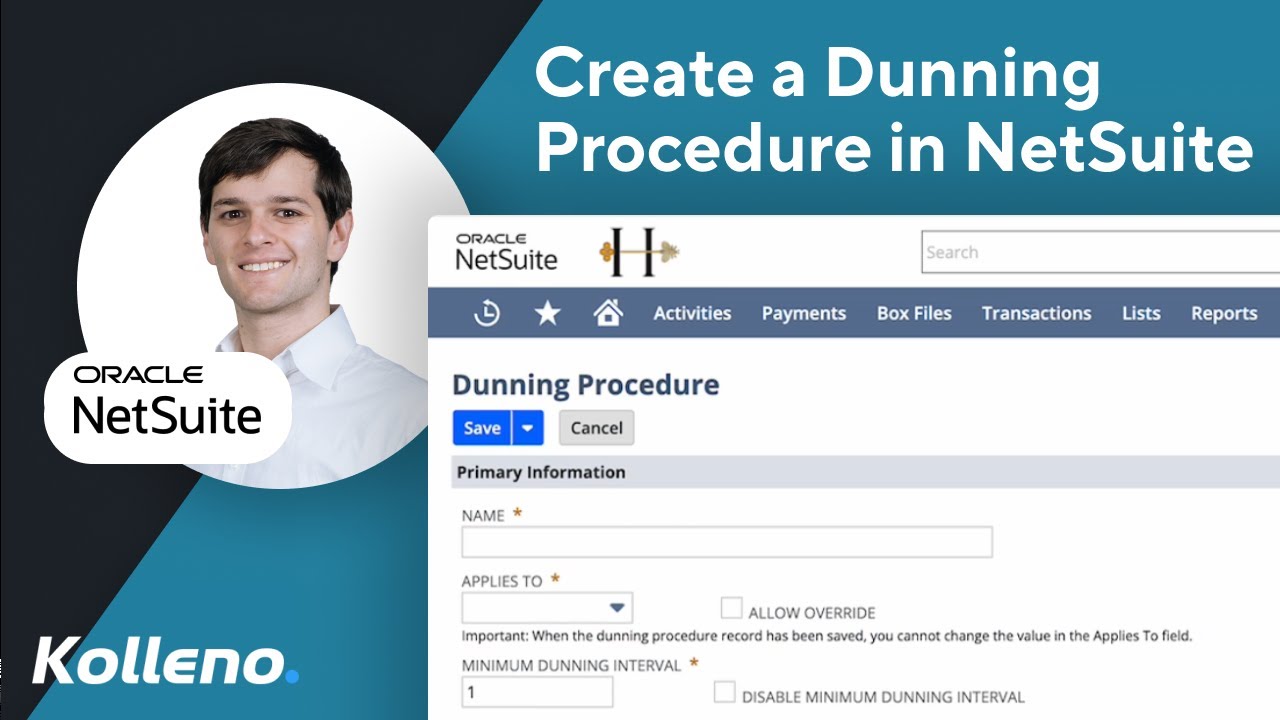
In this tutorial, I'll guide you through setting up dunning procedures in NetSuite, which automate how you handle overdue invoices. Dunning procedures determine when and how you send reminders or notices for overdue payments.
We navigate to 'Setup' - 'Dunning' - 'Dunning Procedures'. Note that dunning procedures can only be created or updated through the user interface, not via CSV imports or SuiteScripts.
We'll start by naming the procedure and adding a description—important for keeping track of multiple procedures. Next, choose whether the procedure applies to all invoices from a customer, specific invoices, or invoice groups. I'll select 'customer' for this example.
Set the dunning options, like sending schedule (automatic or manual) and minimum dunning interval, which is the minimum number of days between dunning letters. Assign a default dunning manager and, if you want, automatically apply the procedure to new records. Selecting criteria like subsidiary is mandatory, but I'll explain more advanced selection criteria in a future video.
To complete the dunning procedure, add dunning levels and select a template. Once you've set everything up, remember to prioritize your dunning procedures to avoid conflicts when multiple could apply.
This is done in the settings where you arrange them in the desired order.
Leave a comment with other NetSuite topics you want covered in future videos 💬
Watch more NetSuite Tutorials 👉 https://www.kolleno.com/netsuite-trai...
#NetSuiteTutorial #NetSuite #Accounting #FinOps
Повторяем попытку...
Доступные форматы для скачивания:
Скачать видео
-
Информация по загрузке: