How to Add Custom Watch Face on T800 Ultra Smartwatch | Hiwatch PRO Guide
Автор: J-Tech
Загружено: 2025-08-23
Просмотров: 2571
Описание:
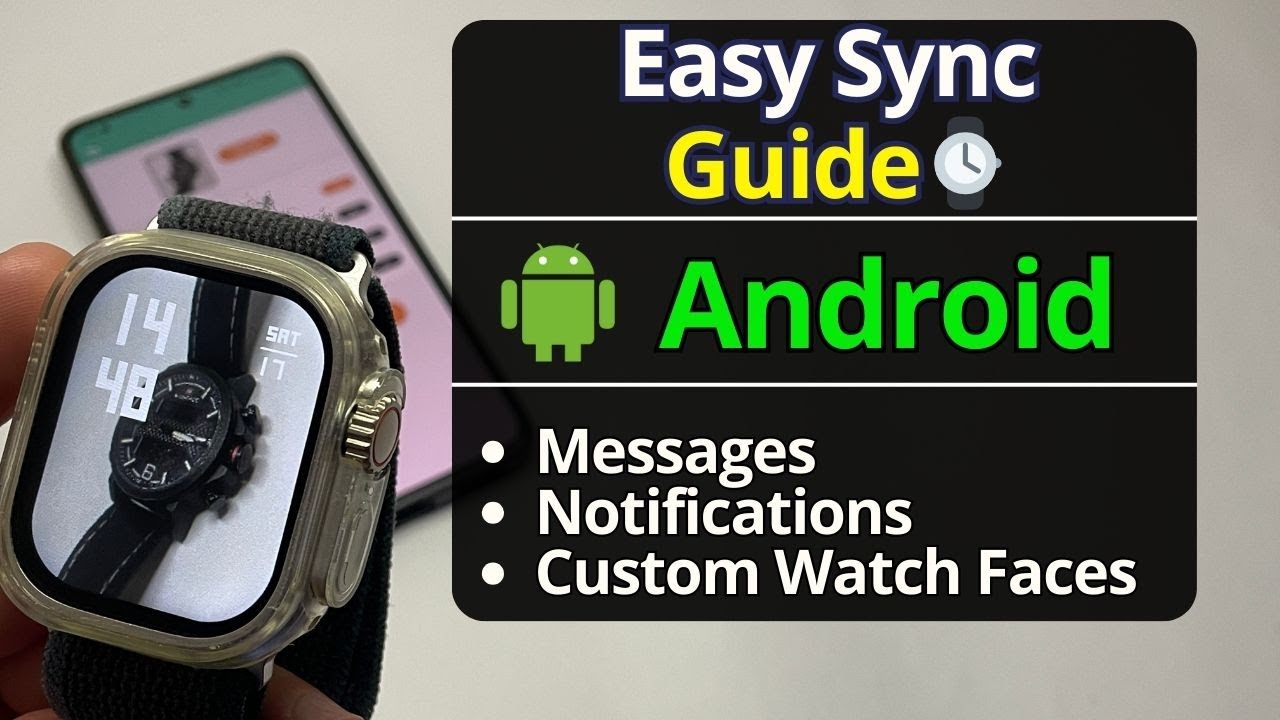
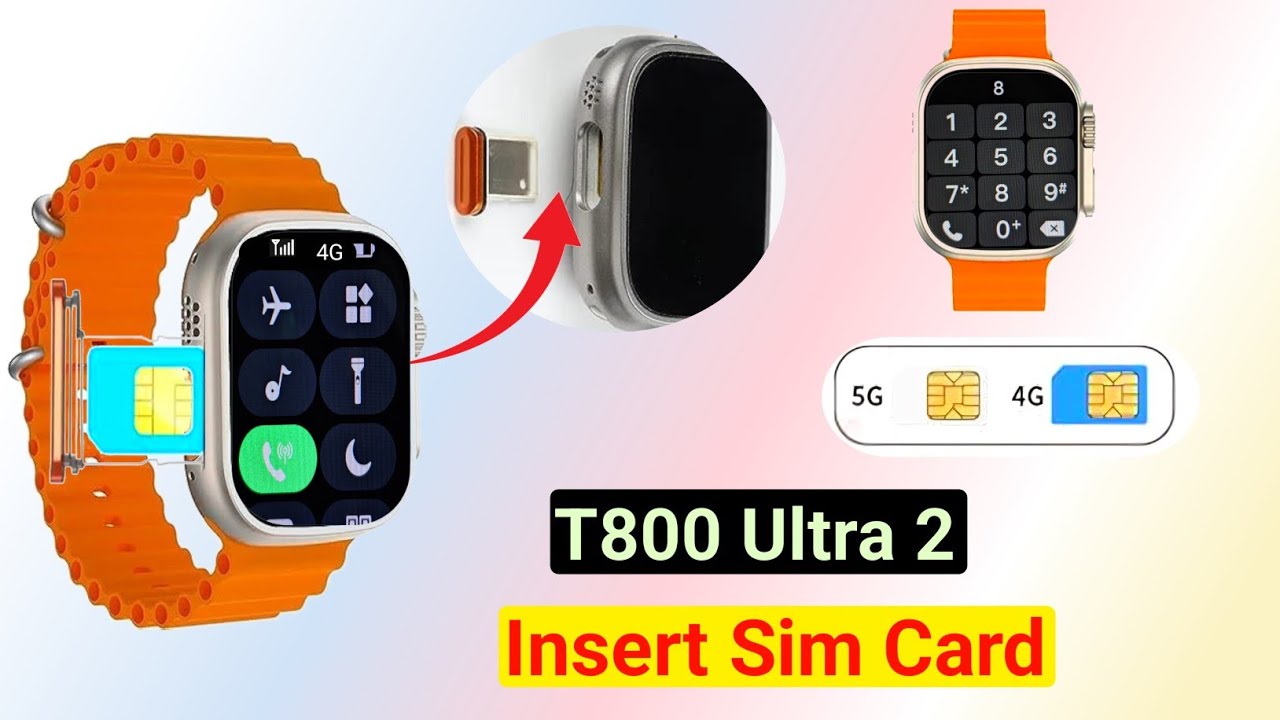
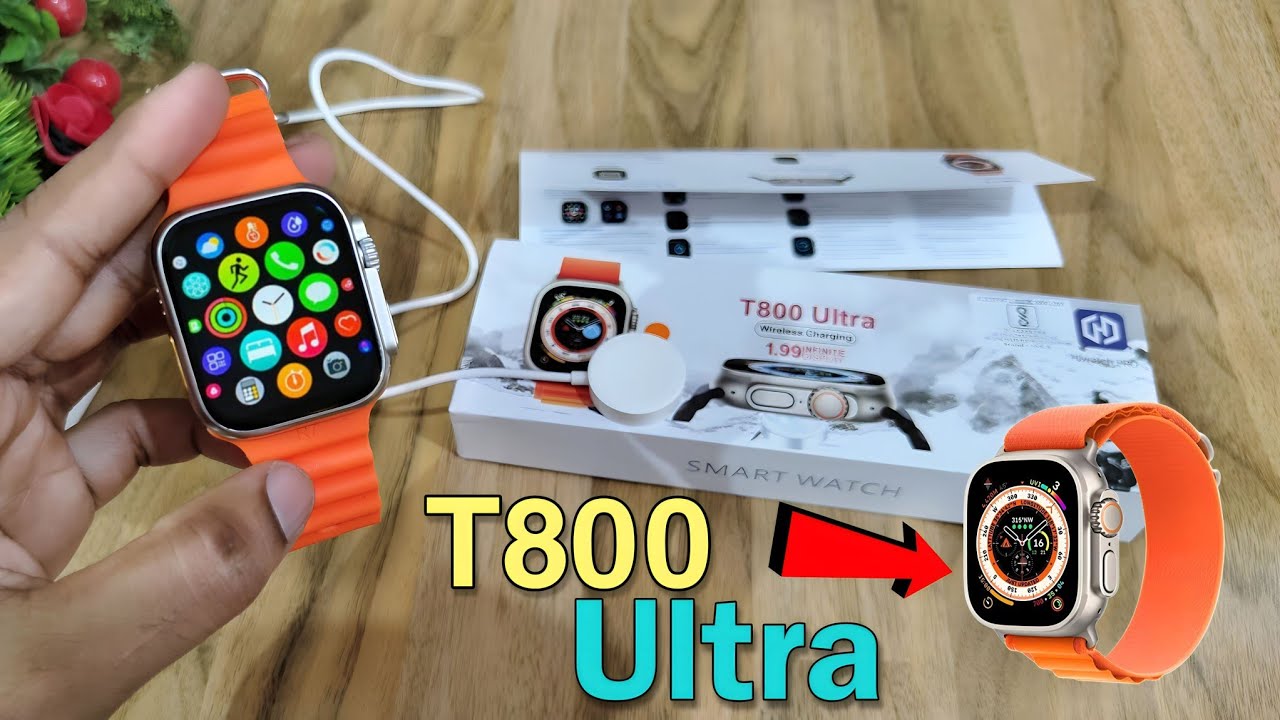
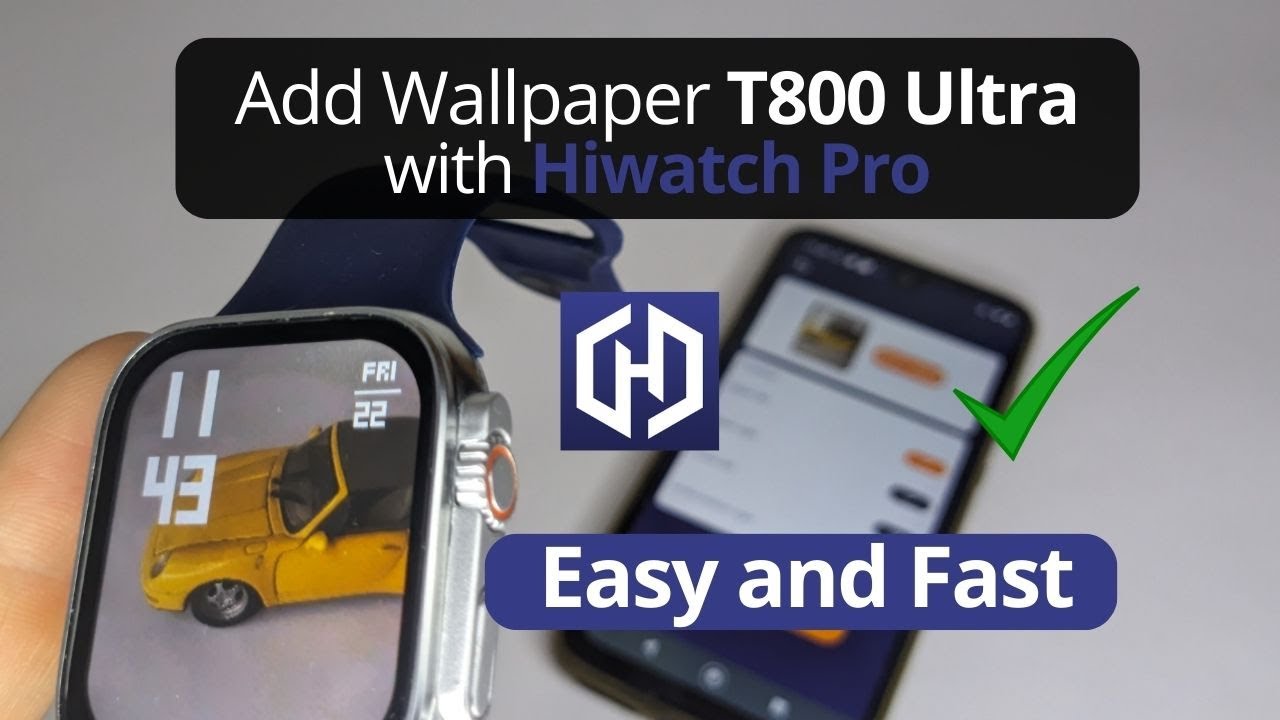
In this tutorial, I’ll show you step by step how to *add a custom watch face (wallpaper) to the T800 Ultra Smartwatch* using the Hiwatch PRO app.
What you’ll learn:
✔ How to connect the T800 Ultra to your phone via Bluetooth
✔ How to enable Hiwatch PRO app permissions (Location & Storage)
✔ How to use Dial Settings → Custom Dial → Select Image → Install
✔ How to set your own photo as a smartwatch wallpaper
⚡ IMPORTANT: Make sure your T800 Ultra is fully charged before installing the custom wallpaper, as the transfer can take up to 2 minutes.
This method works on T800 Ultra and other similar Chinese smartwatches using Hiwatch PRO (e.g., HW8, IWO, Series 8 clones).
If this video helped you, don’t forget to *Like 👍, Comment 💬, and Subscribe 🔔* for more smartwatch tutorials.
#T800Ultra #smartwatch #watchface #HiwatchPRO #smartwatchwallpaper
Повторяем попытку...
Доступные форматы для скачивания:
Скачать видео
-
Информация по загрузке: