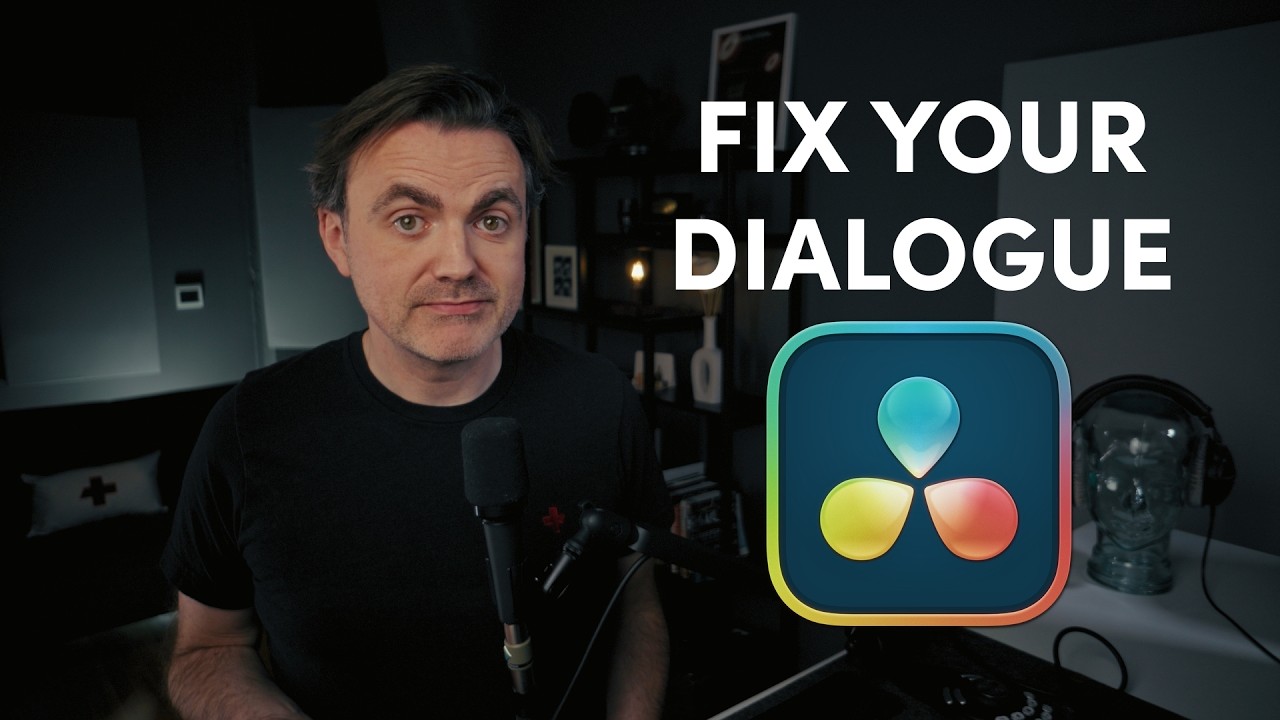
DON'T Skip This Step for Pro Sounding Dialogue - DaVinci Resolve 20
Автор: Thom Lyons | Visual+Aid Productions
Загружено: 2026-01-20
Просмотров: 1044
Описание:
Grab my Free Presets https://ko-fi.com/thomlyons/shop
Don't make amateur mistakes when working with Dialogue in DaVinci Resolve 20. In this video you will learn how to properly control your dynamic range using the powerful tools on the Fairlight page. This guide walks you through a professional dialogue workflow, covering everything from the subtle cleanup of the Expander to the essential leveling of the Compressor and the "security guard" protection of the Limiter. You’ll discover how to fix inconsistent volume, avoid amateur audio mistakes, and utilize the Presets Library to speed up your editing process across every project you touch.
I’m also sharing the truth about what works and what’s actually "broken" in the built-in toolset, including why I avoid the internal limiter in favor of a separate Fairlight effect to guarantee a true brick-wall ceiling for your audio.
EQ For Dialogue Tutorial • How To EQ Dialogue Like A Pro in DaVinci R...
⭐️ MY DISCOUNT CODES ⭐️
PixelTools
Get 10% off your purchase by using the coupon code THOM10
https://pixeltoolspost.com/?ref=THOM
Dehancer Film Emulation Software
10% DISCOUNT on ANY Dehancer product using code THOM10 (except the iOS app subscription.)
https://www.dehancer.com
Artlist
Use this link and Get 2 extra months when you subscribe to any annual plan
https://artlist.io/referral/b91adb60-...
___________________
MY EDIT SUITE GEAR (Affiliate Links) ↓↓↓
B&H https://bhpho.to/43UXjps
Amazon US https://amzn.to/43EAszA
___________________
00:00 Intro
00:23 Defining the problem
00:43 Before You Start
01:01 How to enable the Dynamics Panel
01:58 Tour of the Dynamics Panel
05:33 Expander or Gate?
06:36 Using the Expander
07:23 There Is No Magic Number
07:44 What I use instead
08:27 How to use the Compressor
09:01 What is the Compression Ratio?
09:37 Other Compression Controls
10:53 What is Make Up Gain?
11:11 What is a Limiter?
11:35 Why I use a separate Limiter Effect
12:24 Creating Effect Presets
12:42 Bonus tip
Welcome to your go-to resource for learning DaVinci Resolve 20!
My name is Thom Lyons. I am a Blackmagic Design Certified Master Trainer with over 20 years of editing experience, and am currently the Lead Editor at Visual Aid Productions in Portland OR. I will be using all that knowledge to create tutorials specifically designed to help you get up and running with DaVinci Resolve, or transition from other editing software.
What you’ll find here:
• Workflow strategies to speed up your editing process
• Advanced color grading techniques that leverage DaVinci Resolve’s powerful tools
• Audio mixing tips to elevate your sound design
• Fusion compositing tutorials that simplify complex visual effects
• Project organization methods that professionals rely on
Whether you’re coming from Premiere Pro, Final Cut, or Avid, I’ll help you navigate DaVinci Resolve and harness its full potential while building on the editing knowledge you already have.
#DaVinciResolve20 #davinciresolvetutorials #Resolve20 #DavinciResolve #DavinciResolve19 #Resolve19 #Tutorial #DaVinciResolve #DaVinciResolveTips #VideoEditing #PostProduction #Workflow #HiddenTrick #ThomLyons #VisualAidProductions #EditingHacks #LearnDaVinci Resolve
Повторяем попытку...
Доступные форматы для скачивания:
Скачать видео
-
Информация по загрузке:


![Анонс обновления Logic Pro 12 [Logic Pro Help]](https://image.4k-video.ru/id-video/oMBNsWsvKfw)