Step-by-Step Active Directory Setup in Hyper-V (Beginner Friendly)
Автор: AliSamIT
Загружено: 2026-02-27
Просмотров: 11
Описание:
📌 About This Video
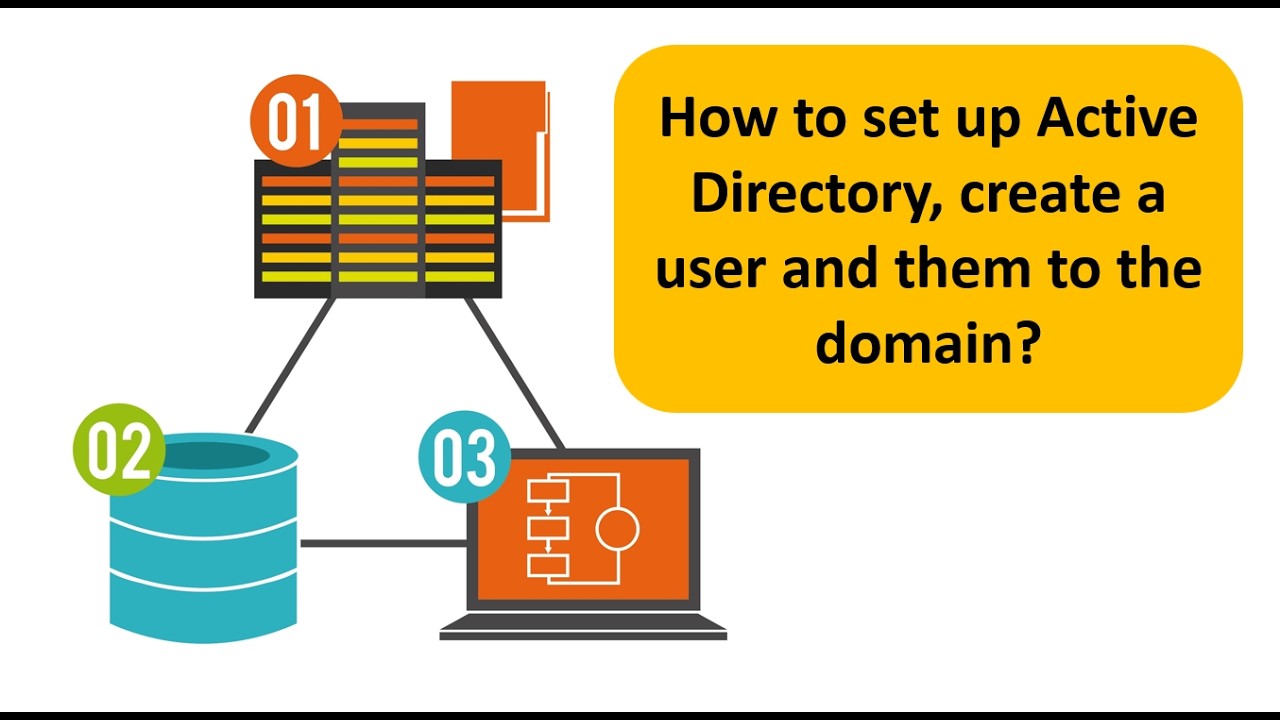
In this video, we continue building our home lab by installing Windows Server in Hyper-V and setting up Active Directory Domain Services (AD DS) step by step.
You’ll learn how to:
Install Windows Server (Standard Desktop Experience)
Configure and promote the server to a Domain Controller
Create a new Forest and Domain
Understand NETBIOS naming
Create users inside Active Directory
Review and understand password policy settings
Configure a static IP address on Windows 10
Fix firewall issues using PowerShell
Join a Windows 10 machine to the domain
Log in using a domain user account
This is a complete beginner-friendly lab that helps you understand how domains work in real-world enterprise environments.
If you have any questions or run into issues during your setup, drop them in the comments.
Повторяем попытку...
Доступные форматы для скачивания:
Скачать видео
-
Информация по загрузке: