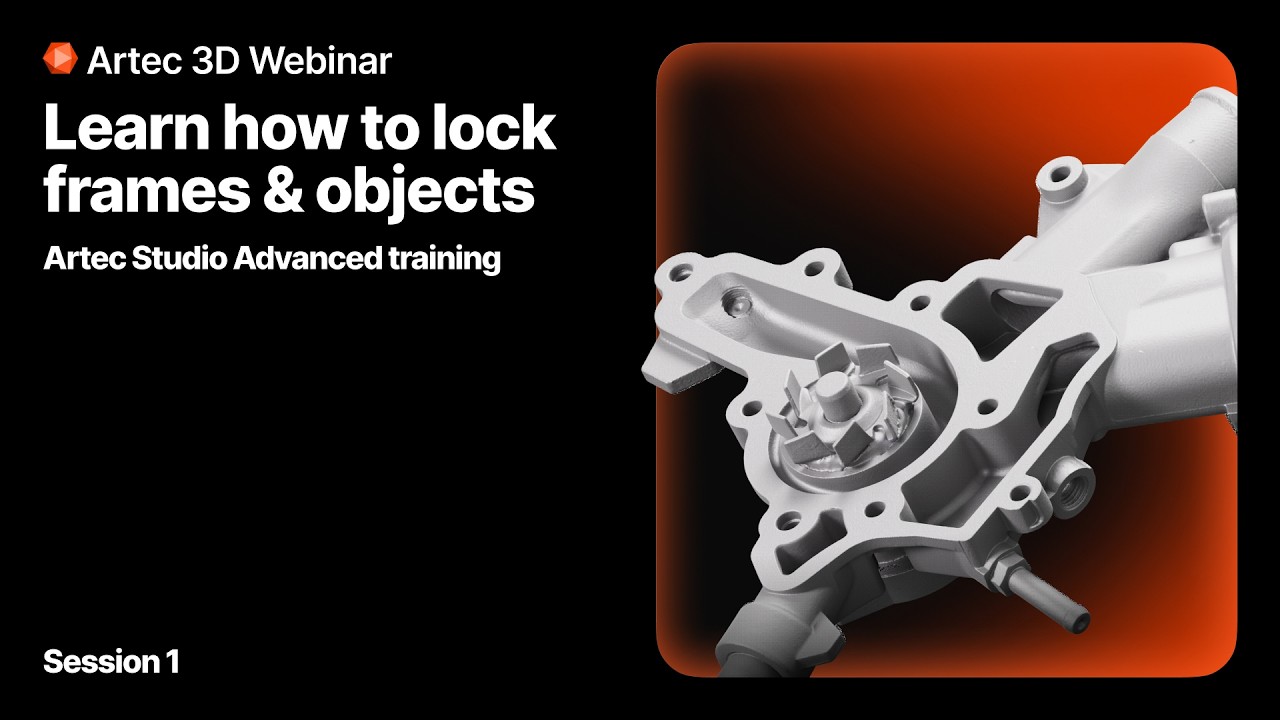
Artec 3D Webinar: How to lock frames and objects
Автор: Artec 3D
Загружено: 2026-02-17
Просмотров: 253
Описание:
Lock frames and Lock object in Artec Studio, shown on real projects captured with Spider 2. This session covers where the commands are located, how to display Lock frames and Lock object columns in the Workspace panel, and how each lock status affects Global registration.
0:00 Intro, Lock frames vs Lock object
1:39 Where to find the tools, workspace columns
2:57 Lock frames section starts
15:22 Lock object section starts
24:47 Summary
| ABOUT |
We develop and manufacture professional 3D scanning hardware and software. Artec 3D is a global market leader used by thousands of professional all over the world.
| SOCIAL |
Like us on Facebook: / artec3d
Follow us on Instagram: / artec3d
Follow us on LinkedIn: / artec-group-inc
Follow us on Twitter: / artec3dscanners
| LEARN MORE |
3D scanners: https://www.artec3d.com/portable-3d-s...
3D software: https://www.artec3d.com/3d-software/
Where to buy: https://www.artec3d.com/where-to-buy/
Contact us: https://www.artec3d.com/contacts/
#3Dscanning #3Dscanner
Повторяем попытку...
Доступные форматы для скачивания:
Скачать видео
-
Информация по загрузке: