ycliper

Популярное

Музыка Кино и Анимация Автомобили Животные Спорт Путешествия Игры Юмор

Интересные видео

2025 Сериалы Трейлеры Новости Как сделать Видеоуроки Diy своими руками

Топ запросов

смотреть а4 schoolboy runaway турецкий сериал смотреть мультфильмы эдисон
Скачать

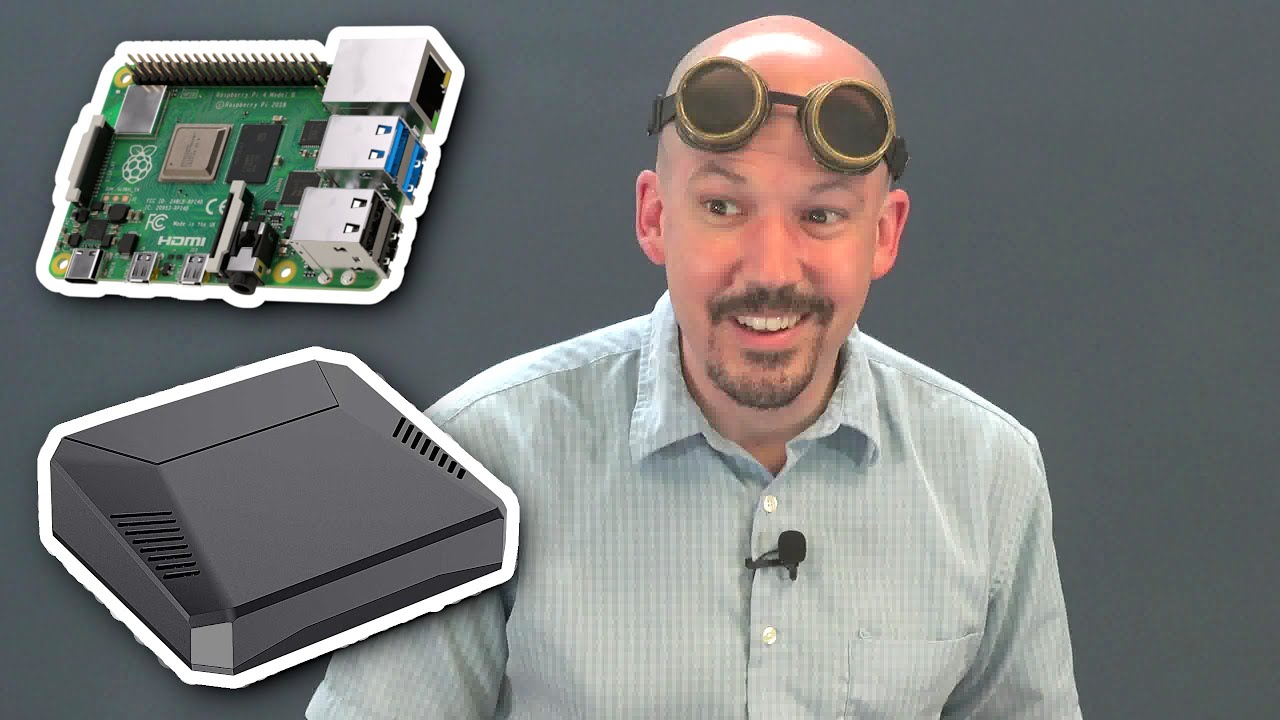
New Raspberry Pi in a Keyboard Running Ubuntu, and AI to Figure Out Song Titles

Автор: The Archive

Загружено: 2020-11-24

Просмотров: 293

Описание: Get a Raspberry Pi 400: https://cat5.tv/pi
Get Ubuntu for Raspberry Pi: https://ubuntu.com/download/raspberry-pi

❤️️ Join us on Patreon:   / category5.tv  
💻 Visit Our Web Site: https://Category5.TV
🐦 Twitter:   / category5tv  
👍 Facebook:   / cat5tv  
📸 Instagram:   / category5tv  

As an old school Vic 20 fanboi, Robbie's given to liking the new Raspberry Pi 400. After all, it's a full computer inside a keyboard, just like the old days of Commodore and Amiga. But this time, it's got 4 GB RAM and a 1.8 GHz clock speed. Let's get a look at the device, and stick the new Ubuntu 20.10 on there to see how it plays video. We'll also look at a new Google Assistant feature that makes it easy to search for a song, with no app to install. Bekah's here with the news, and Robert's watching Bitcoin as it travels to the moon.

Не удается загрузить Youtube-плеер. Проверьте блокировку Youtube в вашей сети.
Повторяем попытку...
New Raspberry Pi in a Keyboard Running Ubuntu, and AI to Figure Out Song Titles

Поделиться в:

Доступные форматы для скачивания:

Скачать видео

  • Информация по загрузке:
Скачать аудио

Похожие видео

3D Print or Gamify Real-World Objects Using a Drone

3D Print or Gamify Real-World Objects Using a Drone

Upgrading Our Server's Storage to SSD

Upgrading Our Server's Storage to SSD

Raspberry Pi Pico - Control the (I/O) World

Raspberry Pi Pico - Control the (I/O) World

Как я с нуля сделал ноутбук на базе C64 — Portable 64 (эмуляция)

Как я с нуля сделал ноутбук на базе C64 — Portable 64 (эмуляция)

663 - Debian 11 on Pinebook Pro, and The Orville Die-Cast Model

663 - Debian 11 on Pinebook Pro, and The Orville Die-Cast Model

Raspberry Pi Minecraft Server

Raspberry Pi Minecraft Server

Raspberry Pi 4 Getting Started

Raspberry Pi 4 Getting Started

🌪️ I Tried Twister OS On My Raspberry Pi 500 And WOW!

🌪️ I Tried Twister OS On My Raspberry Pi 500 And WOW!

655 -

655 - "Making" A Killer SBC-Powered Desktop Computer

Получайте доступ к своим файлам, где бы вы ни находились — идеальная конфигурация Raspberry Pi 5.

Получайте доступ к своим файлам, где бы вы ни находились — идеальная конфигурация Raspberry Pi 5.

Мир AI-агентов уже наступил. Что меняется прямо сейчас

Мир AI-агентов уже наступил. Что меняется прямо сейчас

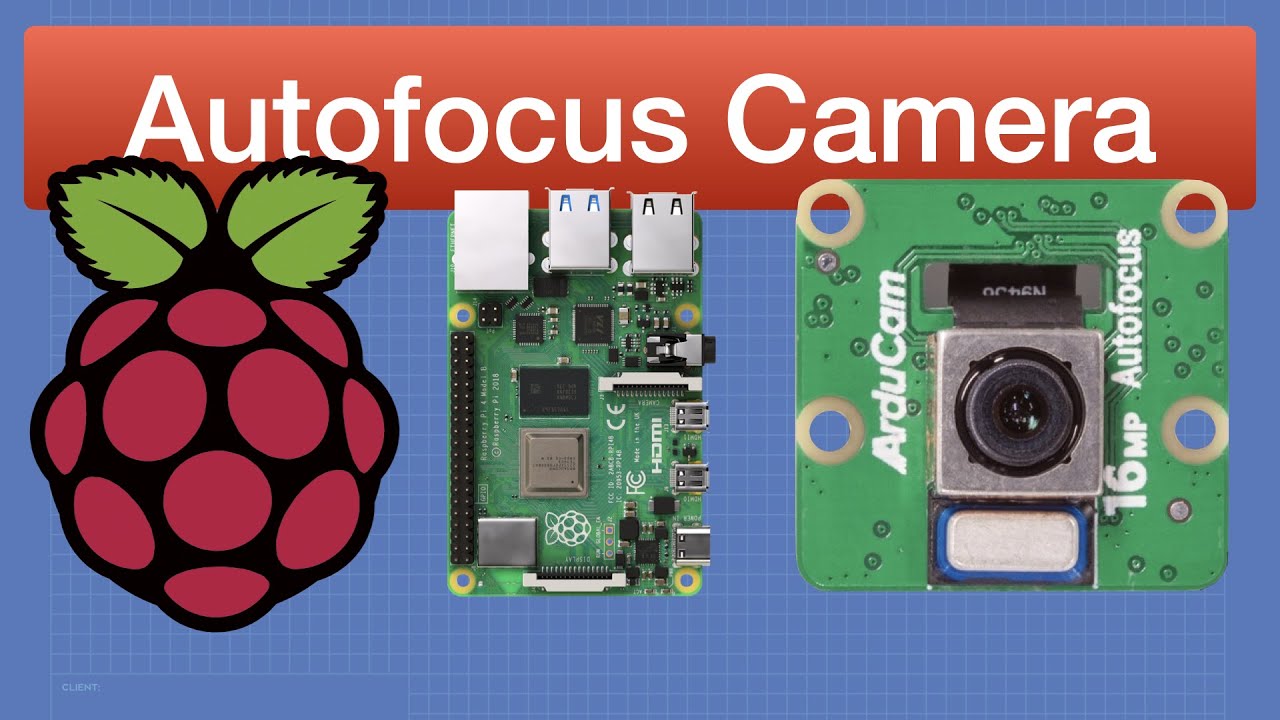
Raspberry Pi Autofocus Camera & libcamera

Raspberry Pi Autofocus Camera & libcamera

ИИ-агенты — кошмар для безопасности? Разбираемся с OpenClaw

ИИ-агенты — кошмар для безопасности? Разбираемся с OpenClaw

Your Own Free Proxy Service and Thoughts on DIY Electronics

Your Own Free Proxy Service and Thoughts on DIY Electronics

Hardware Design with the RP2040: Custom PCB Based on the Raspberry Pi Pico | Digi-Key Electronics

Hardware Design with the RP2040: Custom PCB Based on the Raspberry Pi Pico | Digi-Key Electronics

Я значительно ускорил работу своего офлайн-чат-бота на Raspberry Pi с искусственным интеллектом —...

Я значительно ускорил работу своего офлайн-чат-бота на Raspberry Pi с искусственным интеллектом —...

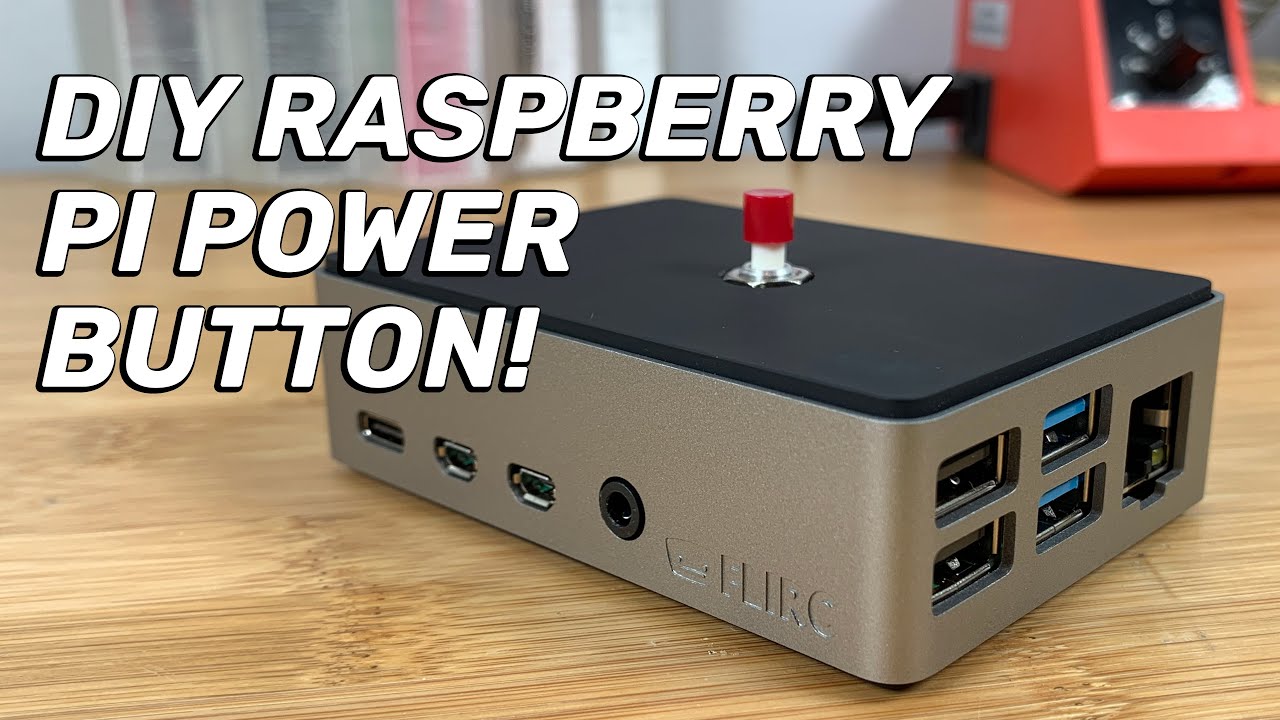
How to Add a Power Button to Your Raspberry Pi (+ FLIRC Case Install!)

How to Add a Power Button to Your Raspberry Pi (+ FLIRC Case Install!)

How To Set Up An IQaudIO DAC+ With Volumio and Raspberry Pi OS

How To Set Up An IQaudIO DAC+ With Volumio and Raspberry Pi OS

Слабый ноут теперь ТОП игрушка! Как установить ChromeOS и получить ВСЁ!

Слабый ноут теперь ТОП игрушка! Как установить ChromeOS и получить ВСЁ!

Запуск нейросетей локально. Генерируем - ВСЁ

Запуск нейросетей локально. Генерируем - ВСЁ

© 2025 ycliper. Все права защищены.


  • Контакты
  • О нас
  • Политика конфиденциальности


Контакты для правообладателей: [email protected]