Non-contact tool setter – How to detect broken tools using the NC4 | Renishaw
Автор: Renishaw
Загружено: 2023-03-24
Просмотров: 2572
Описание:
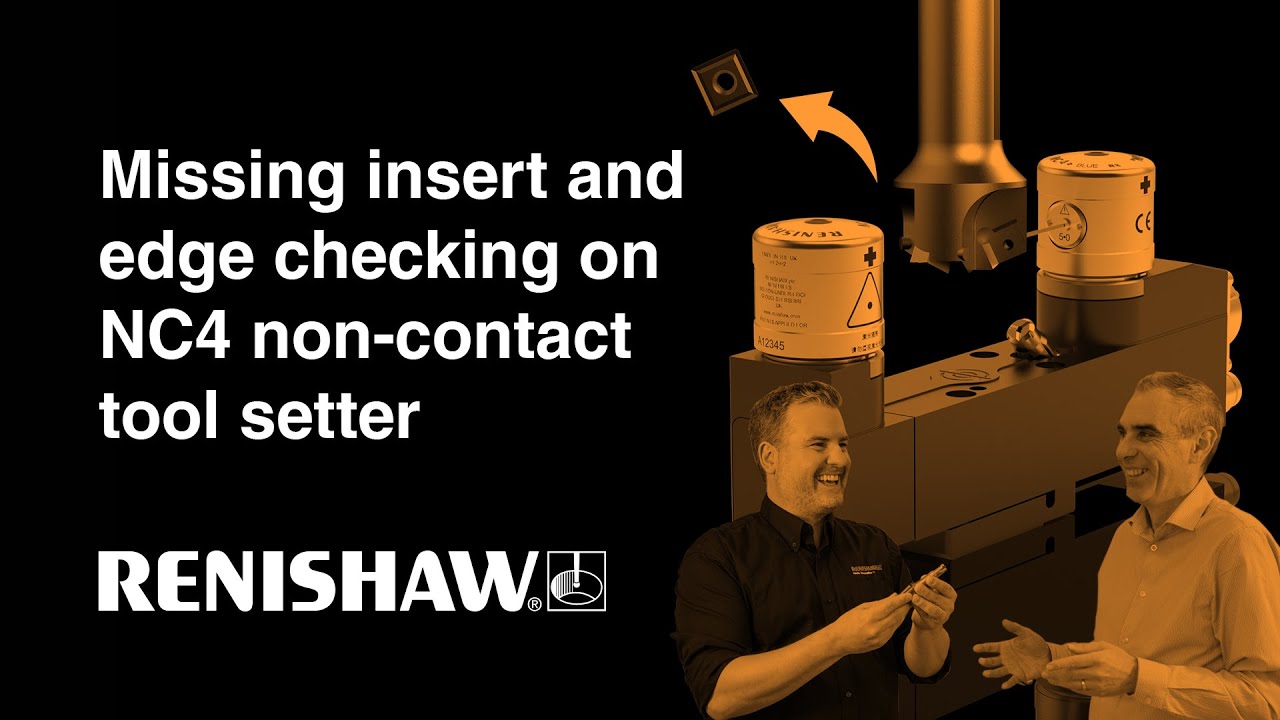
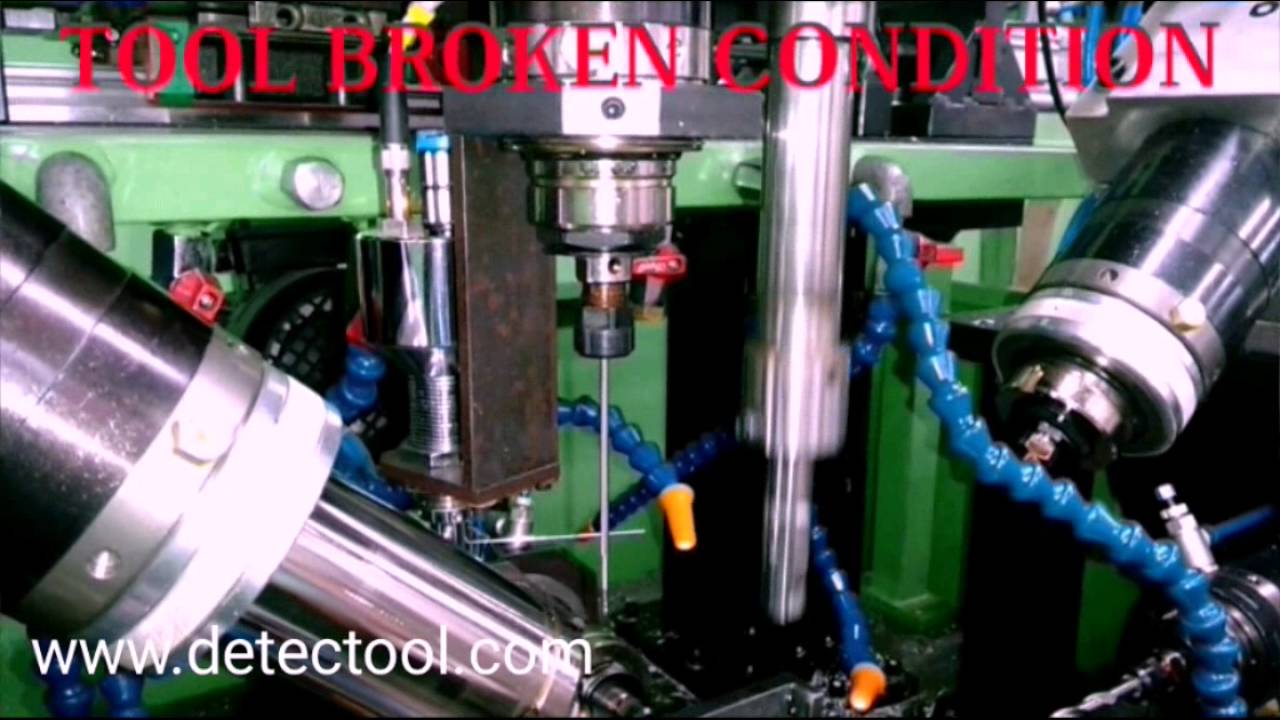
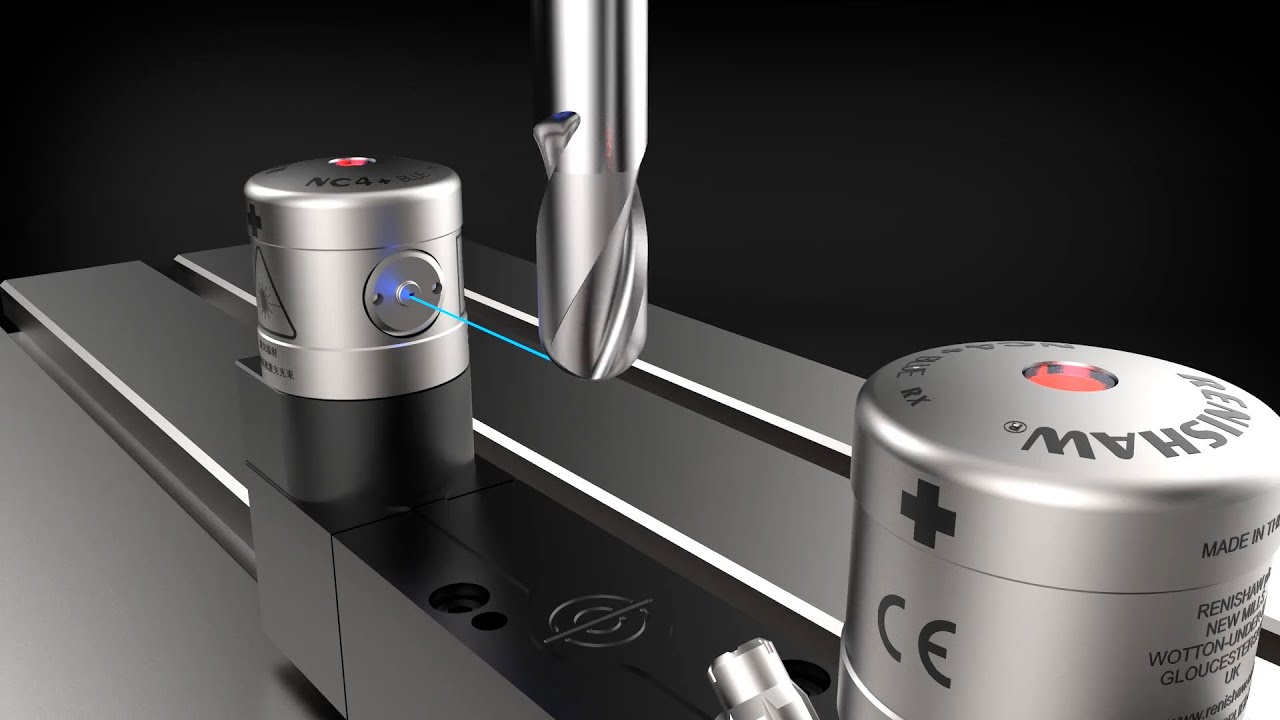
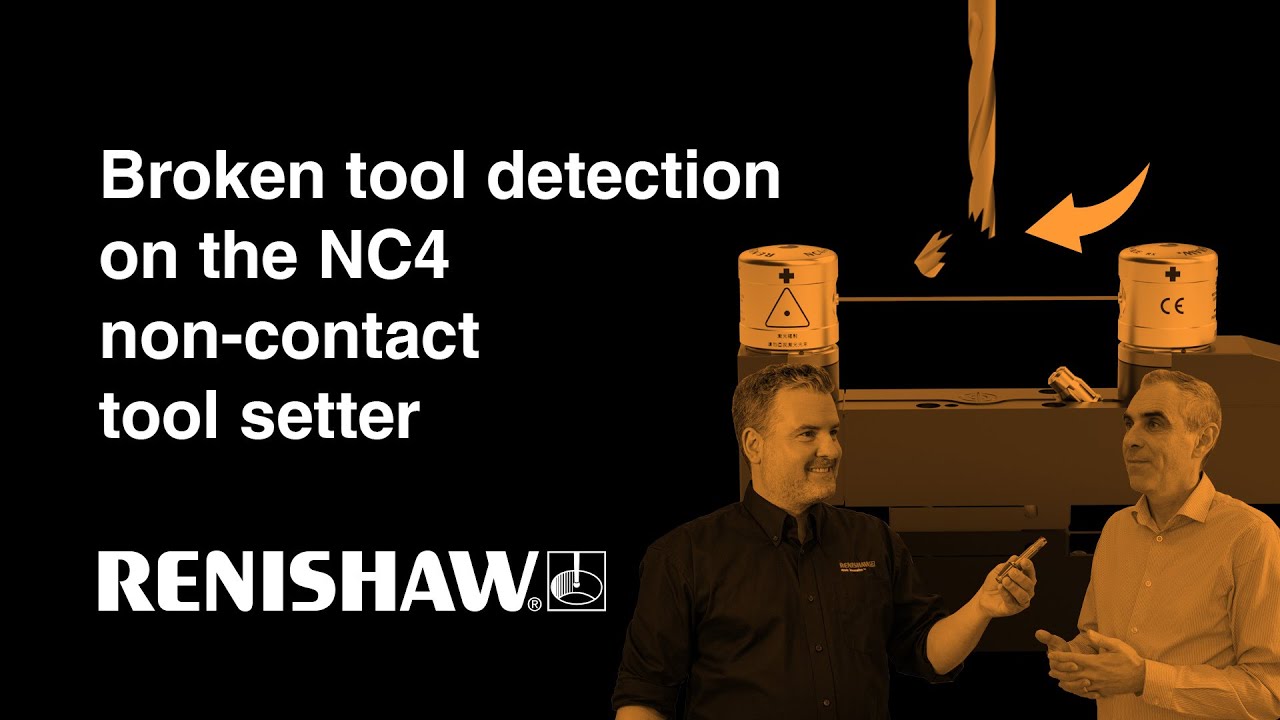
In this how-to series, Dan and Iain show how to detect a broken tool, which they demonstrate using an NC4+ Blue. They discuss why you’d need to run the cycle, how to detect a long or short tool, and how to generate a cycle code using the Renishaw GoProbe App. Iain also discusses how to program logic to suppress alarms and perform a sister tool swap in the event of a tool being broken.
If you own any of our NC4 models, you can find more information about Renishaw’s NC4 tool setting cycles in our non-contact tool setting software user guide.
You can discover more about the NC4+ Blue and the rest of the NC4 family by visiting https://www.renishaw.com/nc4
00:00 Introduction
00:33 What is broken tool detection?
01:00 How the NC4 detects broken tools
01:48 Risks of having broken tools
02:06 When to run a broken tool check
02:46 9863 and 9866 cycles
03:32 Differences between the 2 cycles
03:54 9863 cycle demonstration
04:44 Using the GoProbe App
05:54 9863 cycle with a broken tool
06:20 Checking for tool pull-out
07:18 How to run the cycle in lights out/unmanned
07:56 9866 cycle demonstration
08:37 9866 cycle benefits in wet conditions
08:50 Non-contact vs contact tool setters
09:15 When to use TRS2 broken tool detector
09:48 Conclusion
Повторяем попытку...
Доступные форматы для скачивания:
Скачать видео
-
Информация по загрузке: