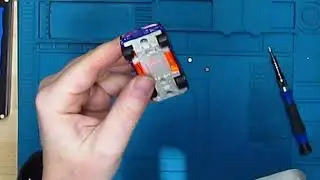
Changing the Battery on PUCK model 2
Автор: SmashToast, Inc
Загружено: 2019-10-09
Просмотров: 3218
Описание:
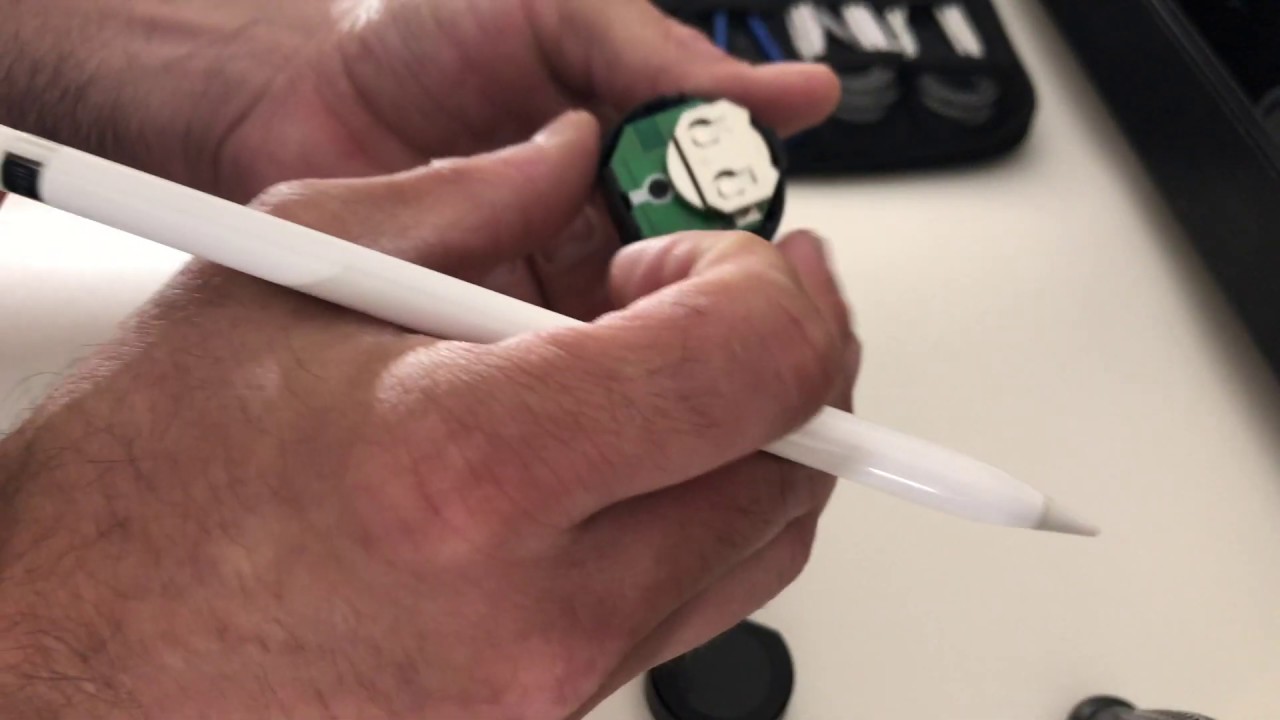
Replacing the battery on PUCK takes approximately 30-40 seconds and requires some dexterity.
1. Insert a pen or similar device into one of the two slots along the edge of PUCK. The edge of the PUCK will release enough for you to pull the shell apart.
2. Press the pen against the edge of the battery starting from the middle of the PUCK and the battery will slide out.
3. Insert the new 2032 battery so the + or positive charge is facing the + symbol on the battery holder. The green LED should light up for a couple of seconds, indicating a successful reboot.
4. Press the two side of the PUCK shell together until it snaps back in place.
Повторяем попытку...
Доступные форматы для скачивания:
Скачать видео
-
Информация по загрузке: