WD My Passport Wireless In Depth Review and Benchmarks - FTP, SSH, Mac, Windows, iOS, Android
Автор: Lon.TV
Загружено: 2014-09-25
Просмотров: 184288
Описание:
Buy it on Amazon - http://lon.tv/mlmob (affiliate link). This product has been replaced by a new version that you can find my review of here: http://lon.tv/evc6o
VIDEO INDEX:
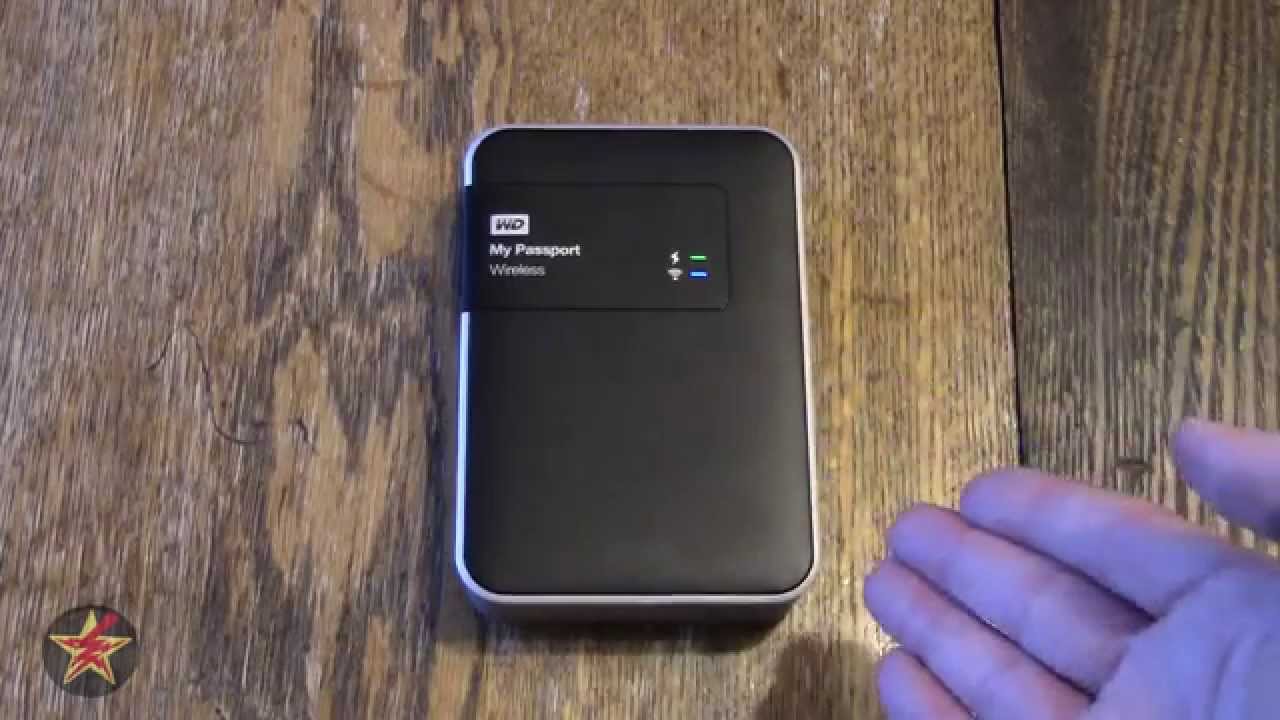
00:14 - Hardware overview
02:38 - Web based control panel
06:25 - DLNA demonstration
07:10 - SD Card data transfer
08:17 - SSH demonstration
09:43 - Wireless benchmark
10:39 - USB 3.0 benchmark
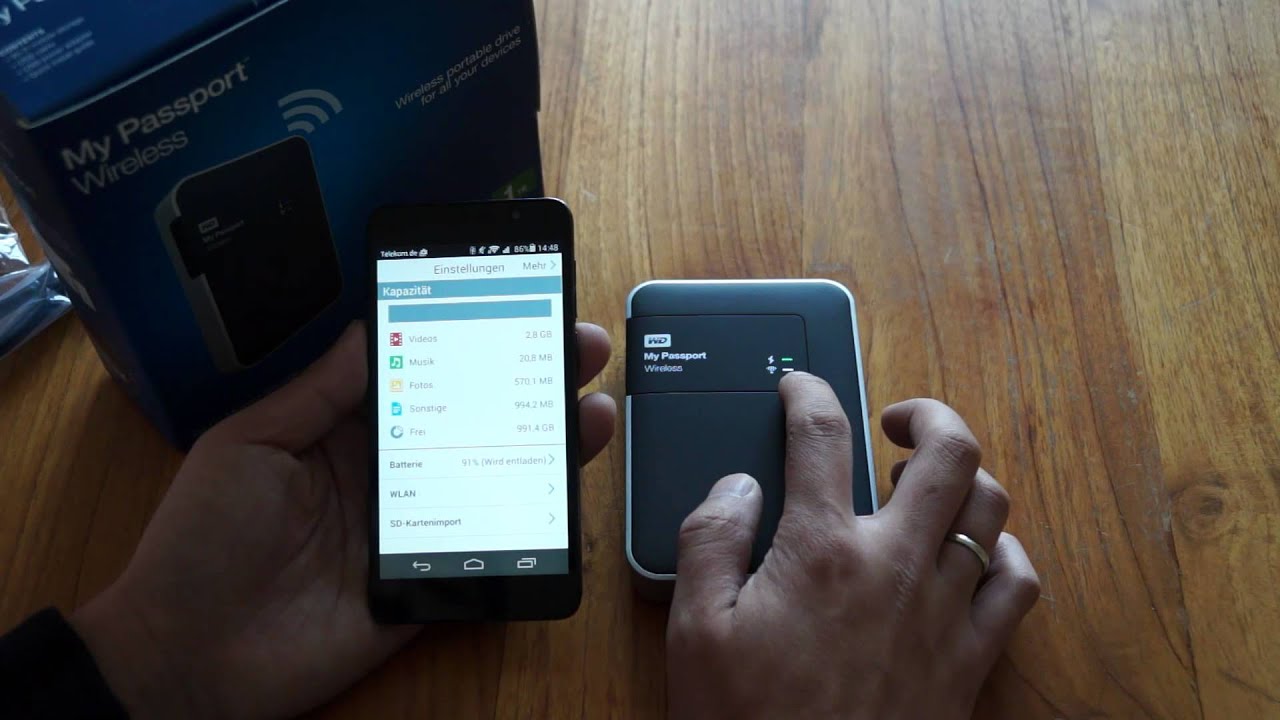
11:23 - Mobile app demonstration
13:12 - Mac / Windows demonstration
13:25 - Conclusion and final thoughts
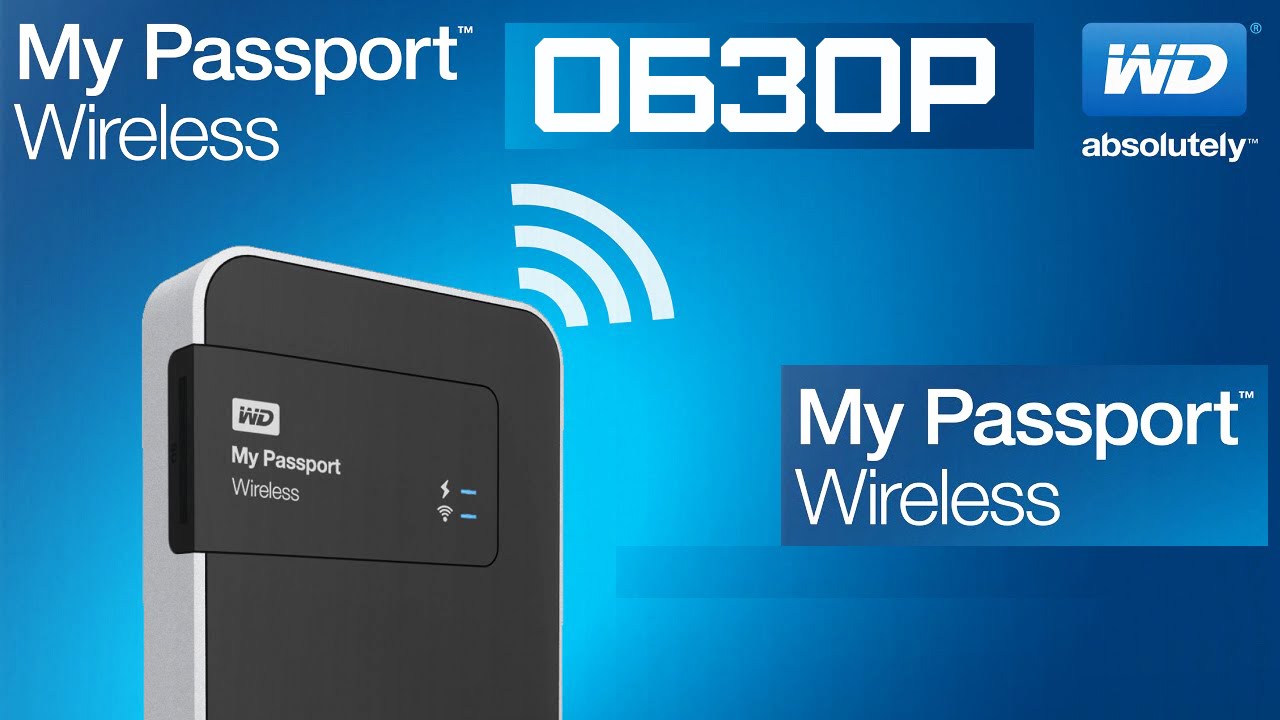
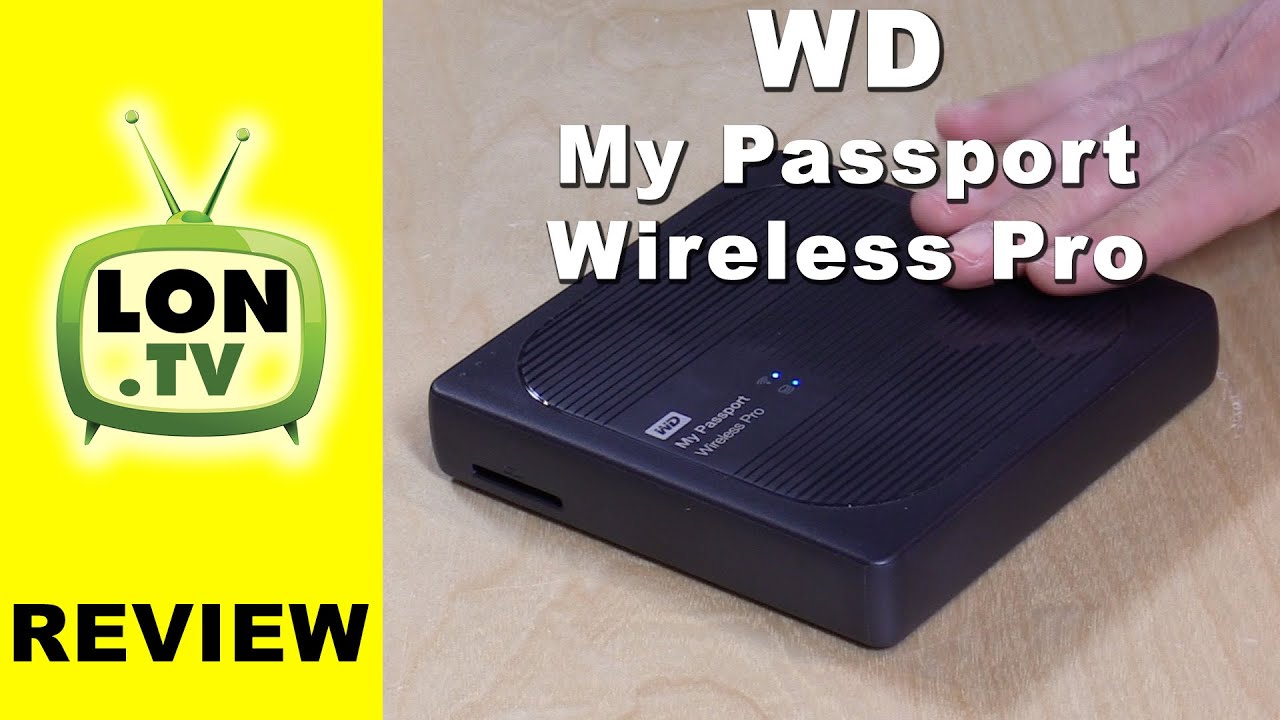
WD has another easy to use Network Attached Storage (NAS) device with the My Passport Wireless. This one is portable and has a battery that can power the device for several hours. Think of it as a mini-My Cloud.
The drive works with PCs, Macs, and Linux computers as well as mobile devices running Android and iOS. The WD My Cloud app is the same app that is used to connect to the device with those mobile devices. PC users will use their existing file system to connect.
It has a feature to transfer the contents to an SD card to the My Passport Wireless' hard drive. It can do this automatically or via a button push in the web based control panel. It will do a one-way sync so it won't copy over any files that have been previously written to the My Passport Wireless.
It also has a neat hotspot feature that can share a public wifi connection but still maintain privacy for the shared files. Users connect to the drive vs. the coffee shop wifi and the drive will then pass the Internet connection onto its connections. This locks out other patrons at a coffee shop from seeing files but does give those accessing the drive simultaneous access to the Internet.
Performance is decent for a wireless device. It was able to get about 60 megabits per second when directly connected via WiFi from my Macbook Air. The drive can also be directly connected via USB 3.0 to a compatible PC - but that connection will disable the wireless file sharing capabilities.
Like all NAS devices it's best to move large volumes of data through a wired connection - in this case USB 3. But overall this is a great device with very clever features that can very easily share files while on the go.
Subscribe to my email list to get a weekly digest of upcoming videos! - http://lon.tv/email
Visit the Lon.TV store to purchase some of my previously reviewed items! http://lon.tv/store
Want to help the channel? Start a Patreon subscription!
http://lon.tv/patreon
Follow me on Facebook!
/ lonreviewstech
Follow me on Twitter!
/ lonseidman
Follow me on Google+
http://lonseidman.com
DISCLOSURE - WD provided me with this product to review.
Повторяем попытку...

Доступные форматы для скачивания:
Скачать видео
-
Информация по загрузке: