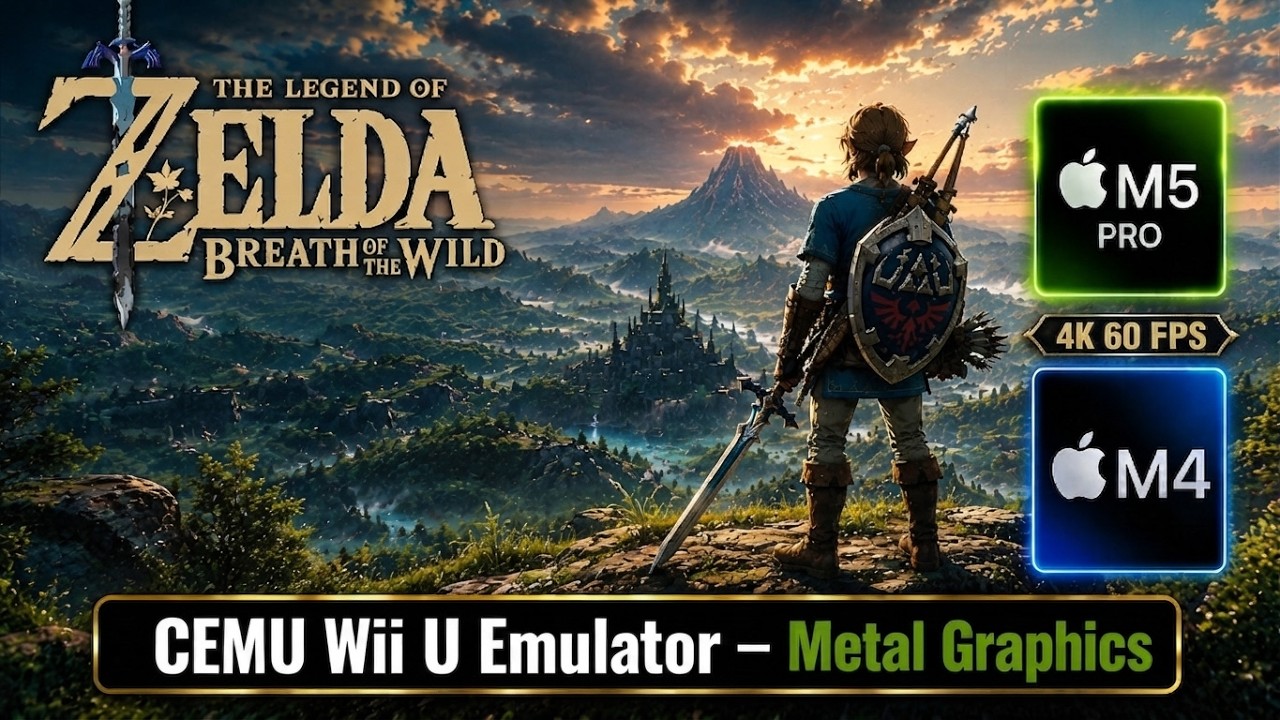
Zelda: Breath of the Wild, Mac M5 Pro & M4, CEMU Wii U Emulator, Metal Graphics: Performance Test
Автор: Truwa MacGameTest
Загружено: 2026-08-25
Просмотров: 2166
Описание:
Zelda: Breath of the Wild (Wii U version, USA).
CEMU Wii U Emulator - Apple Silicon Version (v f828276, CI build).
TIMELINE:
00:00 Part I: M5 Pro Setup
00:12 CEMU Settings
00:48 M5 Pro Graphics Packs
01:35 Gameplay (Hateno Village)
05:55 Fast Travel (Kakariko Village)
07:50 Fast Travel (Korok Forest)
09:35 Part II: Mac Mini M4 Setup
09:48 M4 Graphics Packs
10:12 M4 Gameplay
14:01 Results Summary
PERFORMANCE TEST:
M5 Pro Setup: MacBook Pro M5 Pro 48GB 18CPU / 20GPU, macOS 26.6.1 Tahoe.
Settings: 4K Resolution, High Shadows, Enhanced Reflections, Serfrost's Clarity Preset, VSync On, FPS++ Mod.
Performance: Locked at 60 FPS.
M4 Setup: Mac Mini M4 16GB 10CPU / 10GPU, macOS 27 Golden Gate Dev Beta 7.
Settings: 1080p Resolution, High Shadows, Default (Vanilla) Look, VSync On, FPS++ Mod.
Performance: ~45 FPS (without screen recording).
Cemu has some "Clarity" graphics enhancement presets for the BOTW game. These presets change how the game looks. I have tried the most popular ones (Serfrost, Bruz, CellHunter, Jamie). Gameplay on the M5 Pro uses Serfrost's preset, while the M4 gameplay is with the vanilla look for comparison. Using a Clarity preset did not have an impact on performance.
Both the Cemu and BOTW game are very stable. No crashes or issues. Using some of the mods (weather) can cause some graphical artifacts, but that is nitpicking. I also tried several other popular Wii U titles, and they all seem to run well (needs more testing to make sure).
I tried Zelda BOTW Switch 1 version with the Astris Switch 1 Emulator. It runs okay, and a mod called BOTW optimizer can be used. Since BOTW runs so well with CEMU, I do not recommend playing the Switch version.
CEMU Wii U EMULATOR (Apple Silicon Version):
This emulator is easy to configure and performs really well on Apple Silicon with Metal Graphics. It seems to run most Wii U titles without major issues. Original Wii (2006) games are not supported.
Currently, only the experimental CI builds of the emulator have Metal Graphics support.
1. Download: A recent CI build of the emulator can be downloaded from the Cemu Action builds page. The file to download is the "macos-arm64" version.
https://cemu.info/ActionBuilds.php
2. Install: Extract the downloaded zip file, mount the extracted DMG file, and move Cemu.app into the Applications.
3. First Run: Since the Cemu.app is unsigned, it should be allowed to run under "Privacy & Security" in "Settings" for the first run.
4. Adding games: CEMU just asks for a Wii U Games folder, and then automatically detects games, updates and DLCs that are in that folder.
5. Basic configuration:
"Options-General Settings-Graphics" - Select "Metal" as the "Graphics API", set "VSync" and "Async Shader Compile" on. The rest of the graphics options can be left at default values.
"Options-General Settings-Audio": Select a sound output device under "TV-Device".
"Options-Input Settings": Keyboard, a SDL controller or a DSU controller can be configured as an emulated Wii Gamepad or Wii Pro Controller. I have configured an Xbox controller (SDL) as a Wii Pro Controller.
6. Graphics Packs: CEMU downloads and manages cheats, mods, and enhancements for supported games under "Options-Graphics Packs". For BOTW games, the recommended mods are: "FPS++" and "Remove Distant Fog". Cheats, mods, and enhancements vary by game.
GAMES: CEMU uses decrypted Wii U game files in a folder structure. Each game, update, or DLC has its own folder. I used a tool called "WiiUDownloader" from GitHub, and it worked well.
PRE-BUILT SHADER CACHES (optional, not required in my opinion):
CEMU builds shader caches in the background while the game is played, and it handles this operation really well (no stutters) . That is why using pre-built shader caches are not required.
For the ones that don't mind tinkering:
1. Start the game at least once so that the shader cache files are created.
2. Download a pre-built shader cache for the exact game title ID, if it exists: https://chriztr.github.io/cemu_shader...
3. Extract the downloaded cache file. It usually contains 2 bin files that start with the Game's Title id: shaders.bin and vkpipleline.bin.
4. Select "Open shader cache folder" under the "File" menu in CEMU, then go into the "transferable" folder. Transferable shader cache files for all the games will be in this folder. It is better to back up existing game shader cache files before replacing them (by renaming). Finally, copy downloaded files into this folder.
MacGameTest (2026).
Повторяем попытку...
Доступные форматы для скачивания:
Скачать видео
-
Информация по загрузке: