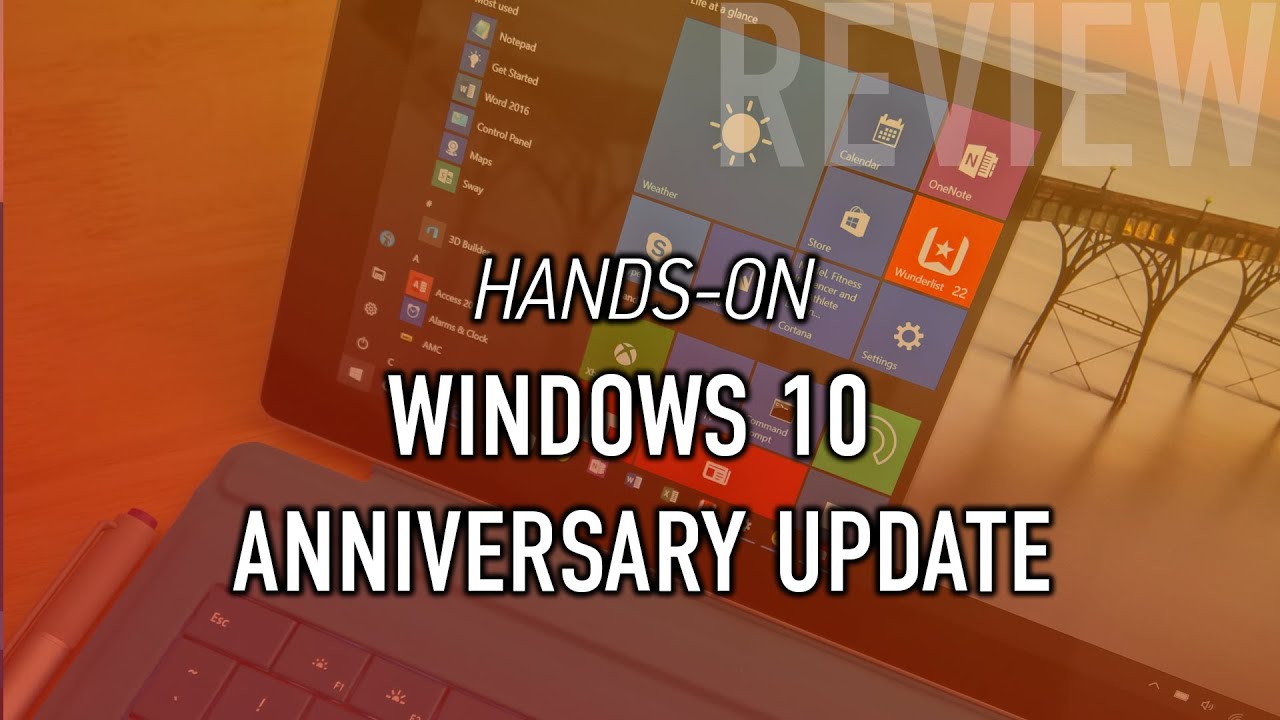
Windows 10 Anniversary Update (Official Release): Hands-on with new Features & Changes
Автор: Pureinfotech
Загружено: 2016-07-30
Просмотров: 49634
Описание:
This hands-on review of Windows 10 Anniversary Update walks you through all the new features & changes on the official release of Windows 10.
Here's the list of everything this Windows 10 AU official release review covers:
Start menu improvements (beginning)
Brand new Start menu design
Tablet mode improvements (@ 2:17)
Brand new Start screen design
Cortana improvements (@ 5:00)
Cortana above the Lock screen
Sync notifications between Phone and PC
Create Cortana reminders with images
Create Cortana reminders with shared links
Cortana can now identify playing song
Taskbar improvements (@ 11:45)
Badge notifications for taskbar buttons
New time flyout with Calendar integration
Select audio output from volume menu
Action Center features and changes (@ 15:40)
Action Center new users interface
Rich notification with hero image and reply to SMS from your PC
Set notification priority
Rearrange Quick Actions buttons
Add or remove quick action buttons
Universal dismiss
Microsoft Edge and Extensions (@ 19:25)
Support for extensions
New Microsoft Edge settings
Microsoft Edge new about:flags options including TCP Fast Open
Pin tabs
Windows Hello for websites
Windows Ink features and changes (@ 30:50)
Windows Ink Workspace
Sticky Notes
Sketchpad
Screen sketch
Settings app featurres and changes (@ 39:28)
Settings app has been overhauled with a lot of new features and changes
New white background, icon for each page, and faster access to options thanks to search
System \ Apps & features \ Advanced options \ Reset
Notifications & actions.
Battery \ Battery usage by apps, we now have Managed by Windows.
Storage \ C: \ Temporary files, delete previous version of Windows, no more Disk Cleanup
Project to PC allows you to remote access PC and Phones using the Connect app
Devices \ Pen & Windows Ink.
Network \ Status page
No more sharing network settings with contacts
Mobile Hotspot
Personalization \ Colors, show color on title bar, and Dark mode for apps
Personalization \ Taskbar
Accounts \ Your info
Emails & apps account
Privacy \ General, two new options, but they are still unclear
Update & security \ Windows Update, Active hours
Windows Defender
- Limited Periodic Scanning
- Windows Defender Offline
- Enhance notifications
Update & security \ Refresh Windows Tool to clean install Windows 10
Update & security \ Activation, new Activation Troubleshooter tool to reactivate Windows 10 after hardware change
Update & security \ For developers, new settings
Bash on Ubuntu on Windows 10
Update & security \ Windows Insider Program has been moved to the main page.
Windows Store features and changes (@ 1:04:00)
New user interface and new features
Windows Hello and Windows 10 apps on Xbox One (@ 1:07:00)
Skype Preview (@ 1:08:00)
Повторяем попытку...
Доступные форматы для скачивания:
Скачать видео
-
Информация по загрузке: