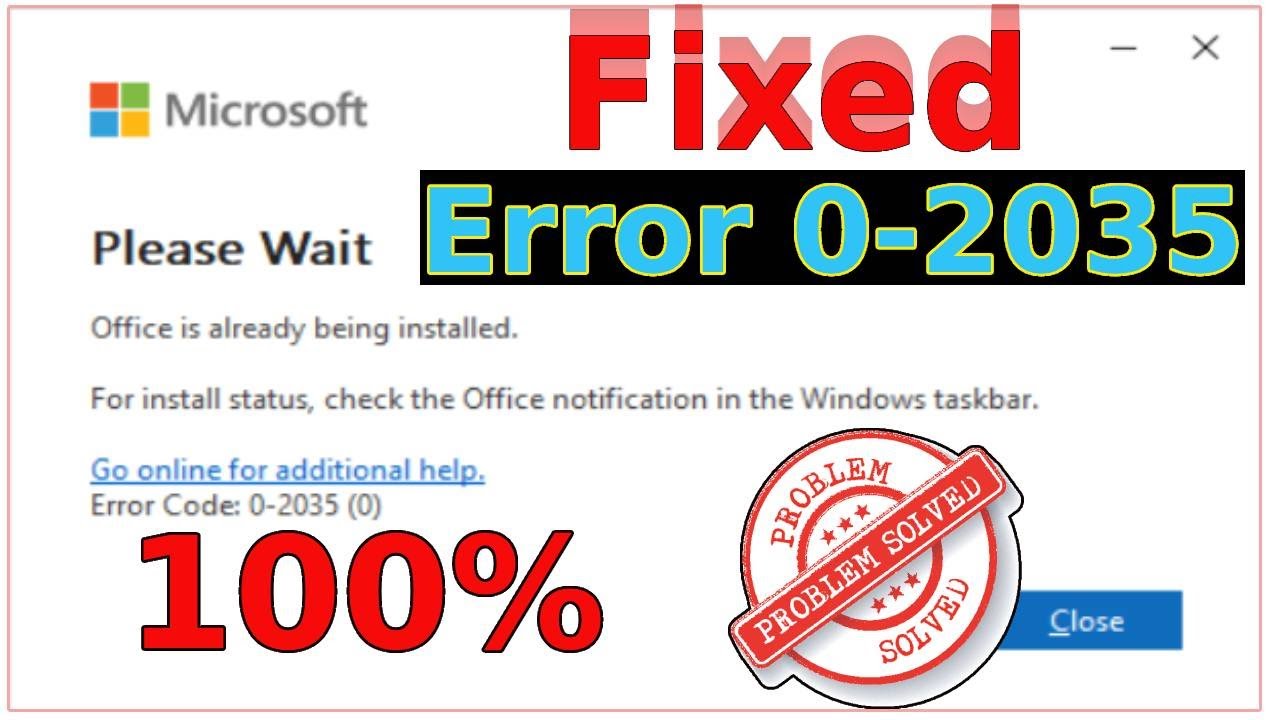
How to Solve the Office is Already Being installed, and Error Code 0-2035(0).✅
Автор: Microsoft Sarker
Загружено: 2025-08-28
Просмотров: 9828
Описание:
How to Solve the Office is Already Being installed, and Error Code 0-2035(0)..✅
Please give a like and comment down below if it worked. DON’T FORGET TO SUBSCRIBE MY CHANNEL.
...............
Visit our Facebook page.
/ ittutorialandsolution
Visit Our other YouTube channel.
/ @sukantacomputerengr
.................
Hello friends! Welcome to my YouTube channel and Facebook page. Today, I will show you how to solve the Office is already being installed, and error code 0-2035(0). When installing Microsoft Office, the issue occurs.
Timestamps:
00:00 Intro
00:19 Office Tool Plus
01:25 Clean Boot state
02:06 Office via PowerShell
02:40 Updates Windows
03:12 Outro
A. Office Tool Plus
1. Download the utility directly from the official Office Tool Plus website.
2. On the left side of the window, select the “Toolbox” section
3. Click the “Remove” button to delete the selected components.
4. Wait for the process to complete. All remnants of Office applications will be fully removed
B. Clean Boot state
Type msconfig in the Windows search box and press Enter.
Pick the Services tab.
Mark Hide all Microsoft services and select Disable all.
Select the Startup tab and click Open Task Manager.
In the Task Manager, right-click on each of the items and select Disable, then close the Task Manager.
Go to the Boot tab, mark the Safe Boot option, then click Apply and OK.
On the System Configuration window, click OK.
Attempt the Office installation and return to normal boot after installation completes.
C. Uninstall the old version of Office via PowerShell
1. Type PowerShell in Windows search.
2. Right-click on the result and pick Run as administrator.
3. When UAC shows up, click Yes.
4. In the new window copy and paste the following command, pressing Enter after:
Get-AppxPackage -name “Microsoft.Office.Desktop” | Remove-AppxPackage
5. Follow the on-screen directions to complete the removal
D. Updates Windows
Type Updates in the Windows search bar and hit Enter.
If updates are pending, click Download and install. Otherwise, click Check for updates.
Make sure you choose to install optional updates as well.
Restart your system to implement the changes.
additional tag
#please_wait
#office_is_already_being_installed
#Fix_Error_2035_(0)
#for_install_status
#go_online_for_additional_help
#check_the_office_notification_in_the_windows_taskbar
If you are first visiting my YouTube channel and Facebook page. please subscribe, like, follow and notify the belt icon click, and see your next updated Video.
Повторяем попытку...
Доступные форматы для скачивания:
Скачать видео
-
Информация по загрузке: