Catalog Your Entire Books and Comics Library in Excel No Typing Needed
Автор: ai2mastery
Загружено: 2025-07-26
Просмотров: 31
Описание:
🚴 Day 1985 of 2000: 📚 Catalog Your Entire Books and Comics Library in Excel—No Typing Needed!
Have you ever wanted to create a list of all the books in your library—including the title, author, year of publication, publisher, and maybe some extra info about the book—but never found the time to sit down and type it all out? I’ve had the same issue with my comics. I have thousands of them, and I always wanted a full list. It’s even trickier because most are Dutch comics, making it hard to find details. Below, I’ll share a simple workflow that does all the work for you.
We often think being lazy is bad, but as Katy Milkman explains in her book How to Change, laziness can actually be good. 🛋️ It frees up time for what really matters and automates the stuff that drains us without adding value. So here’s how you can use AI to make this happen quickly. ⚡
First, if you have a book cover, just take a picture of it. 📸 Upload it to ChatGPT and ask it to pull out all the info—like a summary, a quick review, the title, author, year, and publisher. It handles that in seconds. ⏳
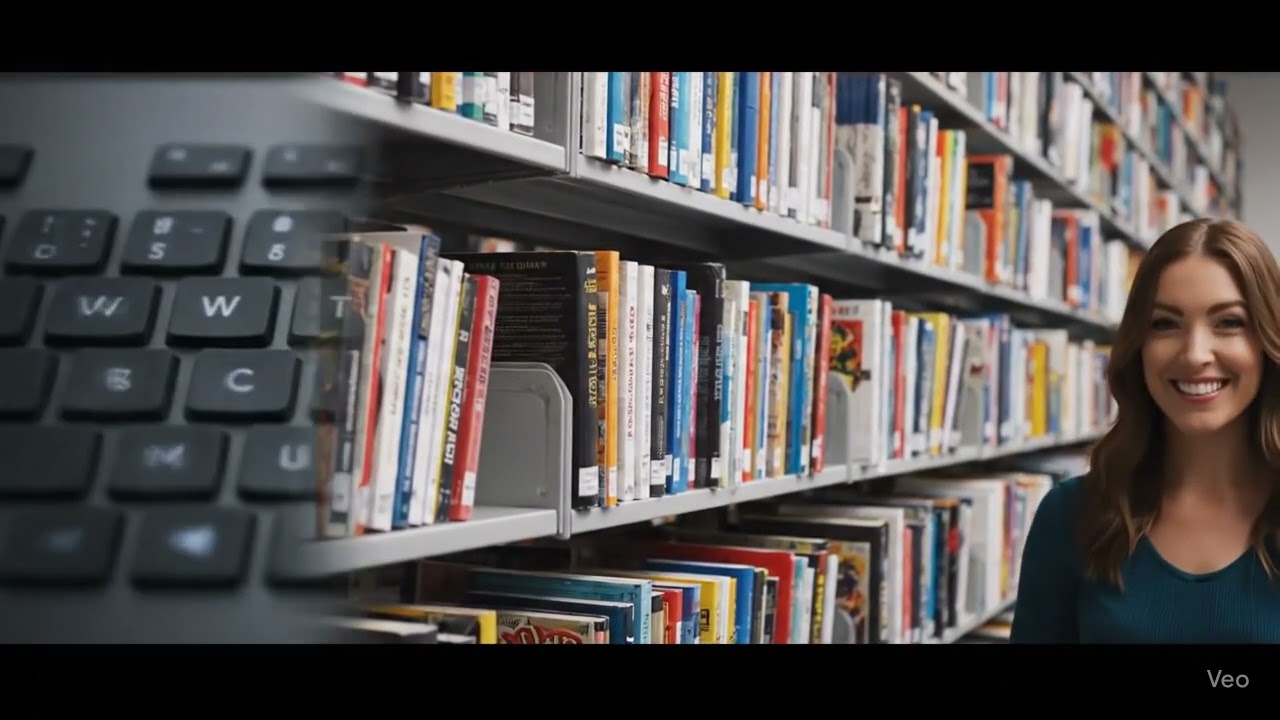
Second, for books on your shelf (or your friends’ shelves), snap a photo showing just the spines. 📚 Then prompt ChatGPT: "From this photo, make an Excel sheet with the title, author, year of publication, and publisher for each book." It won't just list them—it generates a real downloadable Excel file. 📑 I tested this on my own shelf, and it nailed most of the details, even filling in gaps from its knowledge when the spine was fuzzy.
Third, I tried the same for my Dutch comics, and the results were awesome. 🎉 It pulled titles, authors, and publishers accurately, even for less common ones. If you have a reading list on a website, you can take a screenshot of that too. Upload it to ChatGPT and ask: "Turn this into an Excel sheet with title, author, year, and publisher." You can export it as CSV and import it into whatever app you like. 💻
Fourth, you can take a screenshot of your Audible, Kindle, or Kobo library and create an MS Excel sheet on the fly within seconds. 🖥️ Just snap the screen showing your book list, upload it to ChatGPT, and ask it to create a downloadable file.
But here’s where it gets more powerful: Once you have that Excel sheet of books you’ve read—or even a list from your PC—upload it back to ChatGPT. 🔄 Ask it to suggest new books based on what you have. If you add scores like "I loved this one because..." or "This was okay but too slow," it gets super accurate. 🎯 It creates a personalized reading list that’s way better than random recommendations.
Share tips you’ve used to get more info on books in the comments💬
Here are 3 other fun ways to use ChatGPT for books or comics:
🗣️ Simulate a Book Club with Legendary Minds
🎨 Turn Comics into Interactive Storyboards
🔍 Let AI Be Your First Print Book Detective:
🚀 Send me a DM if you want my free AI2Mastery prompt that I used to create these Excel sheets.
Повторяем попытку...
Доступные форматы для скачивания:
Скачать видео
-
Информация по загрузке: