SKIP Buying New MacBooks for Video Editing (Do This Instead) ft. OBSBOT Meet 2
Автор: Somrat Dutta
Загружено: 2026-03-11
Просмотров: 11545
Описание:
Checkout OBSOT Meet 2 (Direct): https://bit.ly/obsbotmeet2xsomrat
Amazon Link: https://amzn.to/4un0TVQ
Use Coupon Code S11M07DS for 5% OFF! (on both sites)
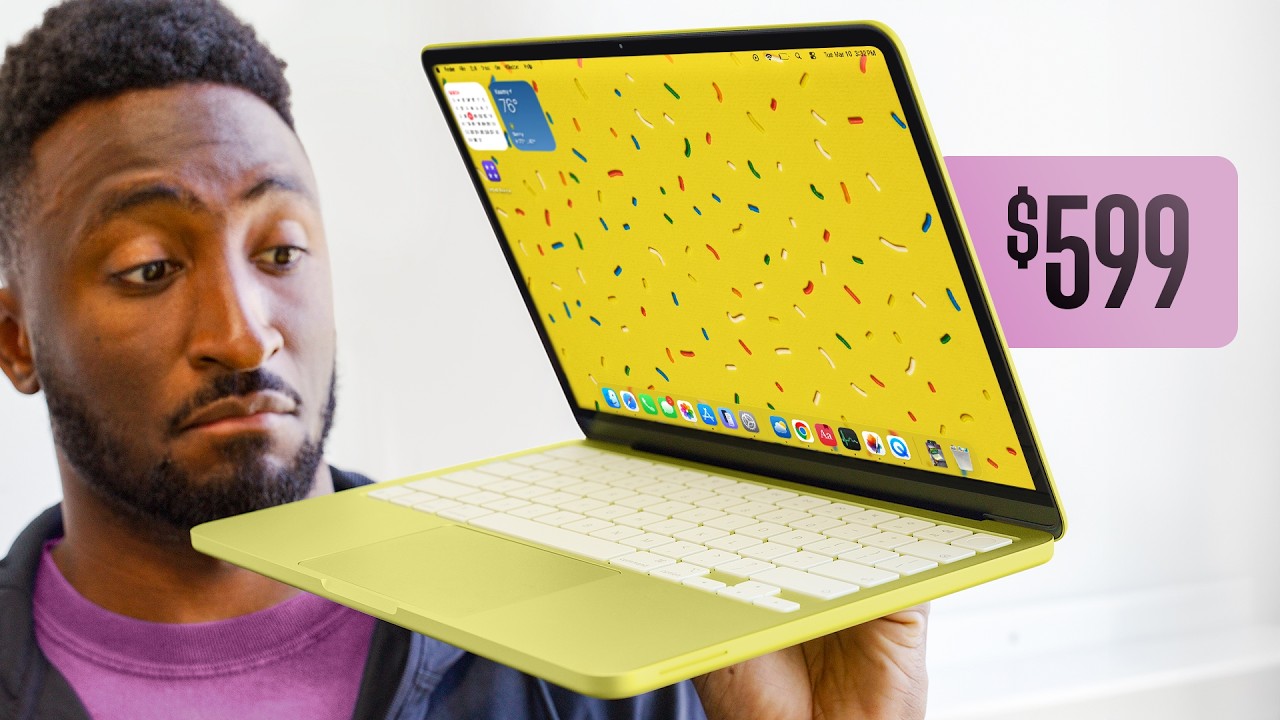
Used M1 Pro vs M4 MacBook Air: Best $1,000 Laptop for Video Editing in 2026
For video editors and motion graphics artists working with a $1,000 budget, this is the most honest comparison you will find. No synthetic benchmarks, no marketing claims — just real Premiere Pro and After Effects timelines tested on both machines to show you exactly what to expect in a professional workflow.
What this video covers:
Real-world Premiere Pro performance on a complex 4K timeline with color grading, transitions, and dynamic After Effects links
After Effects scrubbing and export speed comparison on an actual client motion graphics project
Thermal throttling behavior of the fanless M4 Air under sustained workloads
RAM and memory pressure analysis during heavy editing sessions
How to safely buy a used MacBook and what to inspect before purchasing
Display, ports, and build quality comparison between both machines
Timestamps:
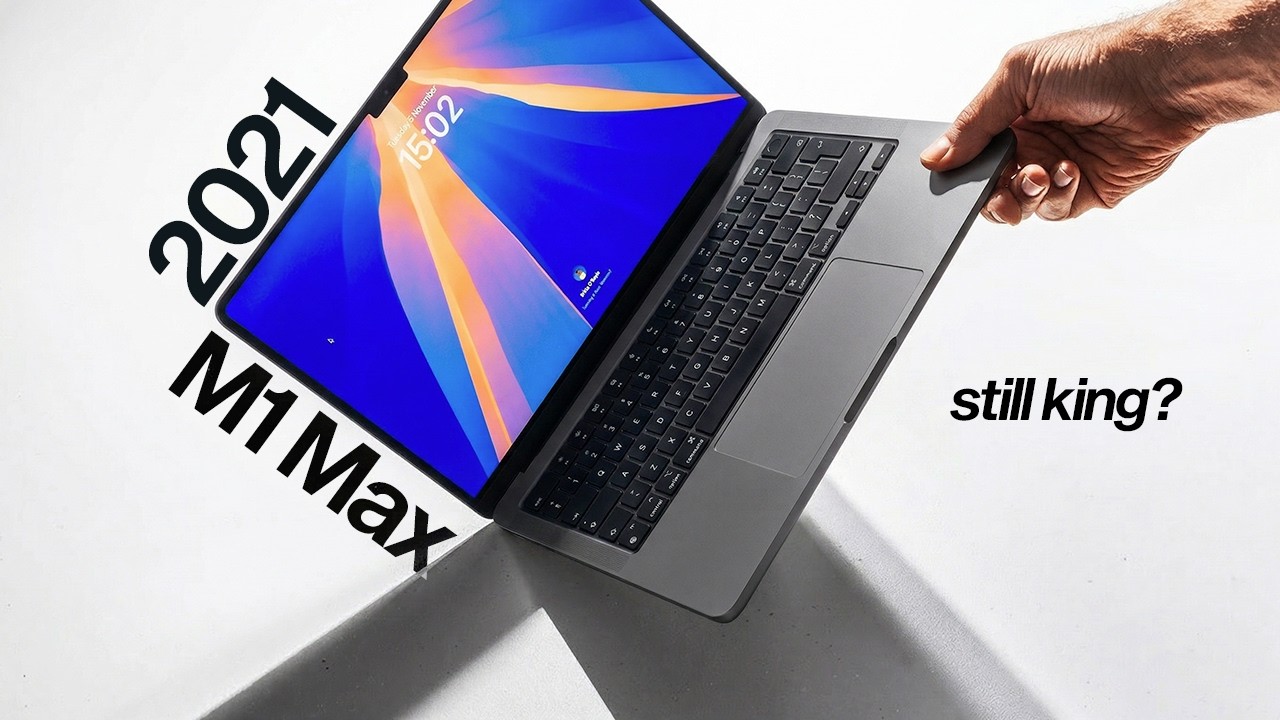
00:00 — M1 Max intro and context
00:19 — The $1,000 question
00:40 — M4 MacBook Air overview
01:46 — Buying used — what to know
02:29 — M1 Pro used unit unboxing
03:32 — Used Mac buying checklist
05:27 — Premiere Pro real timeline test
08:01 — After Effects performance test
09:40 — Export speed comparison
13:04 — Display, ports, and thermals
14:07 — Final verdict
Tools and hardware referenced:
Adobe Premiere Pro
Adobe After Effects
Adobe Media Encoder
MacBook Air M4 (13-inch and 15-inch)
MacBook Pro M1 Pro 16-inch (used, 32GB RAM)
Obsbot Meet 2 webcam
@OBSBOT
#obsbot; #obsbot_tiny3; #streamwithobsbot, #obsbotecosystem, #obsbotreview #obsbot_meet2
Повторяем попытку...
Доступные форматы для скачивания:
Скачать видео
-
Информация по загрузке: