Kaspersky Safe Kids 2019 Tutorial: Location
Автор: AlconostTube
Загружено: 2019-04-27
Просмотров: 558
Описание:
Video production services: http://alconost.com/en/video
Производство видеороликов: http://alconost.com/video
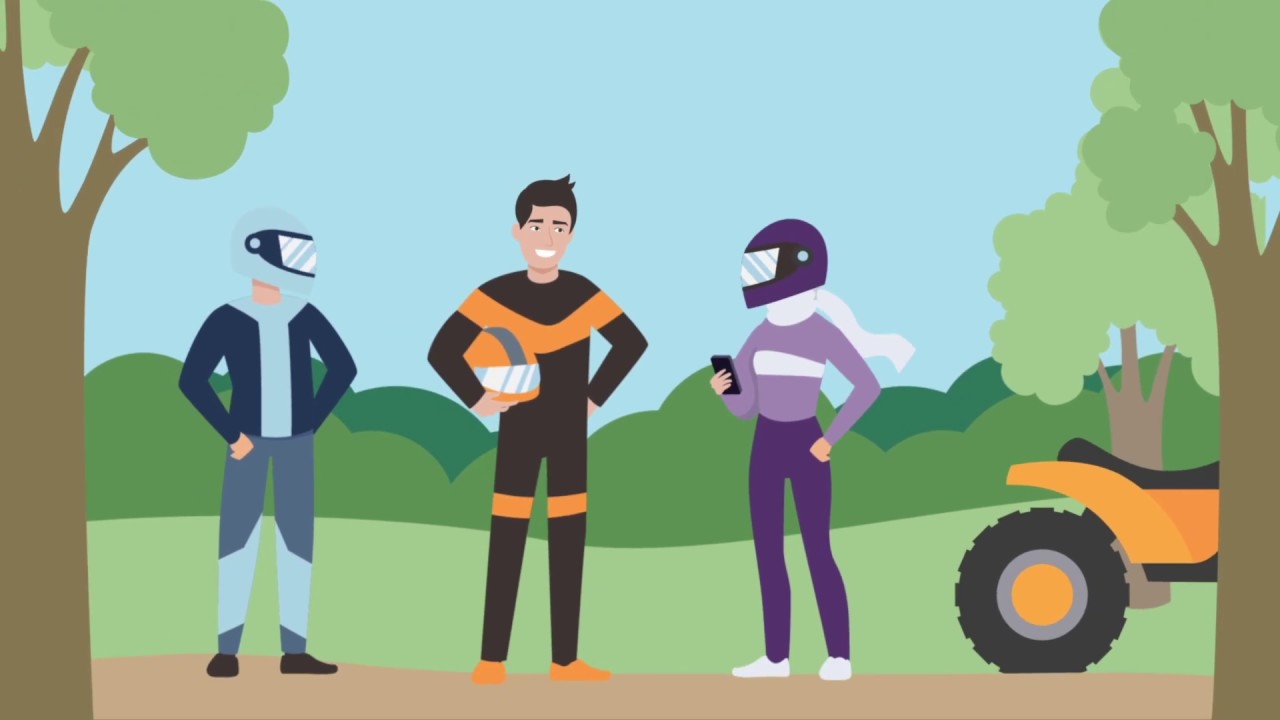
In this video we'll show you how to use Kaspersky Safe Kids to find your child on an online map, set a safe area for them to stay in and find out instantly if they leave it .
To activate this feature, open Kaspersky Safe Kids app on your mobile device in parent mode, tap on “Where is child?”, then “Go to settings” and turn on “Location Monitoring”.
This way you’ll know exactly where your child is or be able to find their smartphone.
You can also define an area – such as a school ground – and enter set days and time periods when you expect your child to stay there.
Now if your child leaves this area during the times you have selected, you’ll find out immediately via an alert sent to your devices.
Plus, with Kaspersky Safe Kids you can also check on the battery level of your kids’ mobile devices.
We’ll even send you an alert when their battery is low so you can warn them to plug in.
Learn more about Kaspersky Safe Kids at support.kaspersky.com
Повторяем попытку...

Доступные форматы для скачивания:
Скачать видео
-
Информация по загрузке:




![Best of Driving Deep House [2026] | Chill Vocal Mix to Boost Focus, Maximize Concentration #7](https://imager.clipsaver.ru/CDnUiT9PNWc/max.jpg)