Instant Arpeggios & Chords | Reaper Tips #1
Автор: AHmusic
Загружено: 2016-04-16
Просмотров: 38091
Описание:
Hey! I started a new channel and an instagram page full of REAPER tips, check it out 💙
👉 Youtube: / reapertips
👉 Instagram: / reapertips
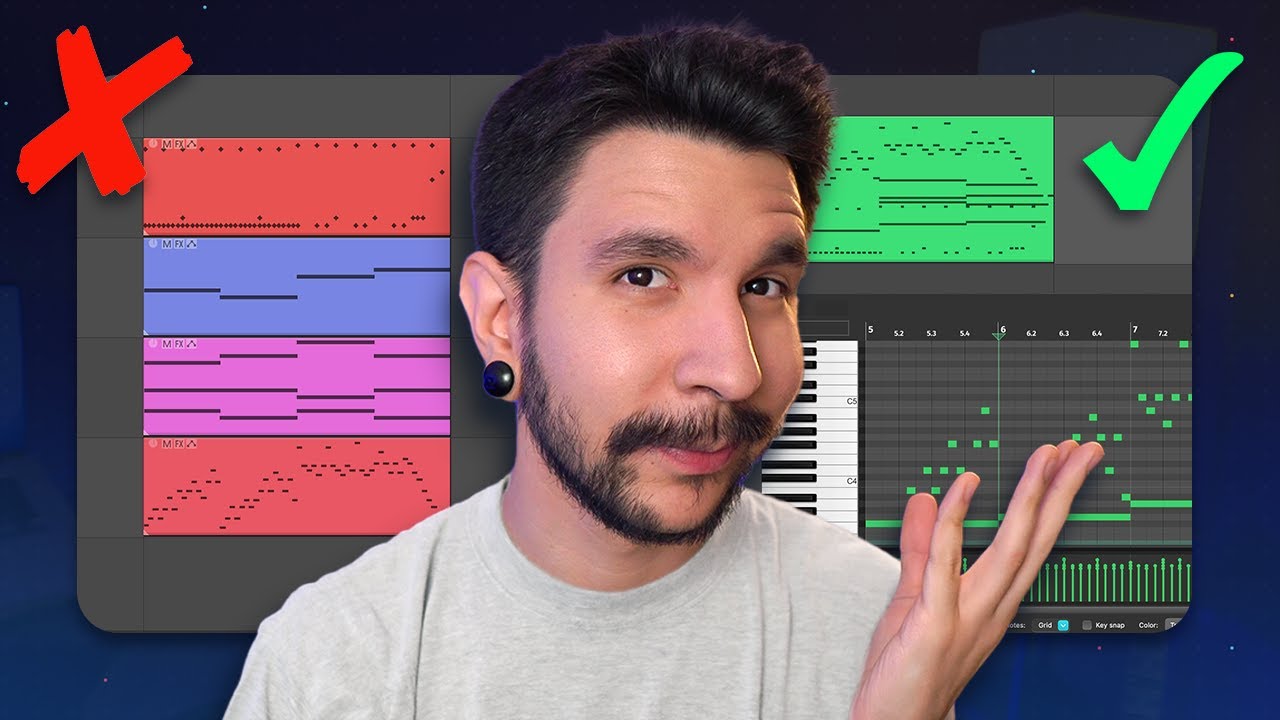
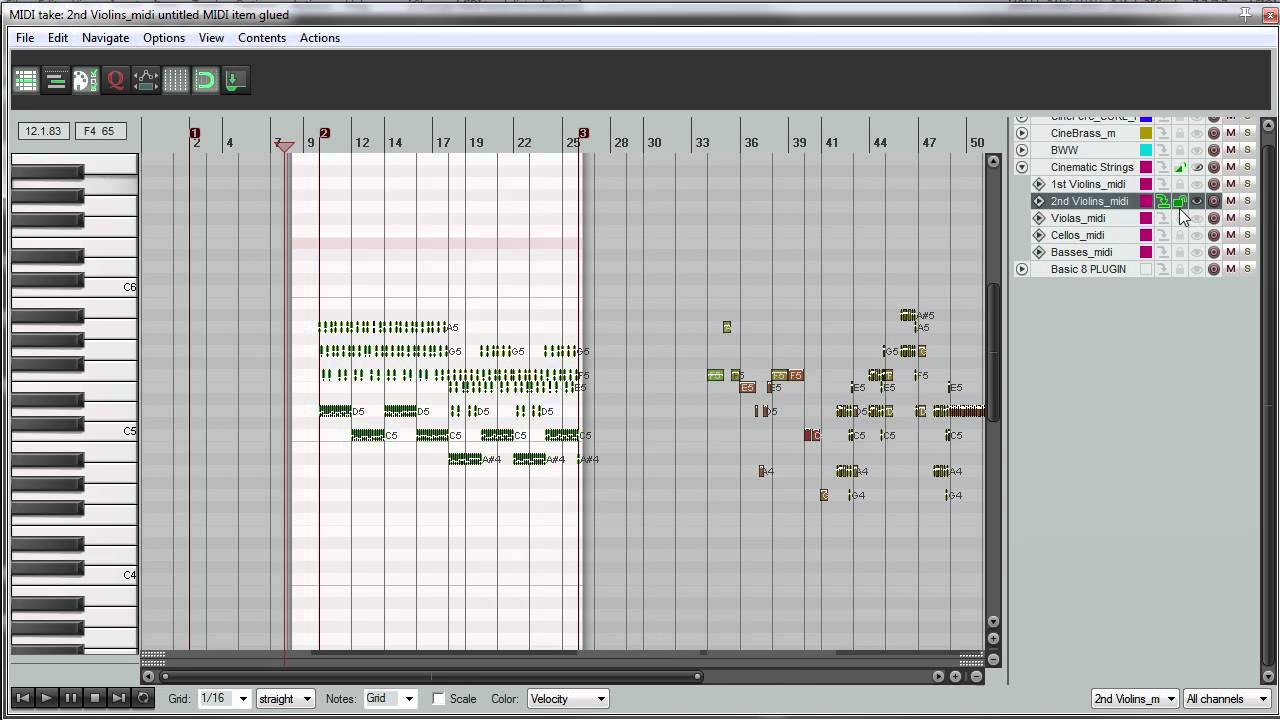
Reaper Tip #1: How to instantly insert any arpeggio and chord in any shape or form in Reaper's MIDI editor.
IMPORTANT: At 3:17 In the dropdown menu at the top left corner, select "MIDI Piano Roll Context"
Reaper tips is a series of short tutorial clips where I show you some of my favorite Reaper tricks.
► DOWNLOAD:
http://stash.reaper.fm/v/7795/Chords_...
► Skip to:
0:44 - Insert Chord Demo
1:55 - Insert Arpeggio Demo
2:50 - Setup
✔ Setup Steps:
1. In Reaper's Options menu, click on "Customize Menus/Toolbars"
2. In the dropdown menu at the top left corner, select "MIDI Piano Roll Context"
3. Click import, then select "chords_scales_arps.ReaperMenu”
4. Close the menu editor.
5. From the Action's menu, choose "Show Action List"
6. In the dropdown menu at the top right corner choose "MIDI Editor"
7. Click import and choose “chords_scales_arps.ReaperKeyMap”
CREDITS:
Custom action made by: Aeolian1
- - -
So, I've been getting a lot of requests lately on starting a Reaper tutorial series. And this is honestly something that I have been wanting to do for a while and I am very happy that it is finally happening. Also, it was one of my Patreon milestones, so yay! Thank you so much for your support. :D
Please feel free to make any suggestion to make my tutorials better. Don't hesitate to ask me any question, I will gladly help you!
- -
http://www.ahrecordings.com
Повторяем попытку...

Доступные форматы для скачивания:
Скачать видео
-
Информация по загрузке: