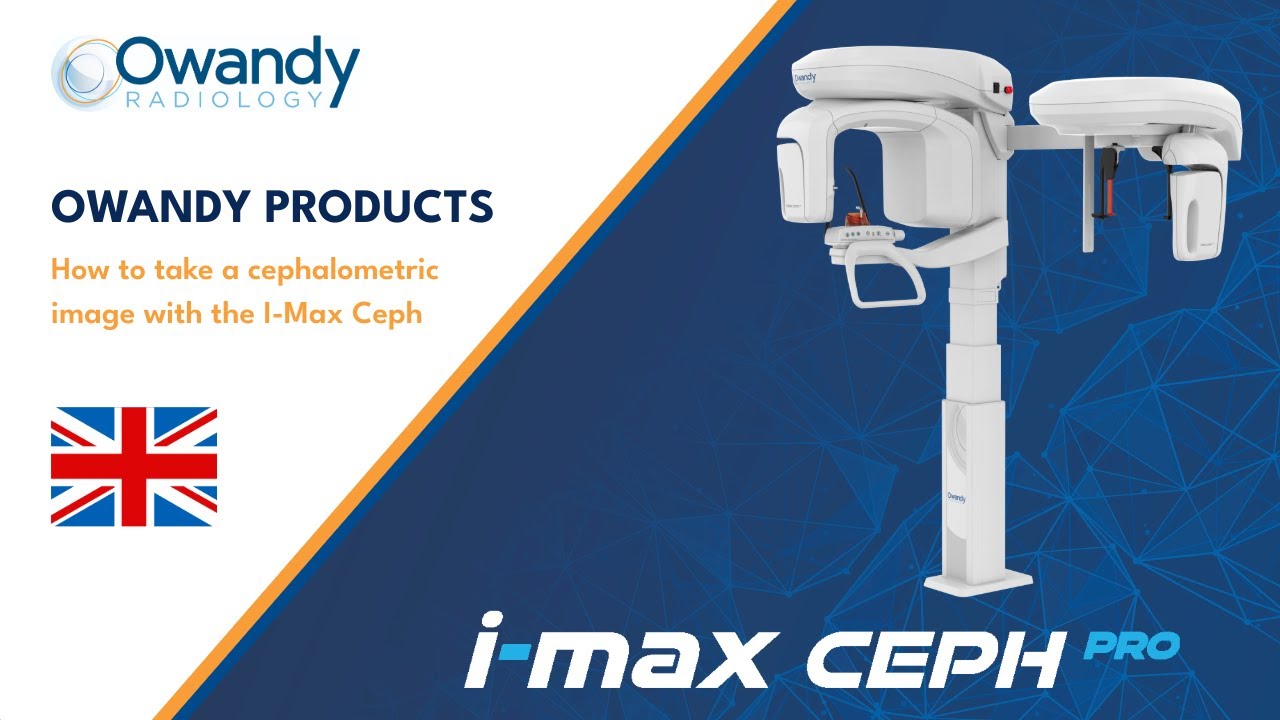
How to take a cephalometric image with the I-Max Ceph
Автор: Owandy Radiology
Загружено: 2020-03-11
Просмотров: 3252
Описание:
The I-Max CEPH 3D panoramic unit is our latest generation of dental panoramic and cone beam units. It features a large field of view, a cephalometric X-ray arm and the latest software innovations.
In this video, you'll discover just how easy it is to perform a cephalometric X-ray.
The panoramic unit is available in two versions, the I-Max CEPH and the I-Max CEPH 3D.
Find out more about the product : I-Max CEPH
https://www.owandy.fr/unite-panoramiq...
Further product information : I-Max CEPH 3D
https://www.owandy.fr/unite-panoramiq...
DOWNLOAD our Quickvision 3D implant planning software free of charge:
Presentation: https://www.owandy.fr/logiciel-de-ges...
Download: https://www.owandy.fr/support/#drvqv3d
--------------------------------------------------------
Discover also our intraoral sensors:
Sensor #1 --- Opteo
The 1st intelligent intraoral sensor with CMOS technology and A2-S innovation.
Discover the Opteo sensor page
https://cutt.ly/xtqHM6o
Sensor #2 --- One
Affordable, direct USB sensor
https://www.owandy.fr/one/
--------------------------------------------------------
Owandy Radiology is a leading manufacturer of dental radiology systems and imaging software.
Its software is used by half of all dentists in France. Its range of radiology solutions is available in more than 50 countries on all continents.
Discover Owandy Radiology: https://www.owandy.com/
--------------------------------------------------------
Discover our practice management software that comes with your equipment.
You can also download and use Quickvision free of charge to manage your radiographs. Quickvision can also be used in conjunction with QuickVision 3D for implant planning.
QuickVision can be found here: https://www.owandy.com/support/
Повторяем попытку...
Доступные форматы для скачивания:
Скачать видео
-
Информация по загрузке: