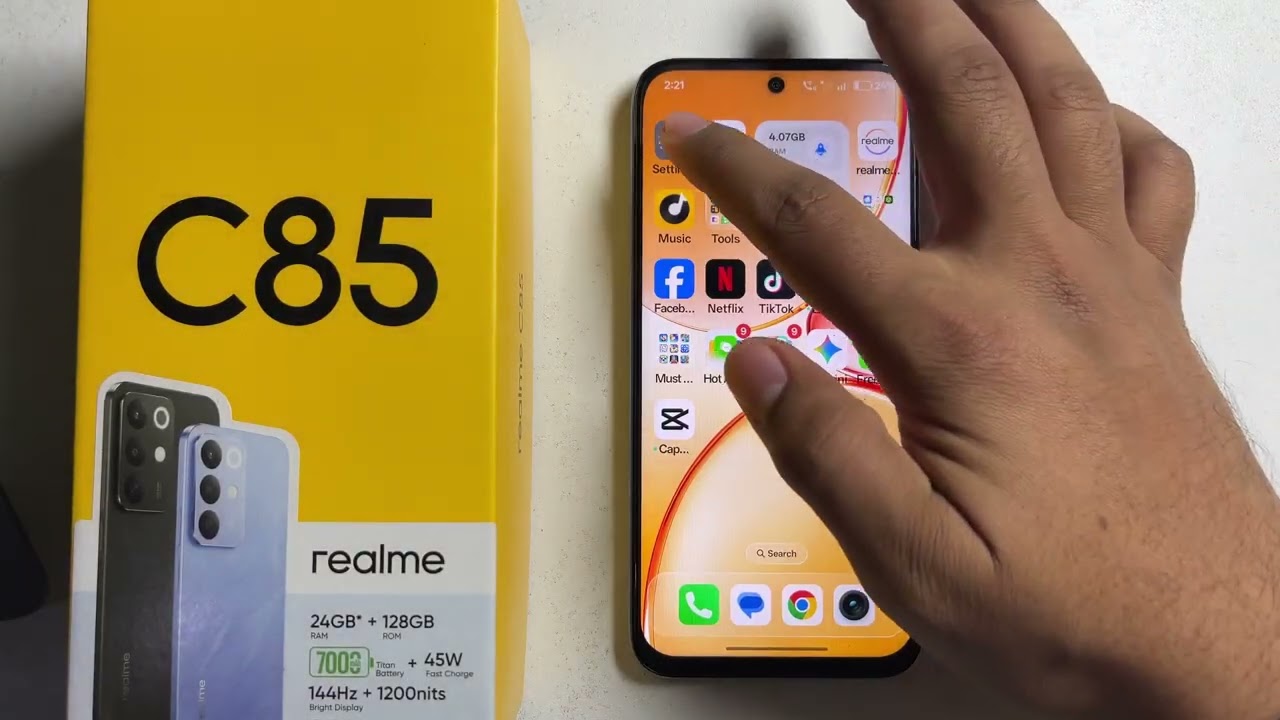
Realme C85/C85 Pro: Customise Accessibility button
Автор: sadeqe info
Загружено: 2026-02-16
Просмотров: 5
Описание:
Do you want to customize the Accessibility button on your Realme C85 or C85 Pro for quicker access to your favorite features?
In this video, you’ll learn how to customize the Accessibility button on your Realme C85 and C85 Pro, allowing you to quickly enable tools like Magnification, TalkBack, or other accessibility features with just one tap.
You’ll learn about:
First, open Settings on your Realme C85/C85 Pro
Next, scroll down and tap on Accessibility
Then, select the Accessibility Button option
After that, choose the accessibility feature you want to assign to the button
Finally, test the Accessibility button from the navigation bar to ensure it activates your selected feature properly
#RealmeC85 #RealmeC85Pro #AccessibilityButton #RealmeSettings #AndroidAccessibility
Contact Us: patreon.com/sadeqeInfo
Повторяем попытку...
Доступные форматы для скачивания:
Скачать видео
-
Информация по загрузке: