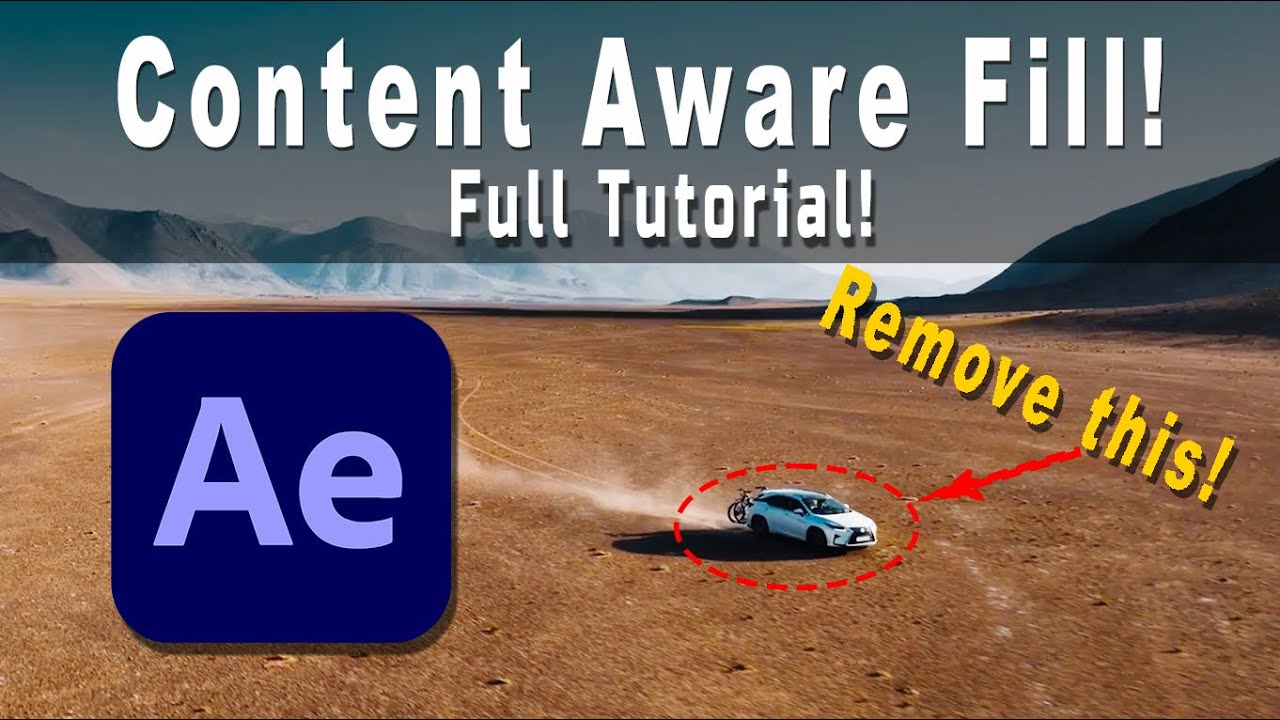
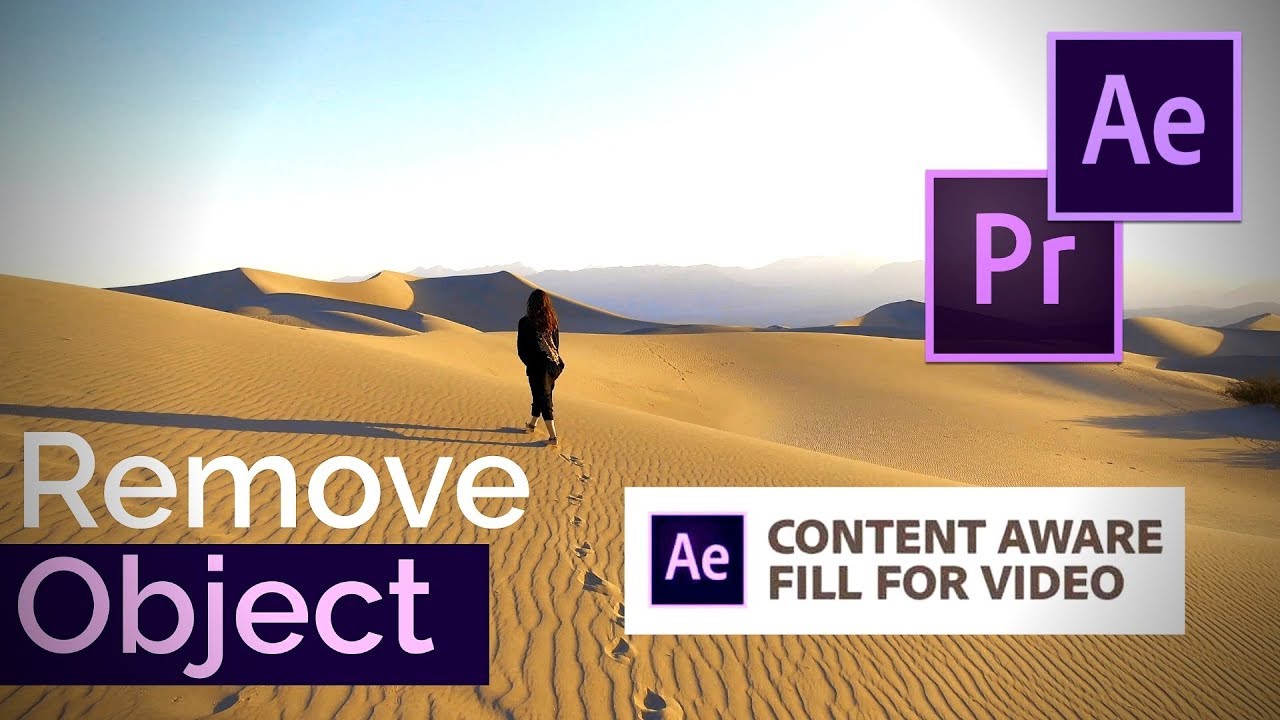
How to remove People & Cars From Your Drone Videos
Автор: New Adventure Films
Загружено: 2025-06-25
Просмотров: 533
Описание:
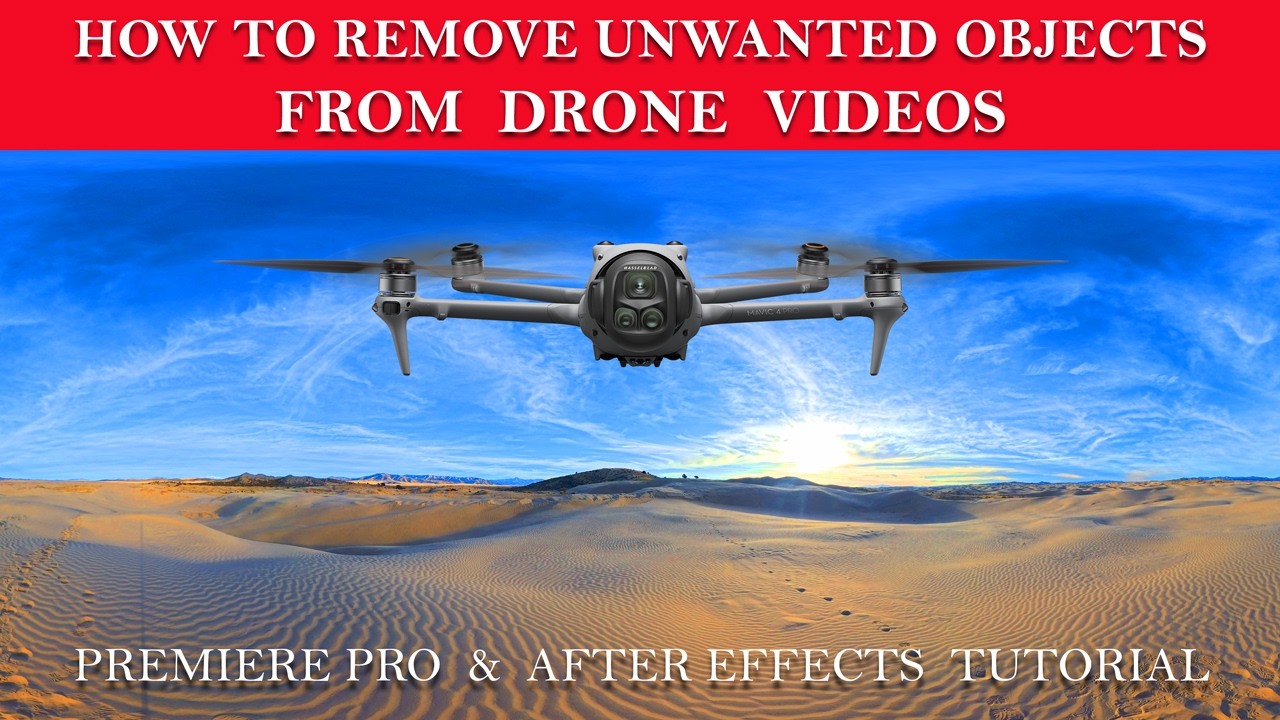
Unwanted people, cars, shadows, or moving objects can completely distract from an otherwise perfect drone shot. In this tutorial, I’ll show you how to remove unwanted objects from drone footage using Adobe Premiere Pro and After Effects—with clean, professional results.
You’ll learn practical techniques for removing distractions from aerial footage using masking, tracking, content-aware tools, and compositing workflows that preserve motion and realism. Whether you’re editing landscapes, city scenes, real estate videos, or cinematic travel films, these methods will help you deliver polished, distraction-free drone footage.
This tutorial is ideal for drone pilots, filmmakers, and editors who want to improve their post-production skills and get the most out of Premiere Pro and After Effects.
👇 In this video, you’ll learn:
• How to remove people, cars, and unwanted objects from drone footage
• When to use Premiere Pro vs After Effects for object removal
• Masking and tracking techniques for moving shots
• Tips for clean, realistic object removal in aerial videos
• Common mistakes to avoid in drone post-production
If you found this video helpful, like, subscribe, and turn on notifications for more drone tutorials, cinematic editing tips, and aerial filmmaking techniques.
#PremierePro
#AfterEffects
#DroneFootage
#DroneVideoEditing
#RemoveObjects
#AdobePremierePro
#AdobeAfterEffects
#DroneFilmmaking
#AerialVideo
#VideoEditingTutorial
#CinematicDrone
Повторяем попытку...
Доступные форматы для скачивания:
Скачать видео
-
Информация по загрузке: