How to Use Zego with Uber Eats – Step-by-Step Guide
Автор: SuperFixz
Загружено: 2025-02-23
Просмотров: 2015
Описание:
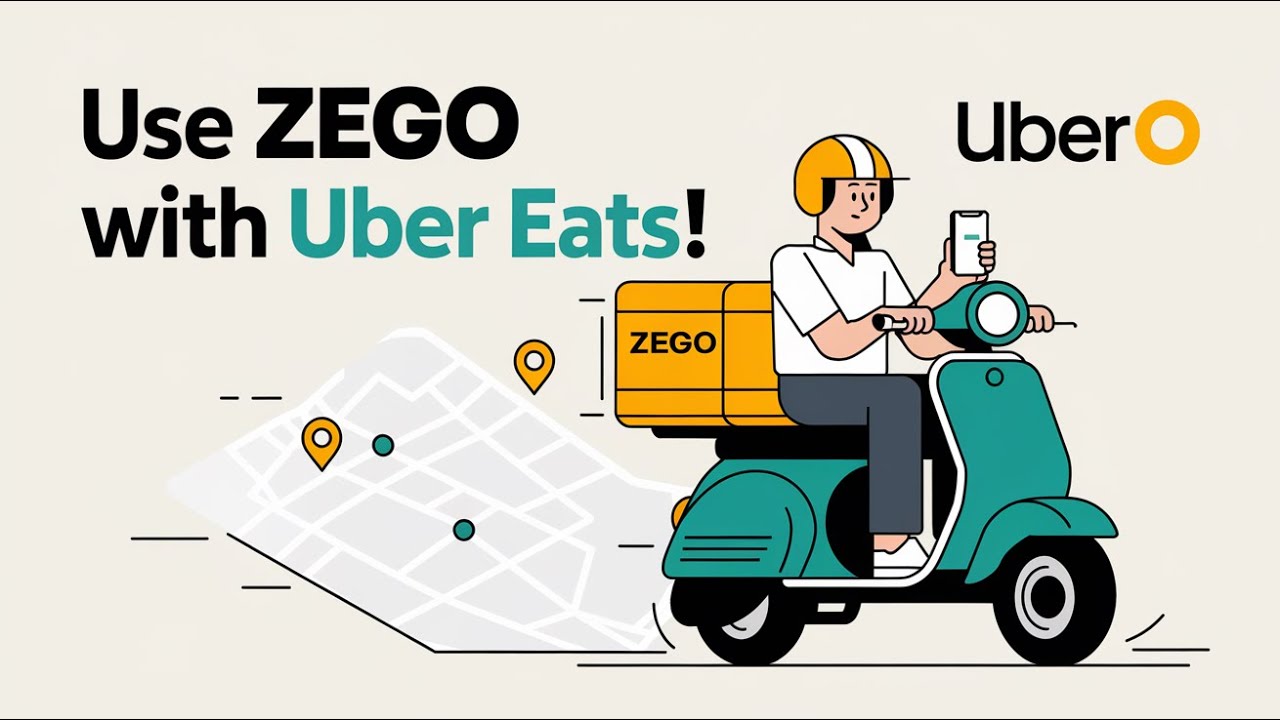
Want to use Zego insurance while delivering with Uber Eats? Here’s how to set it up!
🔹 Sign Up for Uber Eats – If you’re not already a driver, apply and get a driver account.
🔹 Download the Zego App – Get it from the App Store or Google Play Store.
🔹 Choose a Zego Plan – Pick Pay-As-You-Go for part-time deliveries or a Monthly Plan for full-time work.
🔹 Connect Zego to Uber Eats – Zego tracks your delivery time and activates insurance automatically when you start delivering.
🔹 Start Delivering – Once you go online on Uber Eats, Zego automatically covers you.
🔹 Manage Your Plan – Track your insurance hours, payments, and coverage in the Zego app.
That’s it! Now you’re covered while delivering. Like & subscribe for more tips! #UberEats #Zego #DeliveryDriver
Повторяем попытку...
Доступные форматы для скачивания:
Скачать видео
-
Информация по загрузке: