ycliper

Популярное

Музыка Кино и Анимация Автомобили Животные Спорт Путешествия Игры Юмор

Интересные видео

2025 Сериалы Трейлеры Новости Как сделать Видеоуроки Diy своими руками

Топ запросов

смотреть а4 schoolboy runaway турецкий сериал смотреть мультфильмы эдисон
Скачать

Flight Simulation Using DroneKit on Ardupilot (Fixed Pymavlink Bug)

Автор: Rafi Hoque

Загружено: 2025-05-08

Просмотров: 533

Описание: DroneKit is a popular python package that allows you to program your drone using a low latency link. Flight controllers are limited to make artificial perception or intelligence based decisions. In this perspective, DroneKit adds intelligence to vehilcle's behaviour and perform tasks that are computationally intensive or time-sensitive (for example, computer vision, path planning, or 3D modelling). It is compatible with vehicles that communicate using the MAVLink protocol (including most vehicles made by 3DR and other members of the DroneCode foundation). It runs on Linux, Mac OS X, or Windows.

For more information, check the following link: https://dronekit-python.readthedocs.i...

My Environment:

1. Python 3.9
2. DroneKit 2.9.2
3. DroneKit - SITL 3.3.0
4. MAVProxy 1.8.71
5. Pymavlink 2.4.43

Step: 01: Install the required packages:
pip install dronekit dronekit-sitl mavproxy

Step: 02: Fix the bug with Pymavlink:
a. Go to your site packages and open pymavlink folder
b. Open pymavutil.py file
c. Find the fucntion set_mode_apm and Comment out the following section:

self.mav.command_long_send(self.target_system,
self.target_component,
mavlink.MAV_CMD_DO_SET_MODE,
0,
mavlink.MAV_MODE_FLAG_CUSTOM_MODE_ENABLED,
mode,
0,
0,
0,
0,
0)

d. Replace it by the following section and save the file:

self.mav.set_mode_send(self.target_system,
mavlink.MAV_MODE_FLAG_CUSTOM_MODE_ENABLED,
mode,
)

Step: 03: Open a new terminal and run: dronekit-sitl copter --home=23.4613785,91.1767227,10,270

Step: 04: Open another new terminal and run: python3.9 -m MAVProxy.mavproxy --master tcp:127.0.0.1:5760 --sitl 127.0.0.1:5501 --out 127.0.0.1:14550 --out 127.0.0.1:14551 --out 127.0.0.1:14552

Step: 05: Connect Ardupilot on the UDP link and run the pyscript to check the simulation.

Quadcopter Specifications:

1. S500 Quadcopter Frame.
2. Radiolink Pixhawk Flight Controller.
3. Radiolink SE100 M10N GPS.
4. FlySky FS-i6S Radio Transmitter with FS-iA10B Receiver.
5. HTIRC Hummingbird Dshot 20A ESC.
6. DJI 2212/920KV BLDC Motors.
7. 3S 60C 3200mAh Lipo Battery.
8. 4S 40C 4000mAh SAMSUNG(Original) 21700 Li-Ion Battery Pack (Custom Made).
9. DJI 1045 10" Self Locking Propeller.
10. Imax B6 AC 80W Charger.
11. ESP8266 Based WiFi Telemetry.
12. Cell Checker.

Chapters:
0:00 - Introduction
2:19 - Required Packages
5:14 - Fixing Pymavlink BUG
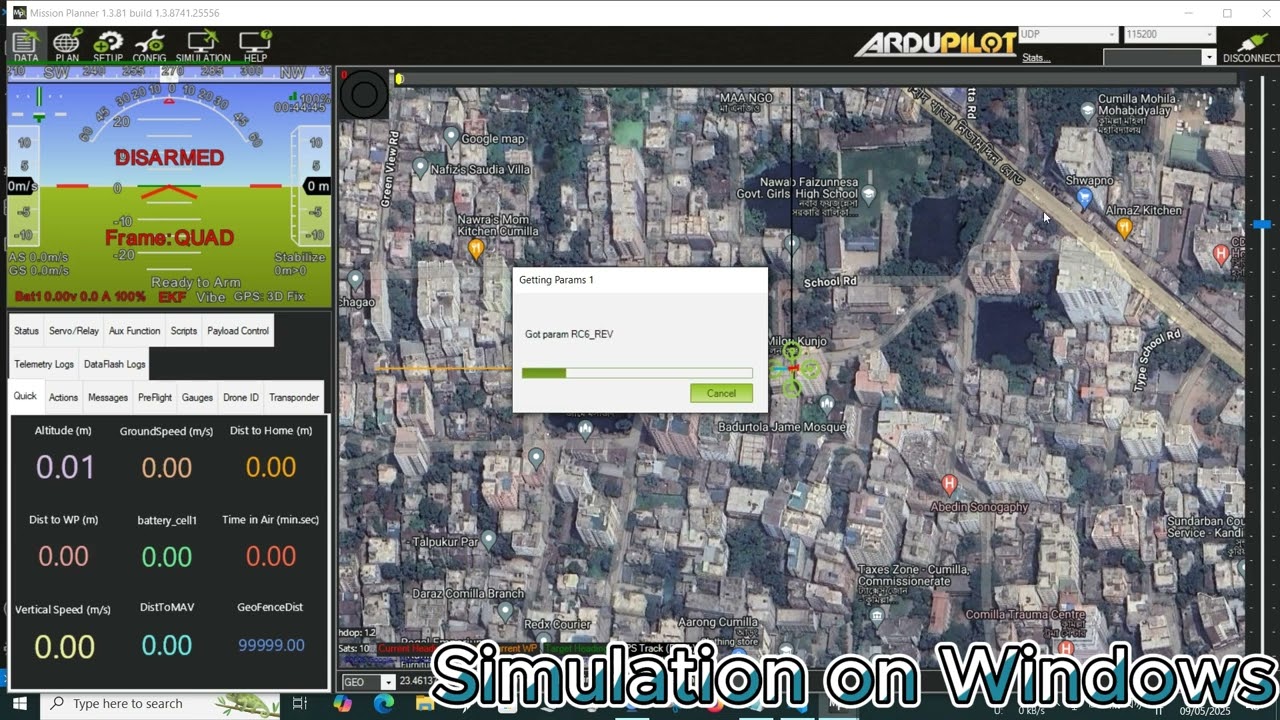
10:05 - Running Simulation on Windows
17:33 - Running Simulation on Linux Termimnal

Не удается загрузить Youtube-плеер. Проверьте блокировку Youtube в вашей сети.
Повторяем попытку...
Flight Simulation Using DroneKit on Ardupilot (Fixed Pymavlink Bug)

Поделиться в:

Доступные форматы для скачивания:

Скачать видео

  • Информация по загрузке:

Скачать аудио

Похожие видео

Uporczywa FLEGMA po 70? To NIE PŁUCA! Przyczyna #1 i Proste ROZWIĄZANIE

Uporczywa FLEGMA po 70? To NIE PŁUCA! Przyczyna #1 i Proste ROZWIĄZANIE

INAV 8 Get FC Telemetry Wirelessly on Ground Station with MAVLink and ELRS Backpack

INAV 8 Get FC Telemetry Wirelessly on Ground Station with MAVLink and ELRS Backpack

QR Code Based Smart Attendance System | Computer Vision| AI

QR Code Based Smart Attendance System | Computer Vision| AI

Gesture Controlled Drone Using Computer Vision | Python+DroneKit

Gesture Controlled Drone Using Computer Vision | Python+DroneKit

IoT Based Weather Station Including SMS/Email/Telegram Notification

IoT Based Weather Station Including SMS/Email/Telegram Notification

Как Ubuntu Предала Linux - Вся Правда о Взлёте и Падении Canonical

Как Ubuntu Предала Linux - Вся Правда о Взлёте и Падении Canonical

Betaflight Drone Tracking via ExpressLRS and QGroundControl

Betaflight Drone Tracking via ExpressLRS and QGroundControl

Я БЫЛ В ШОКЕ КОГДА УЗНАЛ ЭТО... TBS vs ELRS

Я БЫЛ В ШОКЕ КОГДА УЗНАЛ ЭТО... TBS vs ELRS

Создание и запуск автономной миссии — Планировщик миссий

Создание и запуск автономной миссии — Планировщик миссий

Тайны загадочной цивилизации Майя: кровавые ритуалы, изобретения, жертвоприношения и паломничество

Тайны загадочной цивилизации Майя: кровавые ритуалы, изобретения, жертвоприношения и паломничество

Видео входа в атмосферу после полета Ориона с орбиты корабля «Артемида I» (ОРИГИНАЛ)

Видео входа в атмосферу после полета Ориона с орбиты корабля «Артемида I» (ОРИГИНАЛ)

Автоматизация взлома оборудования с помощью кода Клода

Автоматизация взлома оборудования с помощью кода Клода

Сделал визуализацию 4D, 5D, 6D. Как выглядит 6D мир?

Сделал визуализацию 4D, 5D, 6D. Как выглядит 6D мир?

Drowsiness & Yawn Detection Using Computer Vision With Live Alert  |  Driver Assistance

Drowsiness & Yawn Detection Using Computer Vision With Live Alert | Driver Assistance

Weather Monitoring Drone (The Aerial Weather Station)

Weather Monitoring Drone (The Aerial Weather Station)

4G (LTE) Telemetry and Control of Pixhawk using Pi3

4G (LTE) Telemetry and Control of Pixhawk using Pi3

Face ID Based Smart Door Bell with Secured Door Lock  | Computer Vision| IoT | Database

Face ID Based Smart Door Bell with Secured Door Lock | Computer Vision| IoT | Database

Antigravity A1 — Самый НЕВЕРОЯТНЫЙ дрон, который я когда-либо тестировал

Antigravity A1 — Самый НЕВЕРОЯТНЫЙ дрон, который я когда-либо тестировал

6 бесплатных инструментов для работы со спутниковыми снимками, которые должен знать каждый следов...

6 бесплатных инструментов для работы со спутниковыми снимками, которые должен знать каждый следов...

Как сделать дешевое устройство для глушения сигналов

Как сделать дешевое устройство для глушения сигналов

© 2025 ycliper. Все права защищены.


  • Контакты
  • О нас
  • Политика конфиденциальности


Контакты для правообладателей: [email protected]