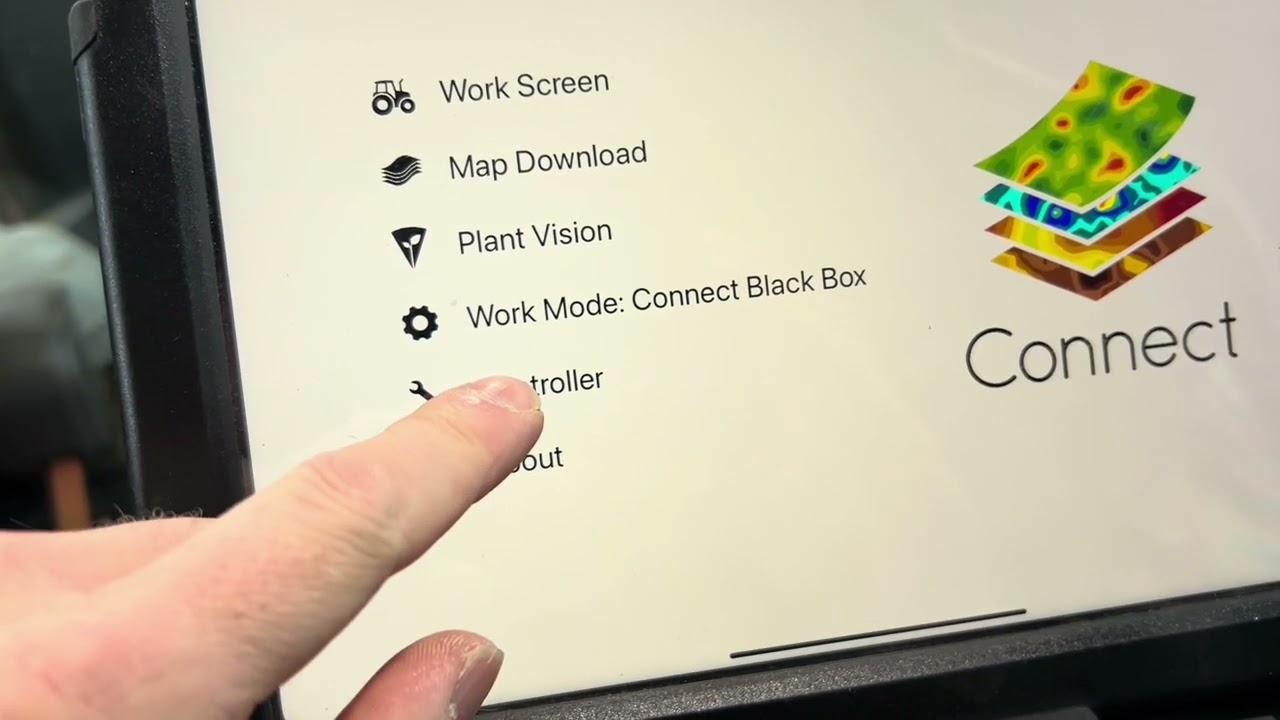
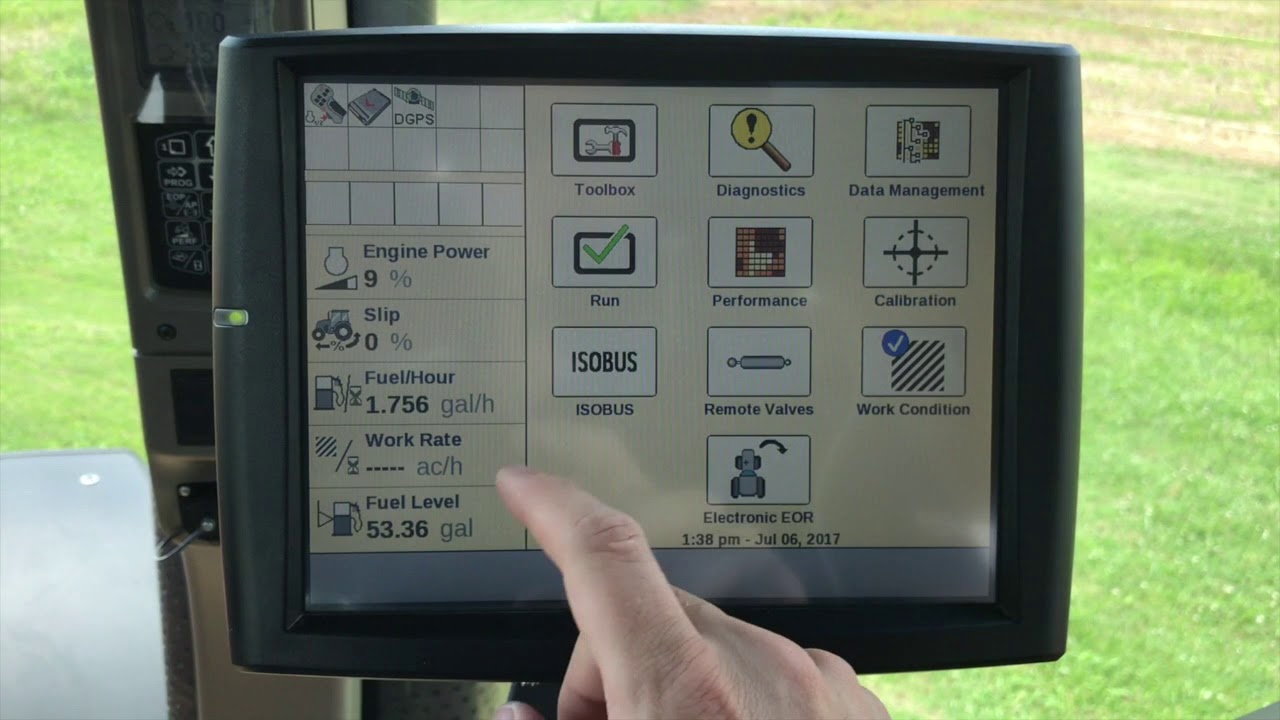
New Holland Intelliview VRA Upload
Автор: Precision Blash
Загружено: 2025-02-23
Просмотров: 194
Описание:
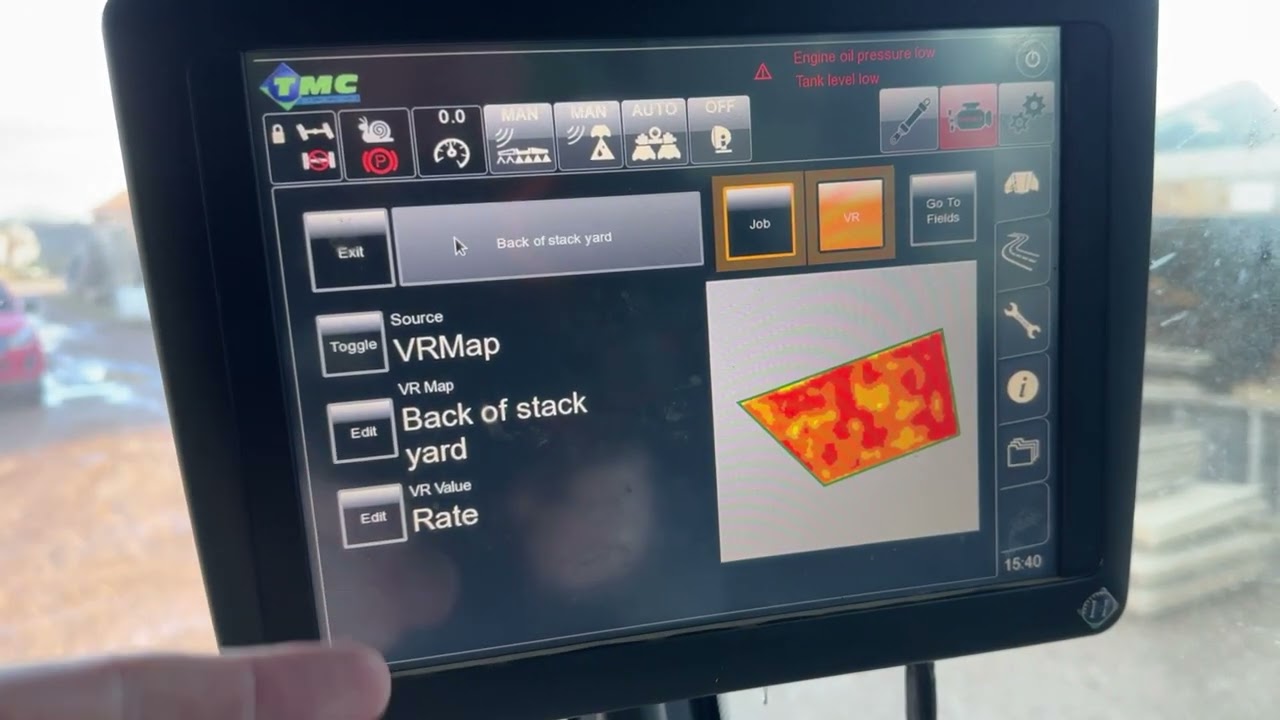
This tutorial demonstrates exporting files from Omnia onto a USB stick, ensuring the correct format on the USB and then also uploading the VRA prescriptions into the Intelliview screen.
Please ensure Wizards and Utilities is all unlocked and set up, I have run through the basic settings when setting up the terminal to show the touch points and essential settings to get the terminal Variable rate applying.
The terminal takes a while to reboot after uploading the prescriptions. but once this is done its simple enough to find the plans and launch them.
Massive thank you to an industry professional named Sam for his input on the Intelliview screen settings.
Yes sometimes even I need assistance!
Either way I trust this helps a lot of you with Intelliview Screens.
Повторяем попытку...
Доступные форматы для скачивания:
Скачать видео
-
Информация по загрузке:










![Как сжимаются изображения? [46 МБ ↘↘ 4,07 МБ] JPEG в деталях](https://imager.clipsaver.ru/Kv1Hiv3ox8I/max.jpg)