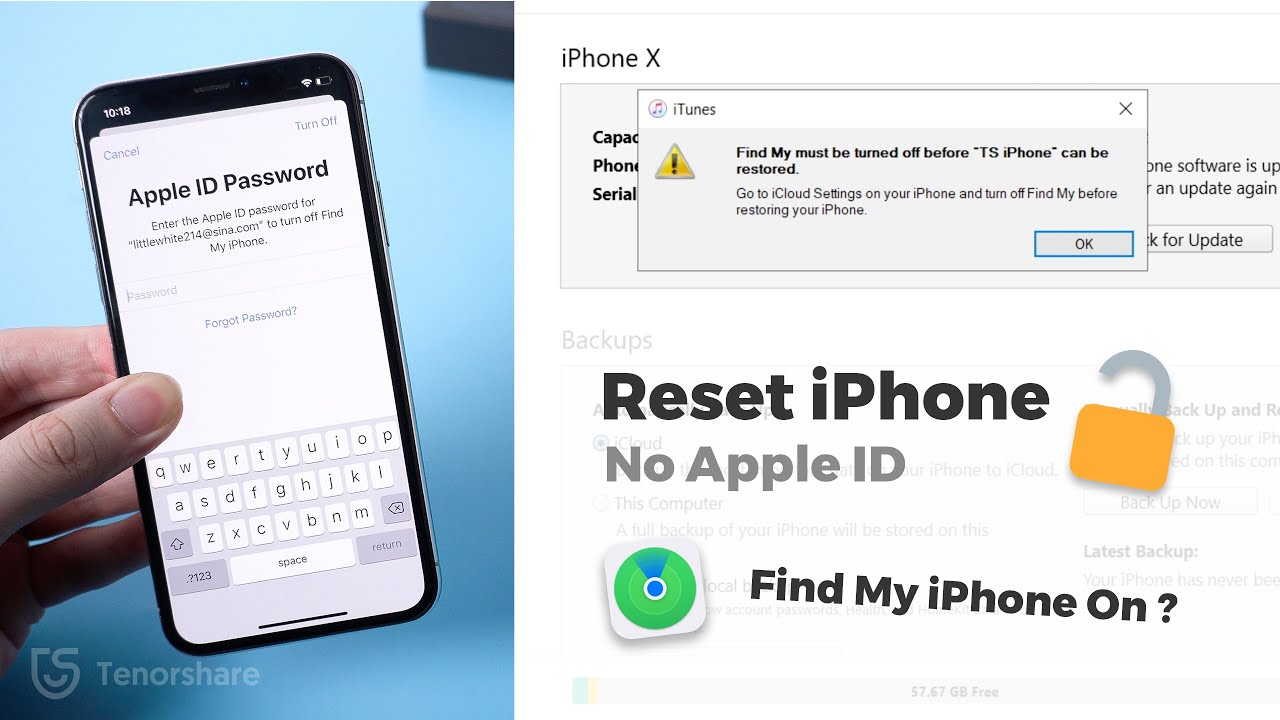
2024 How to Reset iPhone without Apple ID When Find My iPhone is On
Автор: TenorshareOfficial
Загружено: 2020-12-08
Просмотров: 278772
Описание:
The 4MeKey features have been moved to 4uKey, reset iPhone now 👉 https://bit.ly/3XdCxxQ
If you want to reset your iPhone but can't turn off Find My because you've forgotten your Apple ID and password, don't worry. In this video, I'll show you a simple and effective solution to this problem.
If you've already turned on two-steps verification on your iPhone, luckily you can bypass the activation lock by entering your previous lock screen passcode. If not, you still have a way to bypass by using a third-party tool. But to be noticed that this will jailbreak your iPhone.
How to reset an iPhone without an Apple ID password when Find My iPhone is on
1. Recovery Mode: Connect your iPhone to a computer, enter recovery mode, and restore the device using iTunes. This will erase all data and settings.
2. Bypassing Activation Lock: If your iPhone prompts for an Apple ID during setup, check for the "Unlock with Passcode" option. If available, use your passcode to unlock the device.
3. Using 4MeKey: If the passcode option isn't available, use Tenorshare 4MeKey to bypass the iCloud activation lock. This involves jailbreaking the device using a USB drive and a tool like Checkn1x. Once jailbroken, 4MeKey can remove the activation lock, allowing you to sign in with a new Apple ID
Timestamps:
00:00 Intro & Preview
00:33 Step 1 - Put iPhone into Recovery Mode
01:02 Restore iPhone with iTunes
01:44 Step 2 - Bypass Activation Lock on iPhone with Lock Screen Passcode
02:19 Step 3 - Use 4MeKey to Bypass Activation Lock
03:23 Jailbreak iPhone
04:30 Remove iCloud Activation Lock on 4MeKey
⚠Important notice:
1. This video is only for educational purpose of showing users how to regain limited access to their own device when they forgot their passwords.
2. 4MeKey is only designed to help individual users who forgot their Apple ID or Apple ID password, commercial use is not permitted.
3. This tool is unable to obtain access to credentials, compromise personal data or cause serious harm to others. Do not try to violate YouTube community guidelines.
4. This tool will jailbreak your iOS device before removing iCloud Activation Lock or turning off Find My iPhone.
5. Once succeeded, you are unable to use the phone for the function of phone call, cellular and iCloud with your Apple ID. However, you can log in a new Apple ID through App Store in Settings and install Apps in App Store.
6. This tool currently only supports iOS devices with A7 to A11 Bionic running iOS 12 to iOS 14.
7. Restarting, updating and restoring the device to factory resettings after the removal will bring the device back to the Activation Lock screen.
#resetiphone #findmydevice #4ukey #tenorshare #appleidlocked
---------Social Media------------
Facebook: / tenorshare
Twitter: / tenorshare
Google+: https://plus.google.com/+Tenorshareso...
Tenorshare official website: https://www.tenorshare.com
––––––––––––––––––––––––––––––
Ready for Summer by Roa / roa_music1031
Creative Commons — Attribution 3.0 Unported — CC BY 3.0
Free Download / Stream: https://bit.ly/al-ready-for-summer
Music promoted by Audio Library • Ready for Summer - Roa (No Copyright Music)
––––––––––––––––––––––––––––––
Повторяем попытку...
Доступные форматы для скачивания:
Скачать видео
-
Информация по загрузке: