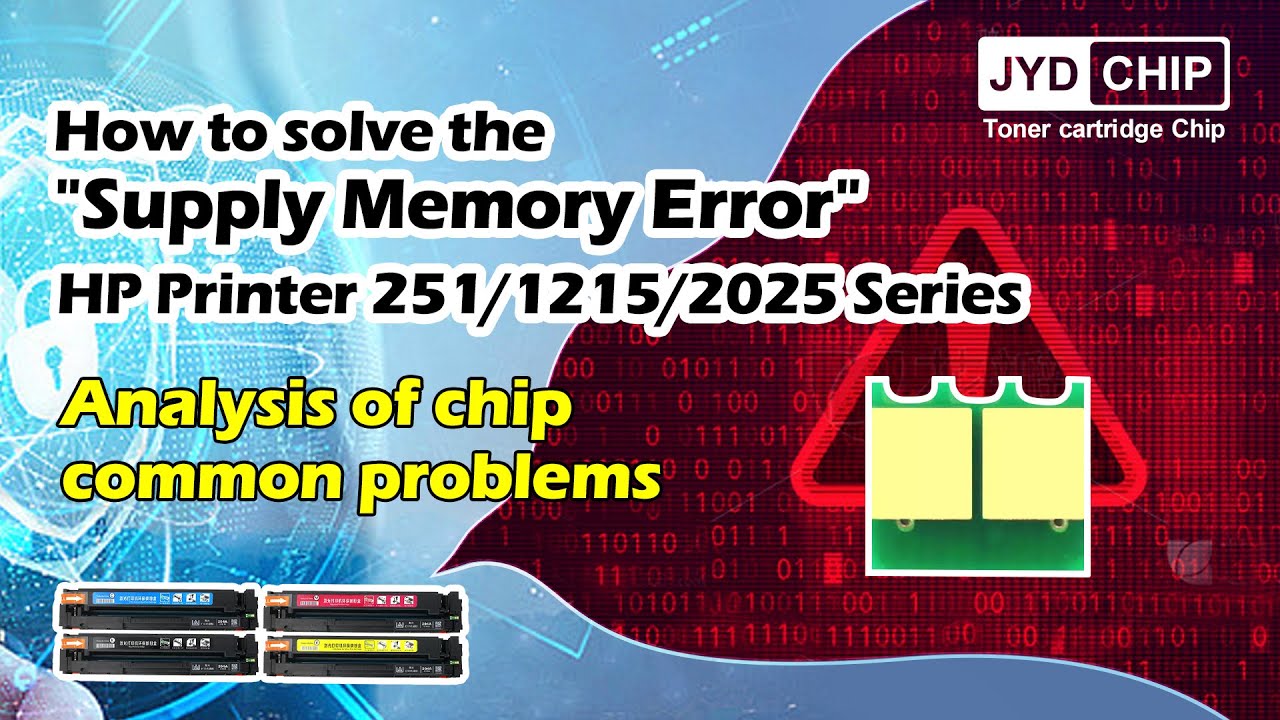
How to solve the "Supply Memory Error" HP Printer 251/1215/2025 Series
Автор: jydchip
Загружено: 2023-02-08
Просмотров: 1048
Описание:
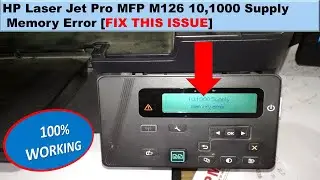
What to do with the "10.1001 Supply Memory Error" on the printer screen?
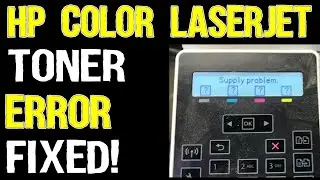
1.Firstly we need to check which color shows "?" from machine's screen, then we check what's the problem with this color toner cartridge.
2.Check the laser lettering of the toner chip, to make sure the chip model is correct.
3.Check the toner chip installation is correct or not(Refer to the Jinyinda Installation Instruction).
4.Check the contact point of chip is connecting with the machine properly or not.
5.If you have sevaral chips, please replace another chip to test again(to judge is there any problem with the chip).
6.If you have sevaral machines, please change another machine to test again(to judge is there any problem with the machine).
For more information about chip installation issues, visit:WWW.jydchips.com
1. Chip installation demonstration guide
2. Chip version selection guide
3. Analysis of chip common problems
4. Analysis of chip consumables page
More information, welcome to visit our website and contact us!
Повторяем попытку...
Доступные форматы для скачивания:
Скачать видео
-
Информация по загрузке: