How to replace the HEPA filter on your Dyson Airblade 9kJ hand dryer
Автор: Dyson
Загружено: 2021-10-22
Просмотров: 7030
Описание:
How to replace the HEPA filter on your Dyson Airblade 9kJ hand dryer - please turn on subtitles to see on-screen instructions.
We recommend regularly checking the air inlet to ensure that it is free from dust and debris. Simply wiping the inlet with a soft cloth should be sufficient to remove dust and debris.
If the air inlet gets clogged, further cleaning or a filter change might be required.
Filter replacement for your hand dryer can be carried out by carefully following the steps in this video.
Please ensure power to the Airbalde 9kJ has been switched off/isolated before any work is carried out.
Step 1. Using the tool supplied, remove the two security screws and washers from the base of the machine.
Step 2. Carefully remove the main body from the mounting bracket.
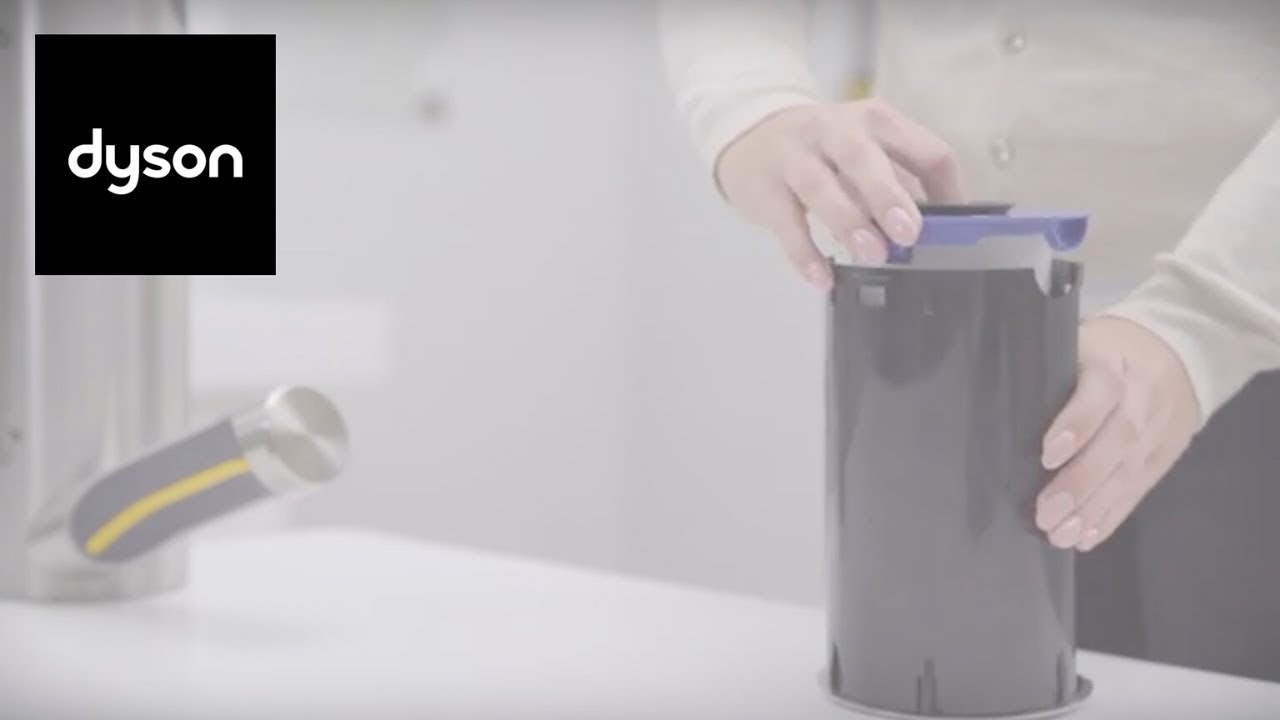
Step 3. Remove the filter unit from the main body.
Step 4. Squeeze the filter unit and remove the filter.
Step 5. Dispose of any parts in accordance with local codes and regulations.
Step 6. Locate the main body onto the mounting bracket.
Step 7. Fit and fully tighten the two security screws and washers into the bottom of the machine using the tool supplied.
Step 8. Insert the new filter into the filter unit.
Step 9. Locate the filter unit into the main body. Make sure that it clicks securely into place.
Step 10. Switch on the mains power supply and test.
If in any doubt, consult a qualified electrician or contact the Dyson Helpline for support.
Повторяем попытку...
Доступные форматы для скачивания:
Скачать видео
-
Информация по загрузке: