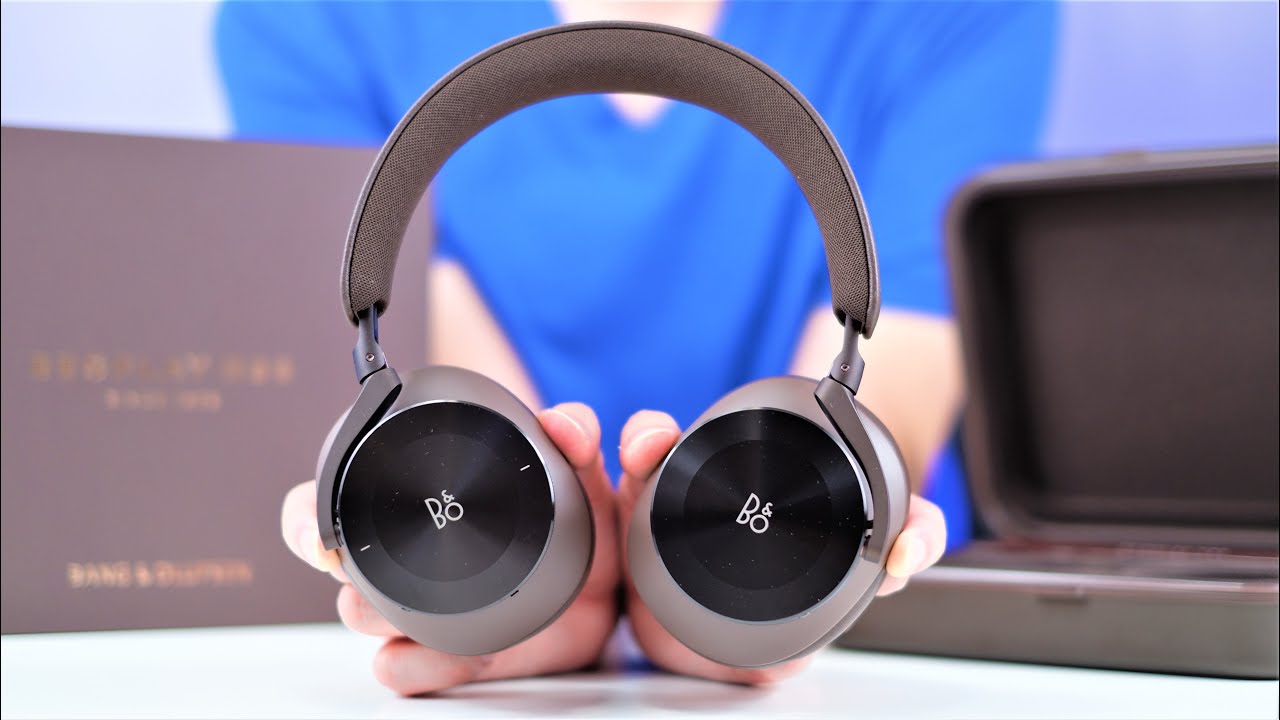
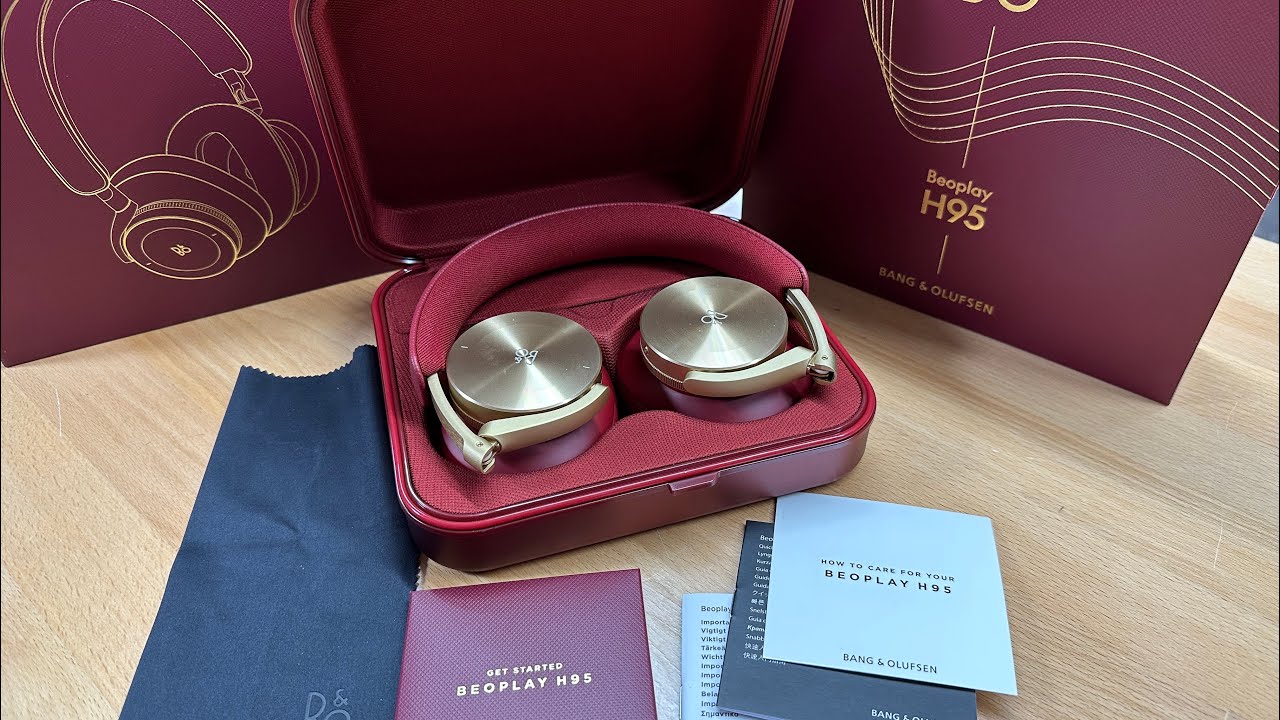
BANG & OLUFSEN Beoplay H95 – How to Change Device Color in the App
Автор: HardReset.Info
Загружено: 2025-07-28
Просмотров: 27
Описание:
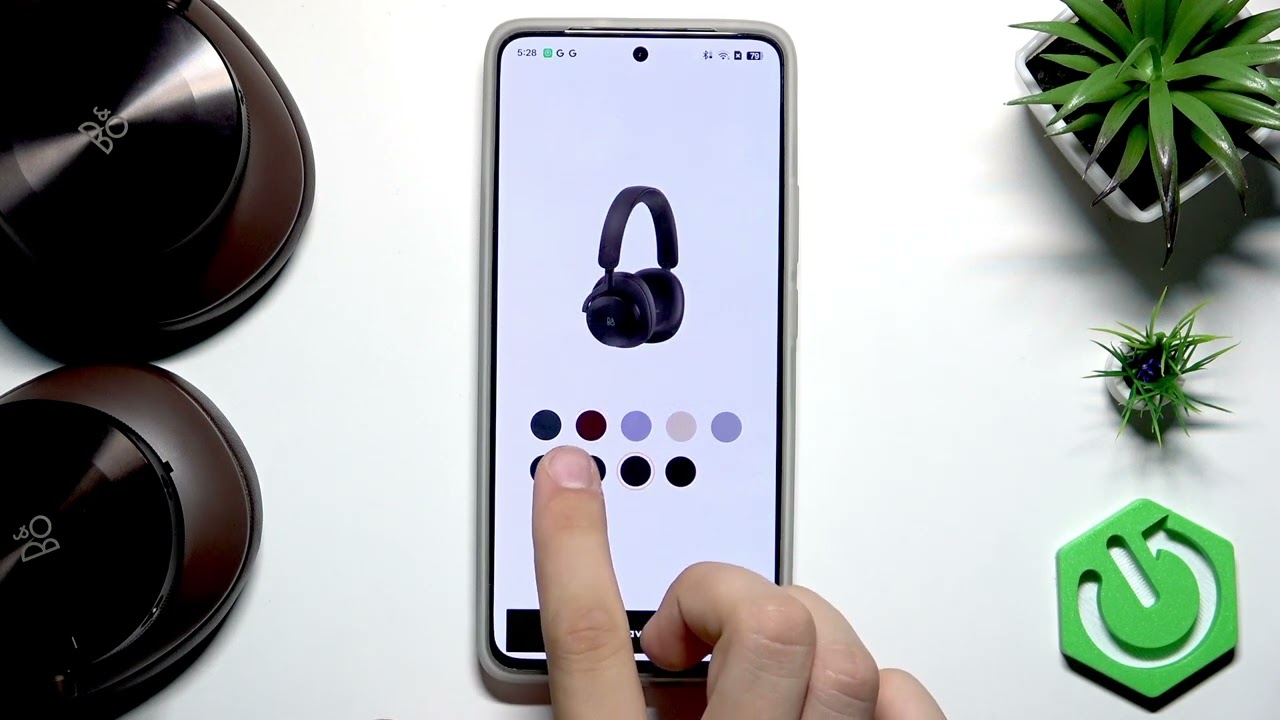
If you want to personalize your BANG & OLUFSEN Beoplay H95 headphones, this video will show you how to change the device color in the official app. Adjusting the color is a cosmetic feature that updates how your headphones appear within the app, making it easier to identify your device or simply match your style. Follow these simple steps to select and save a new color for your Beoplay H95 in the BANG & OLUFSEN app. This process does not affect the physical color of your headphones, but it can make your app experience more visually appealing and organized.
How to change device color in BANG & OLUFSEN Beoplay H95 app?
Where is the product color setting in the BANG & OLUFSEN app for Beoplay H95?
Can I customize the appearance of my Beoplay H95 in the BANG & OLUFSEN app?
0:00 Introduction
0:09 Open BANG & OLUFSEN app and access settings
0:18 Select product color option
0:31 Choose your preferred color
0:52 Save the new color
1:01 Confirmation and summary
#BangOlufsen #BeoplayH95 #DeviceColor #HeadphonesApp
Find out more:
https://www.hardreset.info/devices/ba...
Follow us on Instagram ► / hardreset.info
Like us on Facebook ► / hardresetinfo
Tweet us on Twitter ► / hardreseti
Support us on TikTok ► / hardreset.info
Use Reset Guides for many popular Apps ► https://www.hardreset.info/apps/apps/
Повторяем попытку...
Доступные форматы для скачивания:
Скачать видео
-
Информация по загрузке: