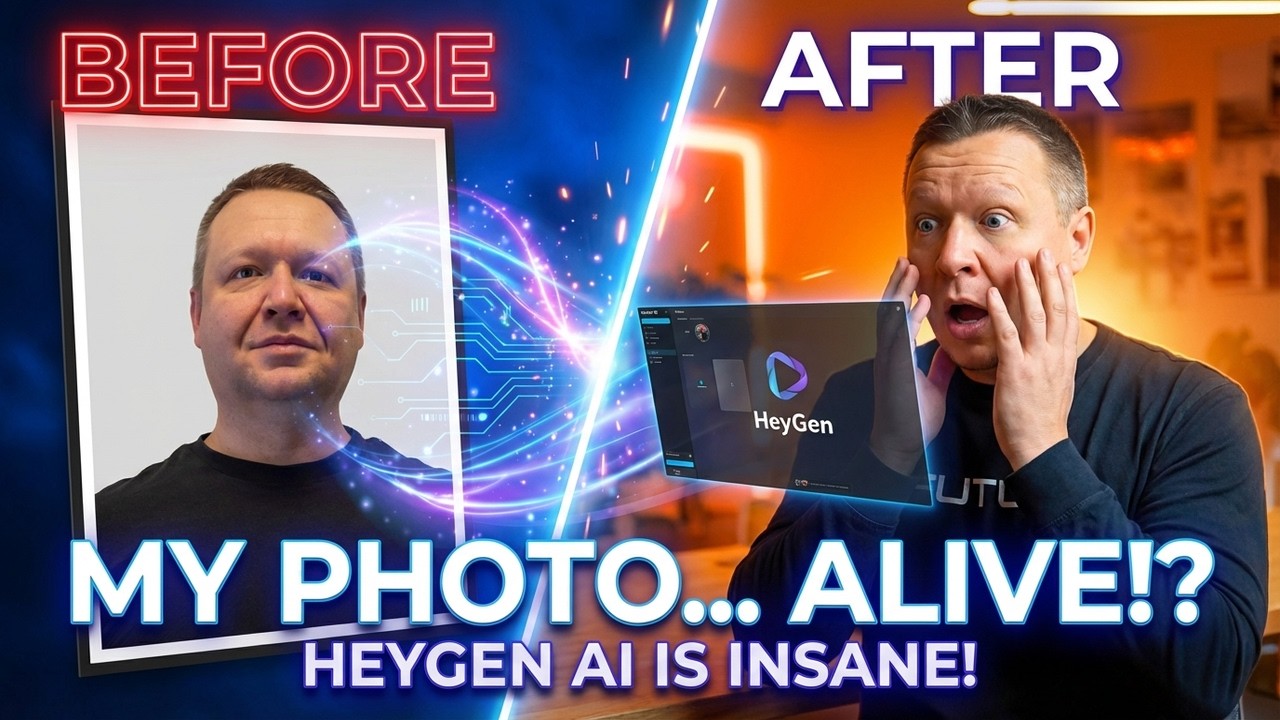
How I Made a Talking AI Avatar From One Photo!
Автор: AI Video Studio
Загружено: 2025-12-12
Просмотров: 1029
Описание:
Create professional "ai video" content without a studio! This tutorial guides you on "how to create ai avatar" from just one photo using HeyGen, making it a powerful "ai video generator". Produce your own "heygen avatar" that speaks any language perfectly, turning a simple "photo to video ai" into a polished presentation. Follow for more AI video tools! 🚀
🎯 What You'll Learn:
• How to set up HeyGen account
• Upload your photo and customize avatar settings
• Use advanced features for realistic results
• Generate professional talking videos
• Export and use your AI avatar
⏱️ Timestamps:
00:00 - Intro
00:34 - What is HeyGen
00:48 - Main features
01:41 - Creating avatar
01:55 - Important notice
02:30 - Photo generation
03:30 - Let's make it speak
03:47 - Main Dashboard
04:50 - Avatar 4 vs Unlimited Lip sync
05:51 - AI Tab
06:28 - Media Tab
07:31 - Script section
08:04 - Price Plans
#HeyGen #AIAvatar #Tutorial2025 #HeyGenTutorial #AIVideo
#TalkingAvatar #AITools #VideoCreation #HeyGen2025 #contentcreation
SUBSCRIBE - https://www.youtube.com/channel/UC6ux...
This video is not sponsored by any company or organization.
All opinions, reviews, and recommendations expressed in this video are my own personal views, based on my experience and independent testing of the tools and platforms shown.
All logos, trademarks, and product names appearing in this video are the property of their respective owners and are used here for educational and illustrative purposes only.
Create professional "ai video" content without a studio! This tutorial guides you on "how to create ai avatar" from just one photo using HeyGen, making it a powerful "ai video generator". Produce your own "heygen avatar" that speaks any language perfectly, turning a simple "photo to video ai" into a polished presentation. Follow for more AI video tools! 🚀
Повторяем попытку...
Доступные форматы для скачивания:
Скачать видео
-
Информация по загрузке: