How to tempo sync a sample in FL Studio
Автор: 3300BC Ace
Загружено: 2024-08-10
Просмотров: 362
Описание:
How to tempo sync a sample in FL Studio
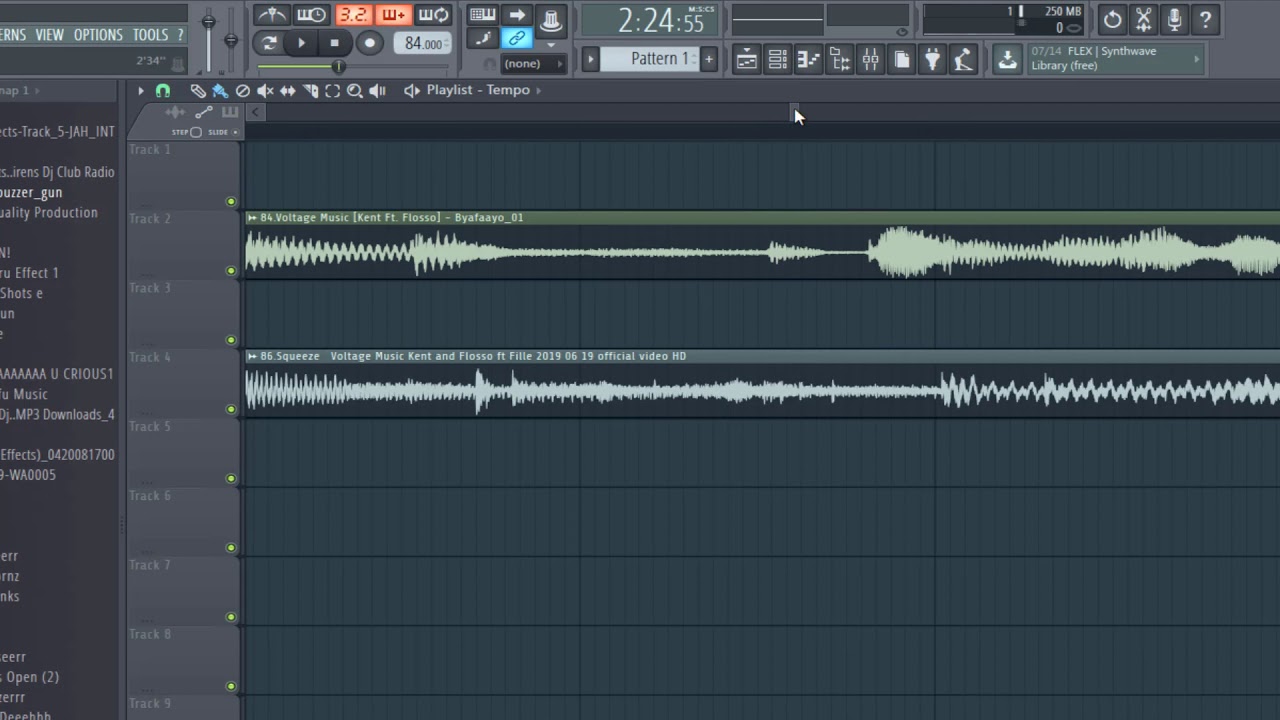
To sync a sample to the tempo in FL Studio you need to load in your sample to Fl Studio and click the top left of your sample
Click detect tempo, most options will be 100 to 200 bpm
Use the cut tool to make a your loop
Next go to the end of your loop, add a marker with alt-t for windows or cmd-t for mac
Next go to your magnet on the top left of your playlist and switch it to marker
Then enable stretch audio while resizing audio clips
Then change your tempo and drag the end of your sample loop to the marker
Now you now how to sync a sample to tempo in FL Studio
Повторяем попытку...
Доступные форматы для скачивания:
Скачать видео
-
Информация по загрузке: